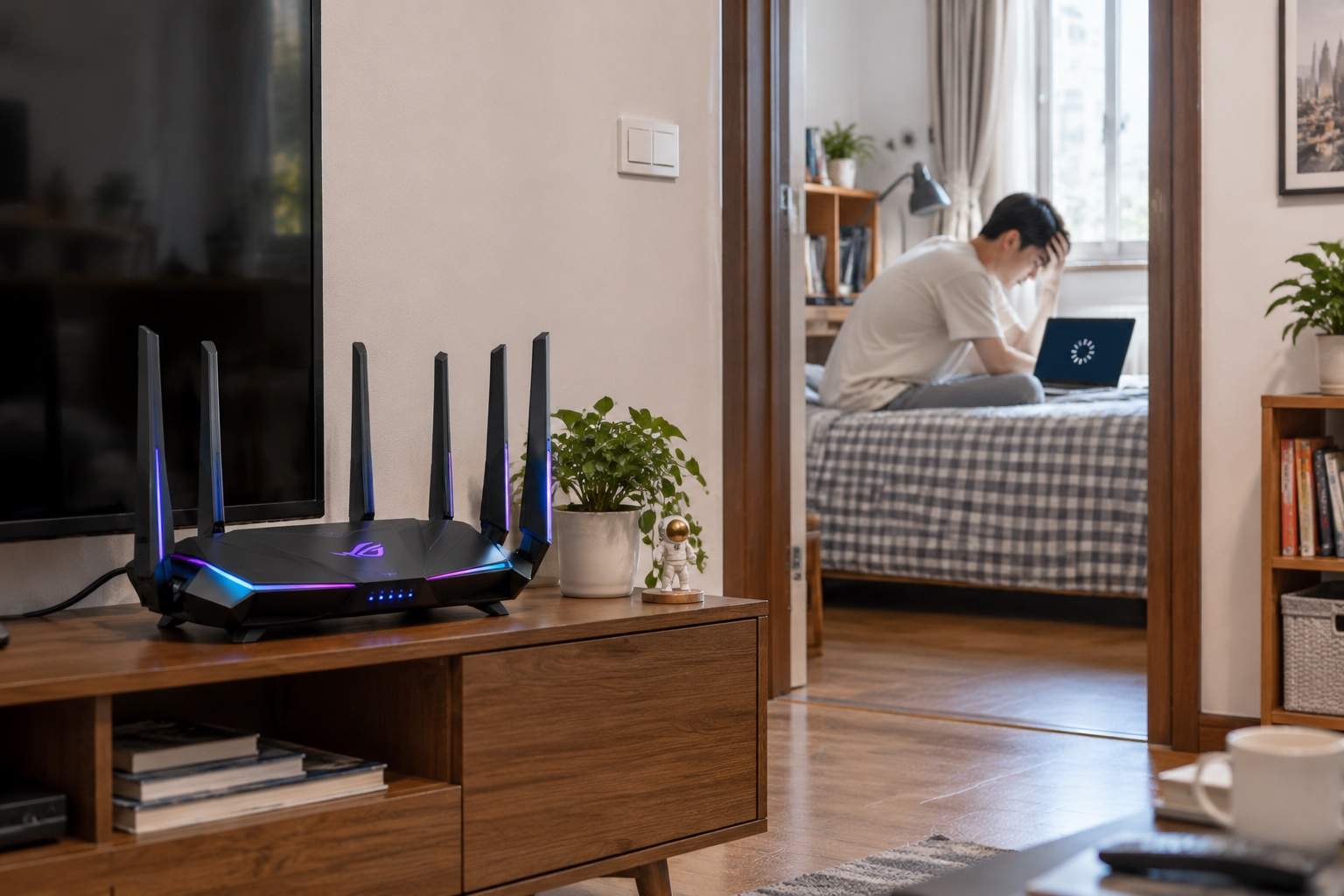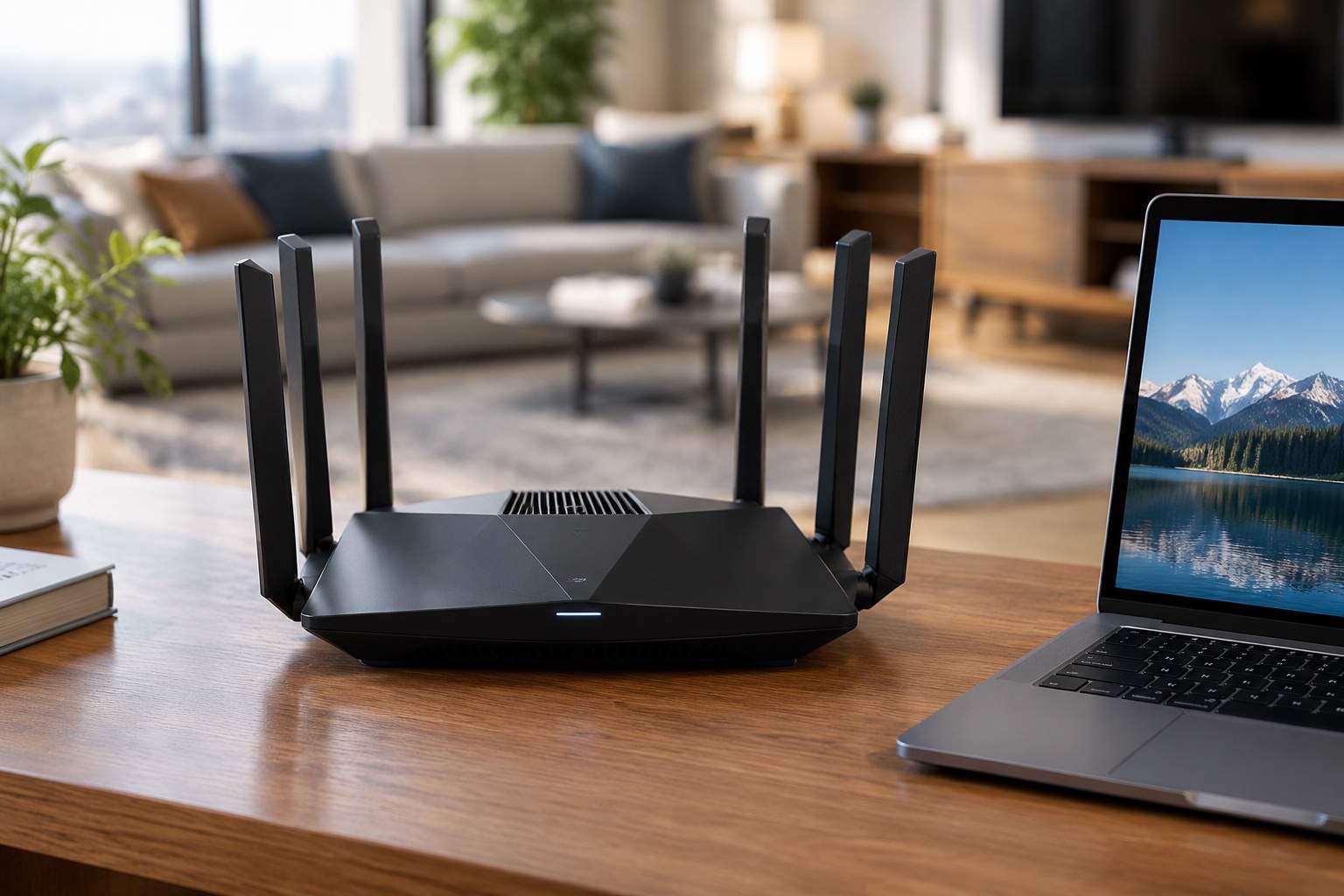
You’ve just dropped a significant chunk of change on the latest Wi-Fi 6E router, the kind with six antennas that look like something out of a sci-fi movie. The box promised "blazing fast speeds" and "whole-home coverage." You hooked it up, feeling smug about finally conquering your internet woes. But then, it happens again. Netflix buffers in the bedroom. Your kid’s online game lags out in the basement. You’re paying for gigabit internet, yet your Wi-Fi feels like dial-up in half your house. Frustrating, isn't it?
E.g. :Gigabit Speed Illusion: Your Wi-Fi Router's Fatal Flaw
- 1、The Gigabit Ghost: Why Raw Speed Doesn't Guarantee Coverage
- 2、Walls, Floors, and The Wireless Battlefield: Signal Attenuation
- 3、The Single Router Myth: A Story of Overpromise
- 4、Beyond the Box: When Mesh Wi-Fi Becomes Your True Ally
- 5、The Efficiency Mentor's Blueprint: How to Banish Dead Zones
This isn't a problem with your router's speed as much as it is a problem with your expectations and the laws of physics. Many believe a faster, more expensive router is the magic bullet for all Wi-Fi ills. The uncomfortable truth? Raw speed means squat if the signal can’t physically reach you. You’ve bought a Ferrari, but you're trying to drive it through a maze of concrete walls.
The Gigabit Ghost: Why Raw Speed Doesn't Guarantee Coverage
Let's cut through the marketing jargon. Your Wi-Fi 6E router is indeed capable of incredible speeds – we're talking multi-gigabits per second, enough to download a feature film in seconds. That's fantastic... if you're sitting right next to it. Think of it like a powerful spotlight: it's incredibly bright at its center, but the light quickly dissipates and gets blocked by obstacles further away.
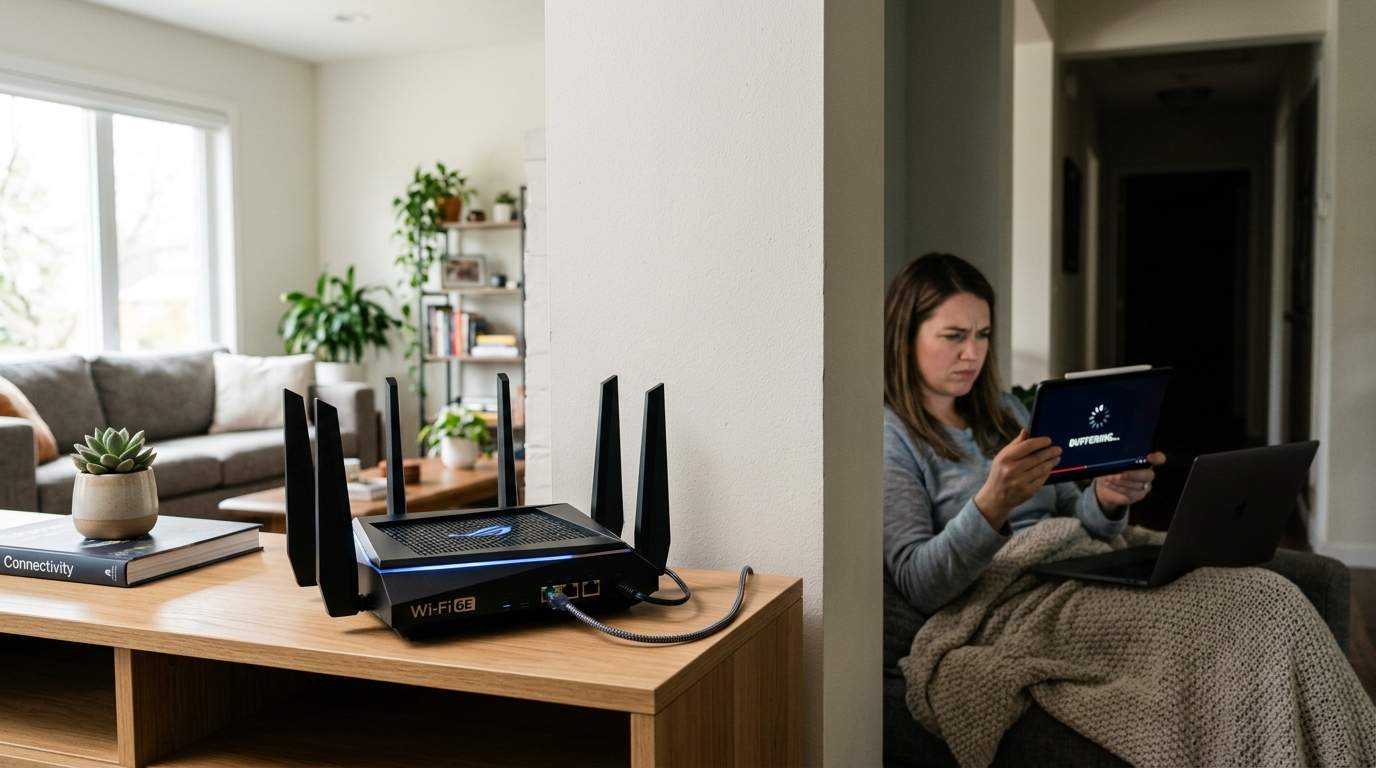
The bottleneck isn't the data moving through the router; it's the data moving from the router to your devices. You might have a gigabit internet pipe coming into your home, but if the Wi-Fi signal is struggling to pass through three walls and a floor to reach your smart TV, that gigabit pipe might as well be a garden hose. You're effectively paying a premium for speed you simply can't access in crucial parts of your home.
Walls, Floors, and The Wireless Battlefield: Signal Attenuation
Wi-Fi signals are radio waves, and they're terrible at playing hide-and-seek. Every wall, floor, and even furniture acts as an invisible saboteur, weakening that signal. This phenomenon is called signal attenuation. It’s why you might get full bars in the living room, but barely one bar in the master bedroom, just 30 feet away.
The Invisible Saboteurs: Building Materials
Consider this: a single drywall can reduce Wi-Fi signal strength by about 3-5 dB. A thick brick wall? That's typically 6-10 dB. Concrete or reinforced steel? You're looking at 10-20 dB or more per barrier. Each 3dB drop roughly halves the effective signal power. So, if your signal needs to pass through a concrete floor and a couple of brick walls, it's not uncommon for it to lose 80-90% of its strength by the time it reaches your device.
Here's the kicker: Wi-Fi 6E, while incredibly fast, operates on the 6GHz frequency band. Higher frequencies are generally worse at penetrating solid objects compared to older 2.4GHz Wi-Fi signals. So, that cutting-edge 6E speed you craved might actually be the least effective at traversing your home's physical layout, making dead zones even more pronounced.
The Single Router Myth: A Story of Overpromise
Many router manufacturers market their "powerful" single units as capable of "whole-home coverage." For a small, open-plan studio apartment, this might hold true. But for a typical multi-room, multi-story home built with standard construction materials, it's often an overpromise. One central router, no matter how strong its antennas, cannot magically bend signals around corners or push them efficiently through multiple floors.
The issue isn't a lack of power; it's a lack of distribution. Imagine trying to light up an entire house with one very bright light bulb placed in the living room. Some areas would be brilliantly lit, others dim, and some completely dark. Wi-Fi works the same way. A single "super router" only solves a portion of the problem, leaving you stuck in the shadows of its signal.
Beyond the Box: When Mesh Wi-Fi Becomes Your True Ally
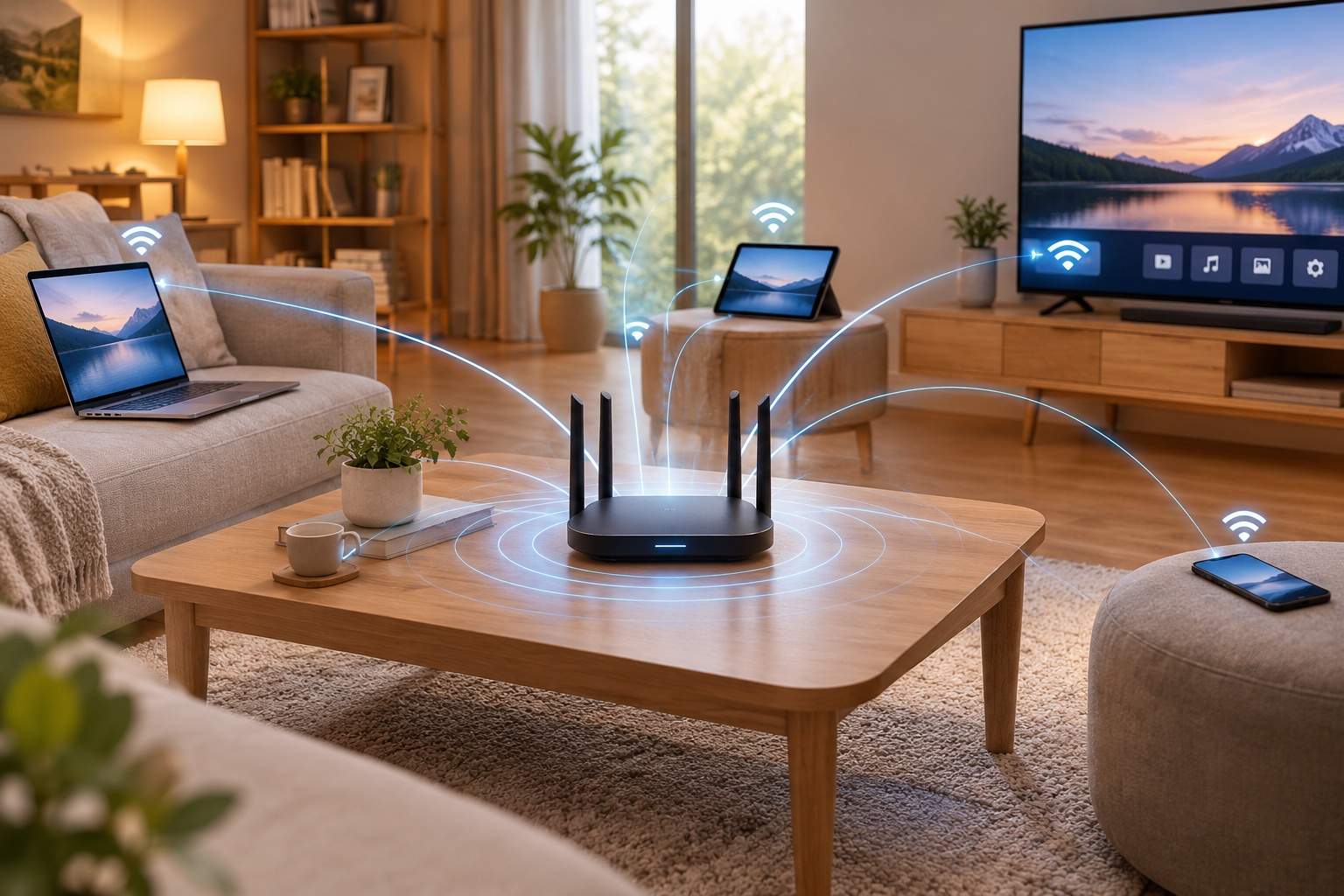
This is where Mesh Wi-Fi systems step in, changing the game from a single spotlight to a network of strategically placed, interconnected lights. Instead of one powerful router struggling to cover everything, a Mesh system uses multiple "nodes" or "satellites" that communicate with each other, creating a seamless, robust blanket of Wi-Fi across your entire home.
In "human words," it's like having several smart mini-routers working together, all using the same network name. As you move around your home, your device automatically switches to the node with the strongest signal, completely unnoticed. No more manual switching, no more dropped connections.
Mesh vs. Single Router: A Practical Comparison
- Single Router: Ideal for smaller apartments (under 1000 sq ft) or single-story homes with minimal wall obstructions. They are generally simpler to set up initially and have a lower upfront cost. However, they are highly prone to dead zones in larger, multi-story, or complex layouts.
- Mesh System: Your best friend for larger homes (over 1500 sq ft), multi-story houses, or homes with thick walls and complex layouts. While the initial investment might be higher, the return on investment in terms of consistent coverage, stability, and sheer reduction of frustration is immense. They offer superior reliability and seamless roaming, crucial for modern smart homes and work-from-home setups.
The Efficiency Mentor's Blueprint: How to Banish Dead Zones
So, how do you truly improve your Wi-Fi experience and ensure your hard-earned money isn't wasted?
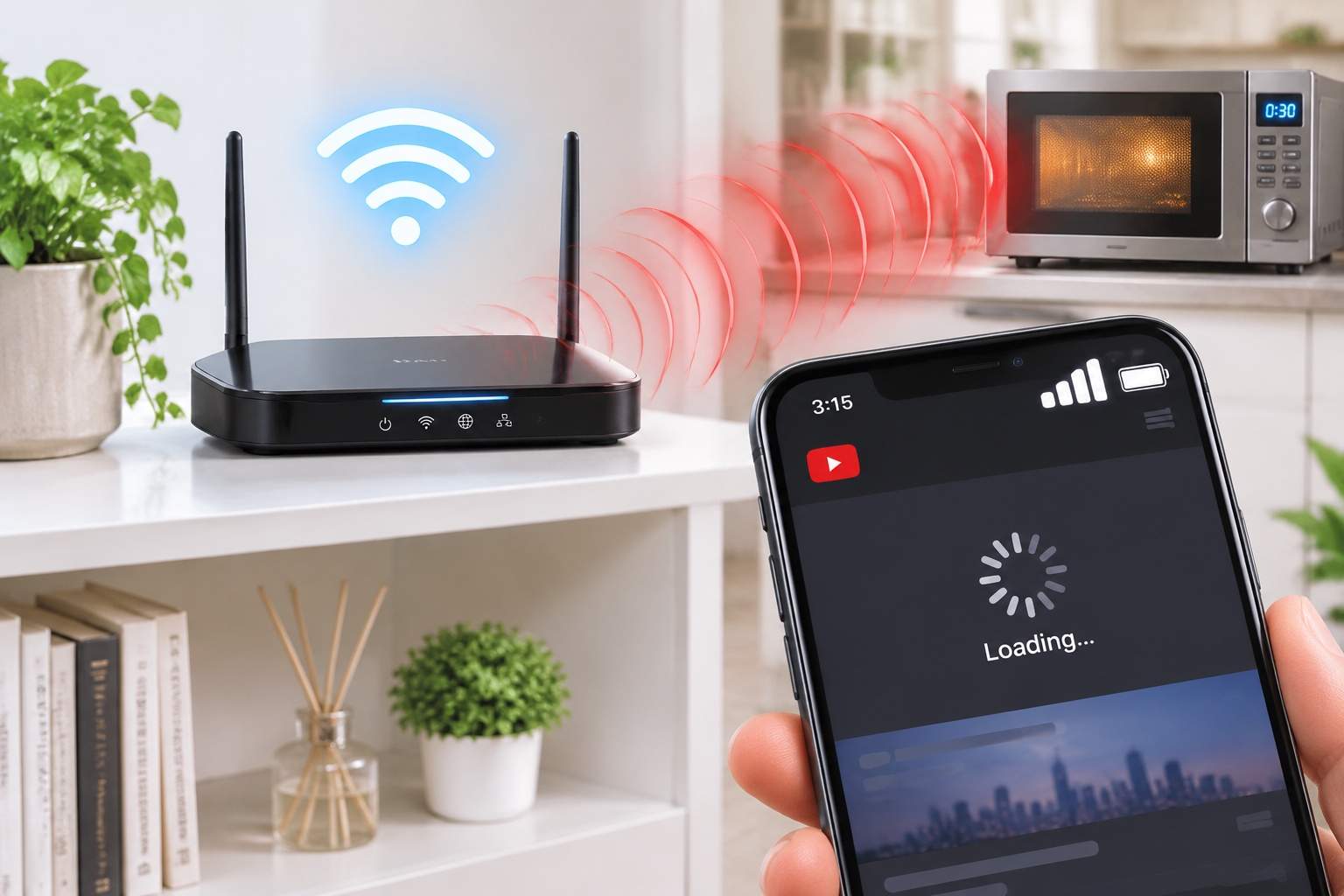
- Optimize Router Placement (Even for a Single Router): If you insist on a single router, place it as centrally as possible, away from large metal objects, thick walls, and major appliances (microwaves, cordless phones can interfere). Elevate it if possible. But understand its limitations.
- Evaluate Your Home's Architecture: Is your home a sprawling ranch? A multi-story townhouse? An old building with concrete walls? Your home's physical layout is the primary determinant of your Wi-Fi strategy, not just the square footage.
- Invest Smart, Not Just Big: For most modern homes, especially those with multiple floors or challenging layouts, a well-chosen Mesh Wi-Fi system will deliver a far superior and more consistent experience than any single, hyper-expensive router. You're buying coverage architecture, not just raw speed.
Don't let marketing hype fool you. Technology should serve you, making your life smoother and more efficient. For consistent, reliable whole-home internet, it's time to move beyond the single router delusion and embrace a smarter, more distributed approach.