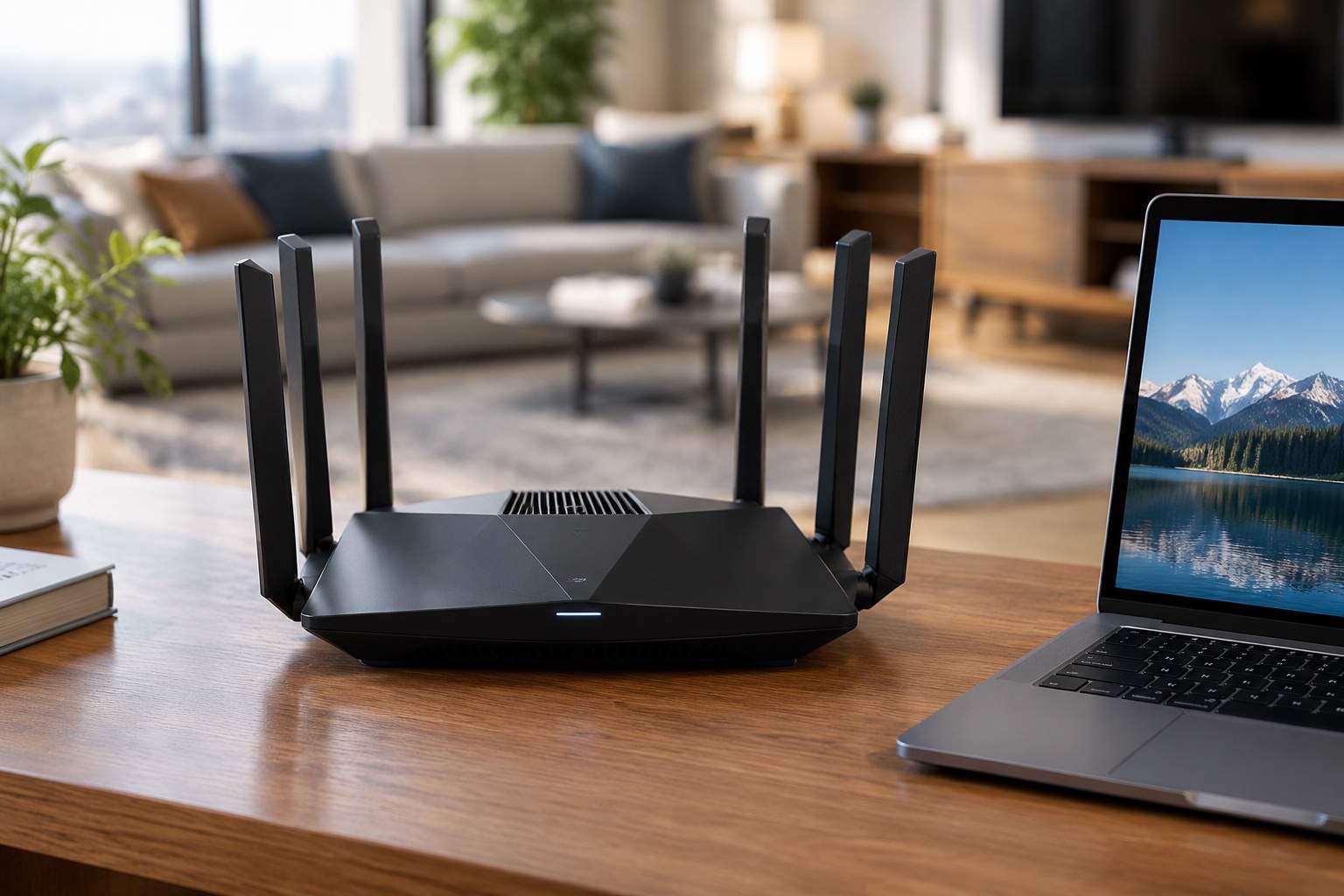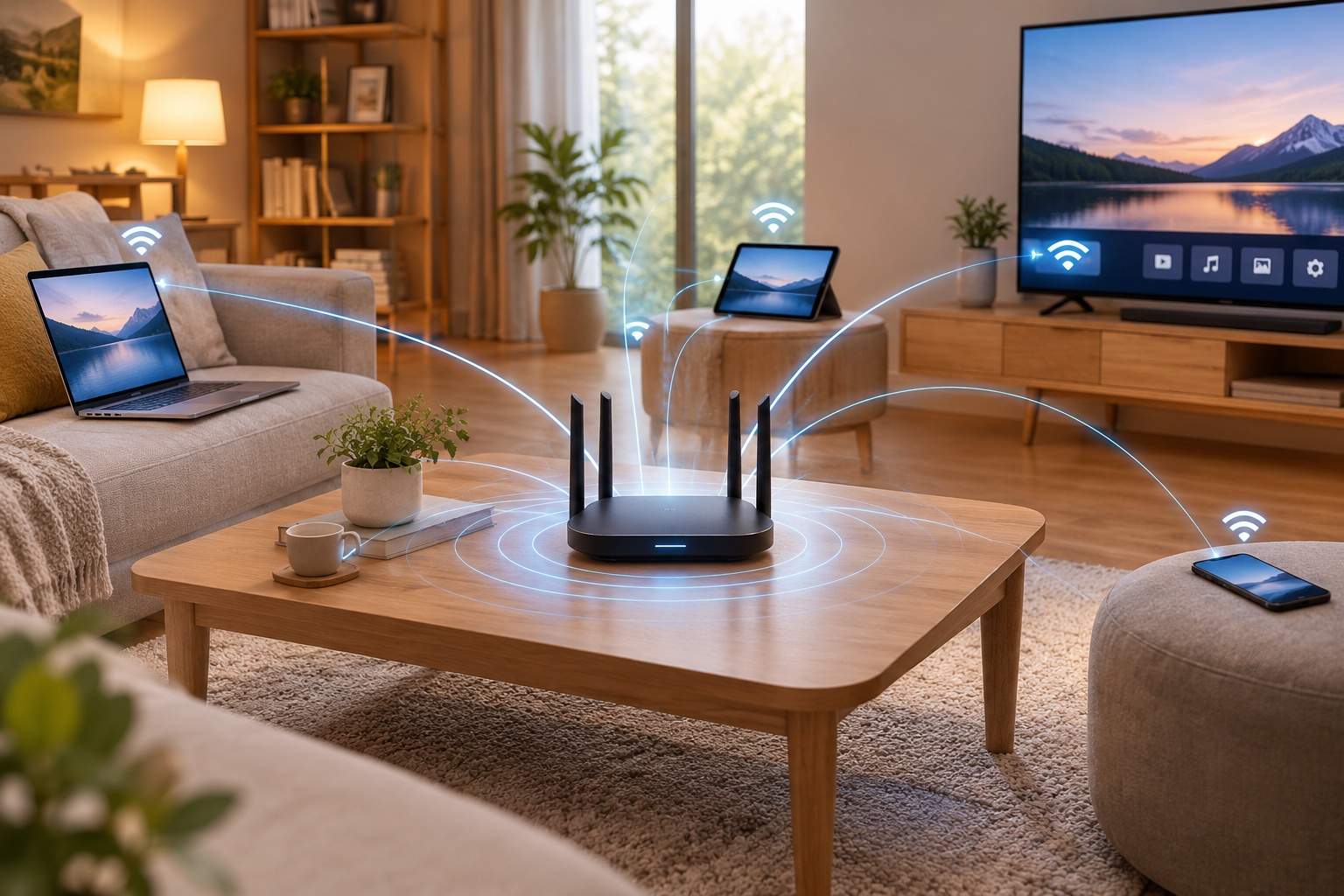
You are sitting on your sofa with a "Full Strength" Wi-Fi icon on your phone, yet your 4K Netflix stream keeps buffering. You just spent $400 on a router that looks like a robotic spider, yet your Zoom call freezes every time someone walks into the kitchen to heat up leftovers. Most people think they have an internet problem, but as someone who has spent decades looking at spectrum analyzers, I can tell you that you actually have a "vanity metric" problem.
E.g. :Why your premium flagship CMOS sensor fails to capture life while mid-range hardware wins
- 1、Understanding Why Signal Strength is a Vanity Metric for Home Networking
- 2、Decoding How Frequency Congestion Turns Your Gigabit Fiber Into a Bottleneck
- 3、The Hidden Reality of Signal Interference and Latency Jitter in Smart Homes
- 4、Why Your Expensive Mesh Networking System Might Be Overcomplicating Your Connection
- 5、Pragmatic Steps to Optimize Your Wireless Throughput Without Buying New Gear
Understanding Why Signal Strength is a Vanity Metric for Home Networking
The signal bars on your phone are a measurement of RSSI, or Received Signal Strength Indicator. In human words, this is just a measure of how "loud" your router is shouting. It tells you absolutely nothing about how clearly your phone can "hear" the actual data. You can be standing next to a jet engine and hear it perfectly, but that doesn't mean you can understand a word the pilot is saying.
In a modern apartment building, your router is competing with twenty others. When everyone is shouting on the same frequency, "full bars" just means you are receiving a very loud, garbled mess. High signal strength without clarity leads to packet loss, forcing your devices to constantly ask for the data to be sent again. This is why your connection feels sluggish even when the icon looks perfect.
The Myth of the Five Bar Connection
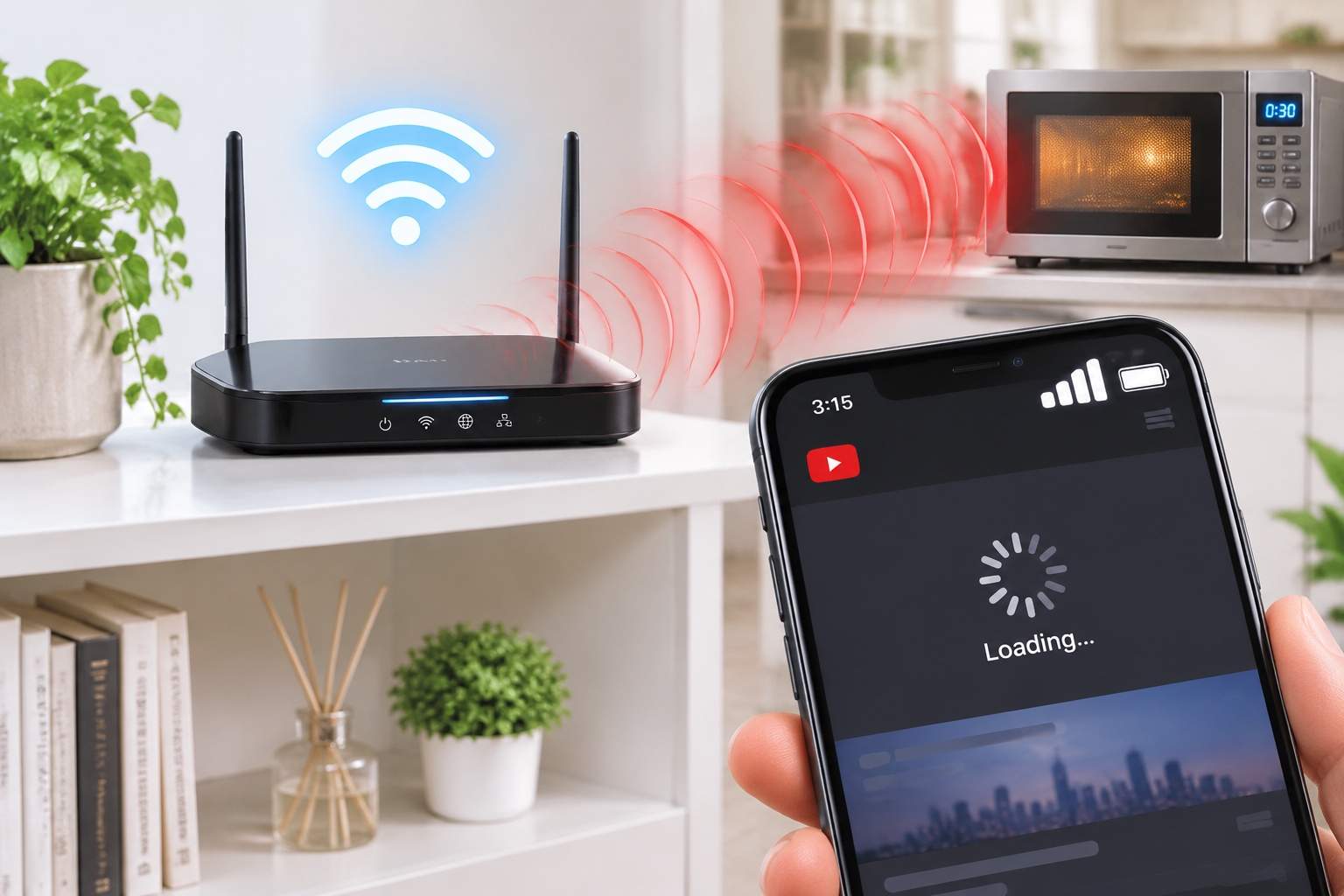
If you see five bars of 2.4GHz Wi-Fi and two bars of 5GHz Wi-Fi, 90% of users will stay on the 2.4GHz signal because it looks "stronger." This is a mistake. The 2.4GHz band is the junk drawer of the wireless world. It shares space with Bluetooth, old cordless phones, and your microwave. A weak 5GHz or 6GHz signal is almost always faster because it operates on a wider, emptier highway.
Decoding How Frequency Congestion Turns Your Gigabit Fiber Into a Bottleneck
Most users pay for Gigabit fiber subscriptions but only see 100Mbps on their devices. This is because of frequency congestion. The 2.4GHz band only has three "clean" channels that don't overlap. If your neighbor is on channel 1 and you are on channel 2, you are essentially hitting each other with radio interference.
Modern Wi-Fi 6E routers solve this by opening up the 6GHz band, which is like moving from a dirt road to a 14-lane superhighway. However, these higher frequencies don't travel through walls well. If you are chasing signal bars, you will naturally gravitate toward the slower, crowded frequencies that penetrate walls, effectively wasting the high-speed fiber you pay for every month.
The Hidden Reality of Signal Interference and Latency Jitter in Smart Homes
Latency jitter is the real killer of productivity. It’s the "stutter" you feel during a voice call. You might have great download speeds, but if your signal-to-noise ratio is poor, your latency will spike. In a house full of smart light bulbs, smart fridges, and tablets, the airwaves are crowded with "background noise."
Why Your Microwave is Winning the War Against Your Stream
A standard microwave operates at 2.45GHz. When you turn it on, it creates a massive amount of "noise" that drowns out your Wi-Fi signal. If your device is clinging to a 2.4GHz connection because the "bars are higher," your internet will drop the moment the popcorn starts popping. Switching to a 5GHz or 6GHz band ignores the microwave entirely, even if your signal icon drops by two bars.
Why Your Expensive Mesh Networking System Might Be Overcomplicating Your Connection
Mesh systems are marketed as the ultimate fix, but they are often the source of the problem. Most affordable mesh units use "wireless backhaul," meaning the nodes talk to each other over the same Wi-Fi you are trying to use. This effectively cuts your available bandwidth in half for every "hop" the signal takes.
If you place a mesh node where the signal is already weak, you are just repeating a bad signal. The node will show "full bars" to your phone, but the node itself is struggling to talk to the main router. This creates a false sense of security where your phone thinks the connection is great, but the actual throughput is miserable.
Pragmatic Steps to Optimize Your Wireless Throughput Without Buying New Gear
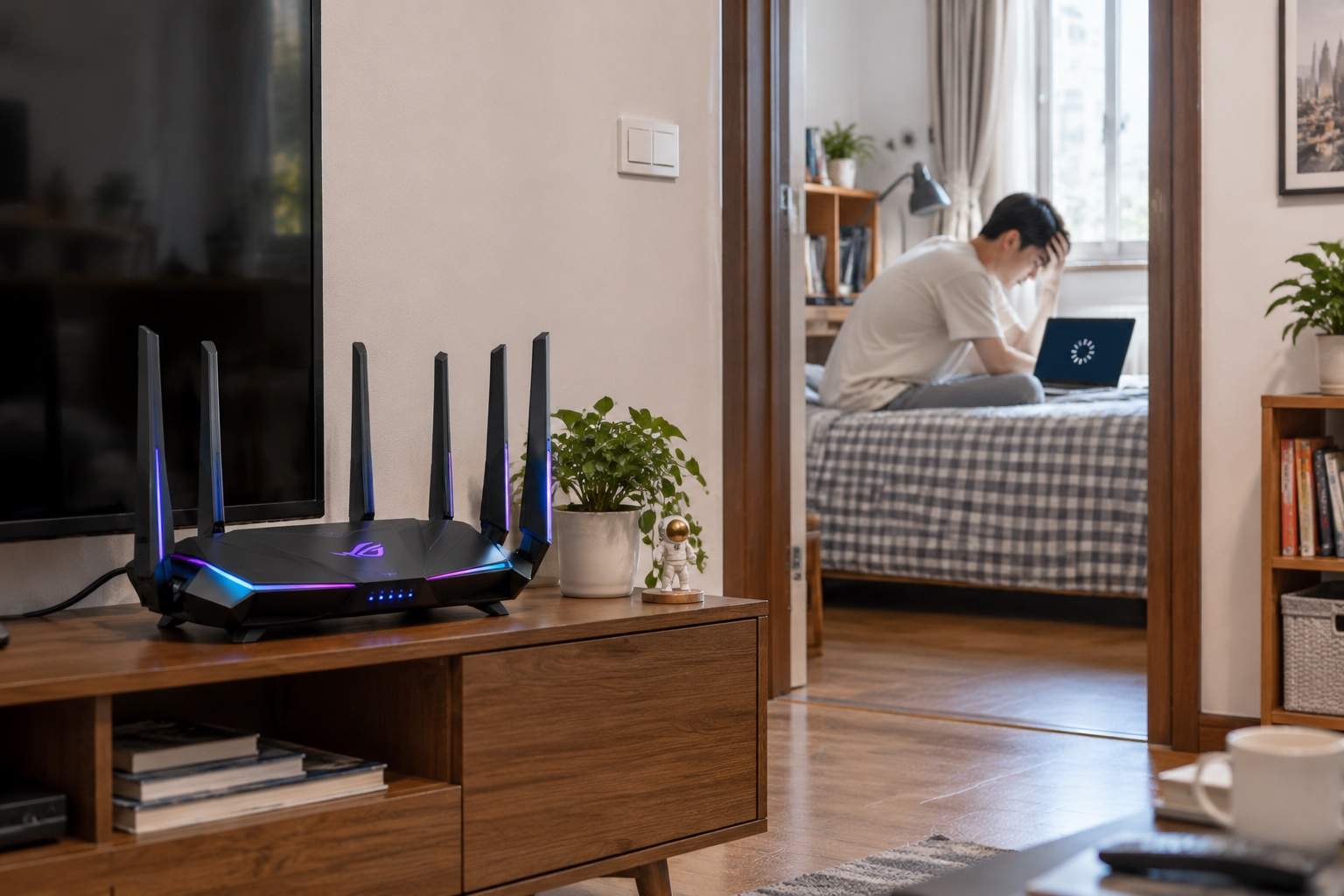
To truly improve your experience, stop looking at the icon and start looking at your surroundings. The best industrial design for a router is "visible and high." If your router is inside a wooden cabinet or behind a metal TV stand, you are losing 30-50% of your performance to physical obstruction.
The Magic of 160MHz Bandwidth and Proper Router Placement
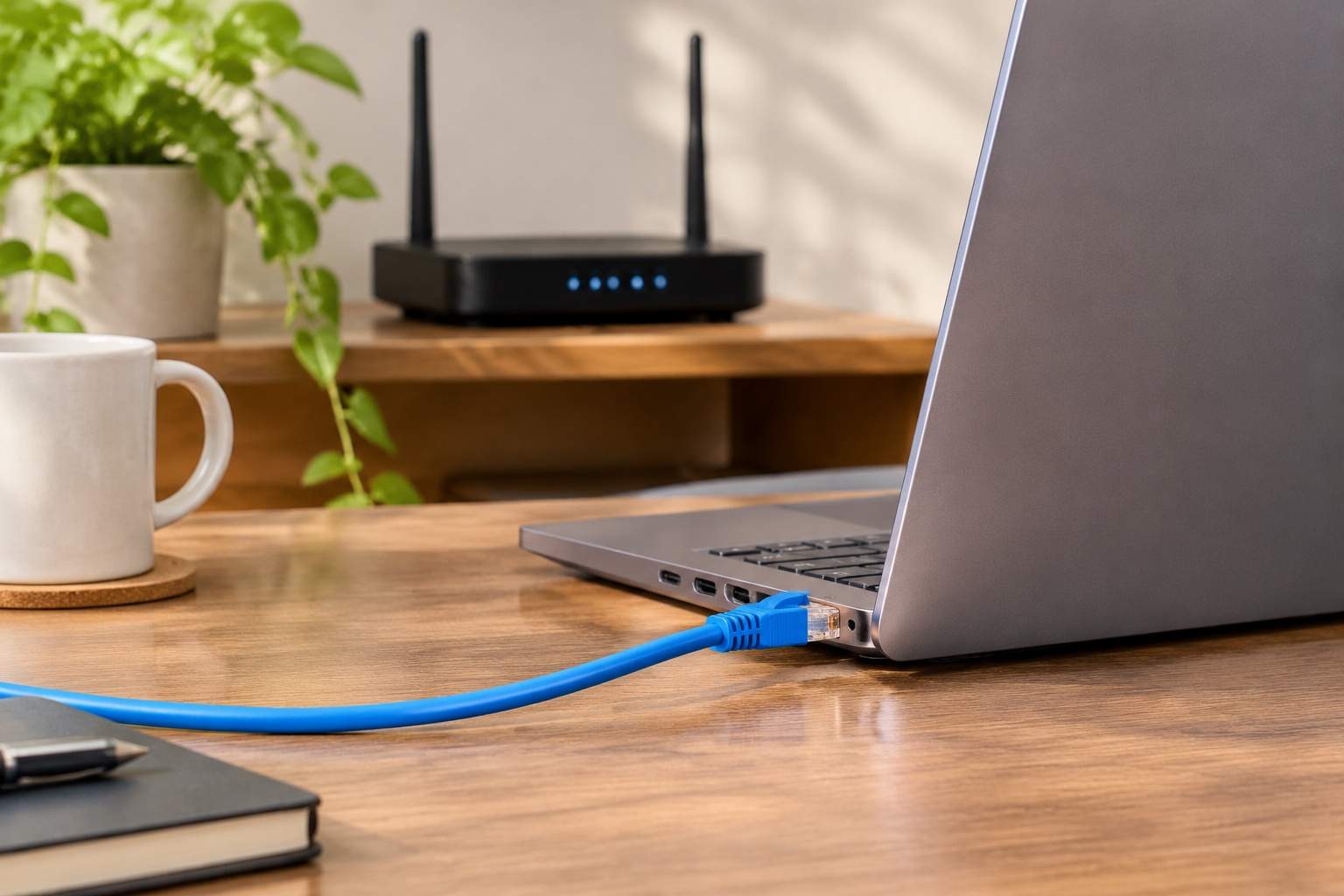
If your router supports 160MHz bandwidth, enable it for your 5GHz or 6GHz bands. This effectively doubles the width of your data pipe. For the most critical devices, like a work-from-home laptop or a gaming console, nothing beats a $10 shielded Ethernet cable. By wiring just two or three static devices, you clear up the "airtime" for your phones and tablets, making the entire house faster.