You're in the middle of an important video call or streaming your favorite show, and suddenly the connection drops or starts buffering endlessly. Your immediate, almost automatic reaction? You walk to the router, pull the plug, wait ten seconds, and plug it back in. "That usually fixes it," you think, and for a glorious few minutes or hours, it often does. This ritual, common as it is, has become a household reflex, a universal sigh of exasperation in our digital-first world.
E.g. :Your Gigabit Wi-Fi Feels Slow: The Hidden Home Network Speed Trap
- 1、The Reboot Illusion: Why Pulling the Plug Isn't a Real Wi-Fi Fix
- 2、Unmasking the Culprits: Real Threats to Your Home Network Speed
- 3、Beyond the Band-Aid: Smart Strategies for Robust Internet Connectivity
- 4、The Efficiency Mentor's Guide: When to Buy, What to Prioritize for Your Network
But what if I told you this trusty "fix" isn't just a temporary band-aid, but a recurring distraction from the real, deeper issues plaguing your home network? As someone who's spent years untangling digital knots, I've seen countless folks caught in this reboot loop, unknowingly making their Wi-Fi experience worse in the long run. It's time to stop the madness and get technology to truly serve you, not frustrate you.
The Reboot Illusion: Why Pulling the Plug Isn't a Real Wi-Fi Fix
Think of your router like a tiny, overworked office manager. Over time, its desk gets buried under requests: new devices connecting, old ones disconnecting, data flowing in every direction, and constant communication with your internet provider. A reboot is like clearing that desk. It flushes out temporary data, re-establishes connections, and momentarily relieves the pressure. This can make a struggling router feel snappier, much like a tired employee getting a quick coffee break.
However, just like that coffee break, the relief is fleeting if the underlying issues — like too many tasks, an inefficient workflow, or constant interruptions — aren't addressed. Studies show that while a router might feel faster after a reboot, many users report performance degradation returning within 24 to 48 hours. This isn't a long-term solution; it's a digital equivalent of repeatedly hitting the snooze button on an alarm, delaying the inevitable and never truly getting rest.

Unmasking the Culprits: Real Threats to Your Home Network Speed
Your router isn't always the villain; more often, it's a victim of its environment or outdated programming. Understanding these common culprits is the first step towards a stable, high-performance home network.
The Invisible Battlefield: Wi-Fi Interference and Overload
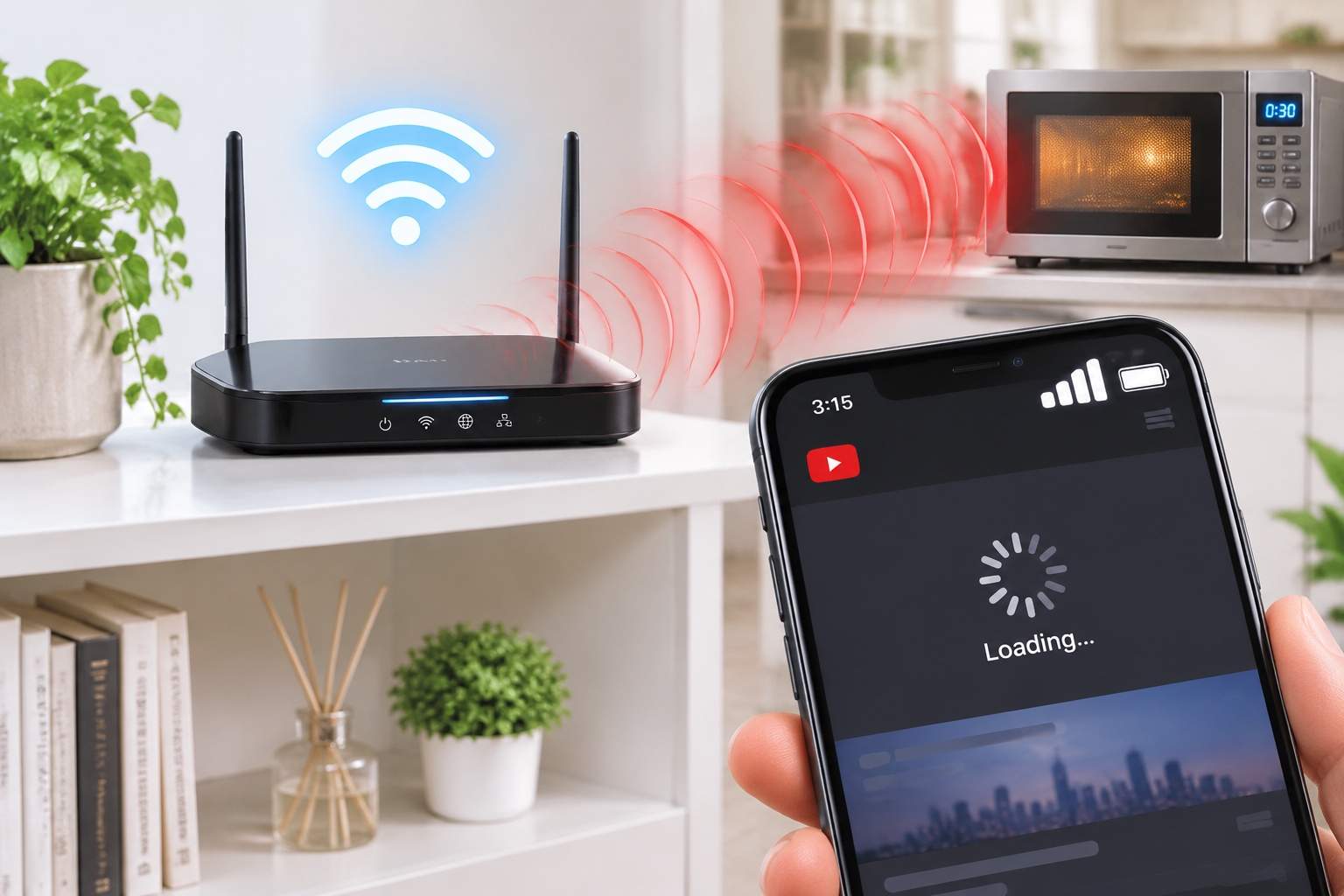
Imagine your Wi-Fi signal as a conversation in a crowded room. Every router, cordless phone, microwave, and even a baby monitor in your neighborhood is shouting on certain "channels." If too many devices or neighbors are on the same channel, it's like everyone trying to talk at once – nothing gets through clearly. This "invisible battlefield" is a leading cause of seemingly random slowdowns or disconnections, especially in densely populated areas. A typical home might have 10-15 active Wi-Fi devices, and if you add neighbors, congestion is almost guaranteed.
The Silent Killer: Wi-Fi Dead Zones and Signal Strength
Ever notice how your internet seems to crawl in the bedroom or basement, but flies in the living room? That's Wi-Fi signal strength at play, often hampered by physical obstacles. Walls (especially concrete or brick), large appliances, and even water pipes can act as signal blockers, turning parts of your home into digital dead zones. Your router might be broadcasting a strong signal, but if it can't physically reach your device with sufficient strength, it's like trying to hear a whispered conversation from across a football field.
Beyond the Band-Aid: Smart Strategies for Robust Internet Connectivity
Now that we know what's really happening, let's talk about real solutions. These aren't quick fixes; they're investments in your digital sanity and productivity.
Firmware First: The Unsung Hero of Router Optimization
Your router's firmware is its operating system, and just like your phone or computer, it needs updates. Manufacturers constantly release new firmware to patch security vulnerabilities, improve performance, and add new features. Many users never check for these updates, leaving their router stuck on old, inefficient software. A simple firmware update, usually done through your router's web interface, can often resolve stability issues, improve throughput, and even enhance security, giving you a tangible boost in day-to-day performance for literally zero cost.
Mesh Magic: Spreading Strong Wi-Fi Across Your Whole Space
For larger homes or those with notorious dead zones, a single router often isn't enough. This is where a mesh networking system shines. Instead of one central point, mesh systems use multiple nodes that communicate with each other to create a single, seamless Wi-Fi network throughout your home. Imagine a team of highly coordinated postmen ensuring every room gets its mail, rather than one lone delivery person trying to hit every mailbox from a central hub. If you're constantly fighting signal drops in different rooms, a mesh system can transform your entire home's connectivity, providing consistent high speeds even in previously unreachable corners. They are particularly effective for multi-story homes or those with complex layouts, easily outperforming traditional range extenders.
Wired Wins: Boosting Speed for Critical Devices
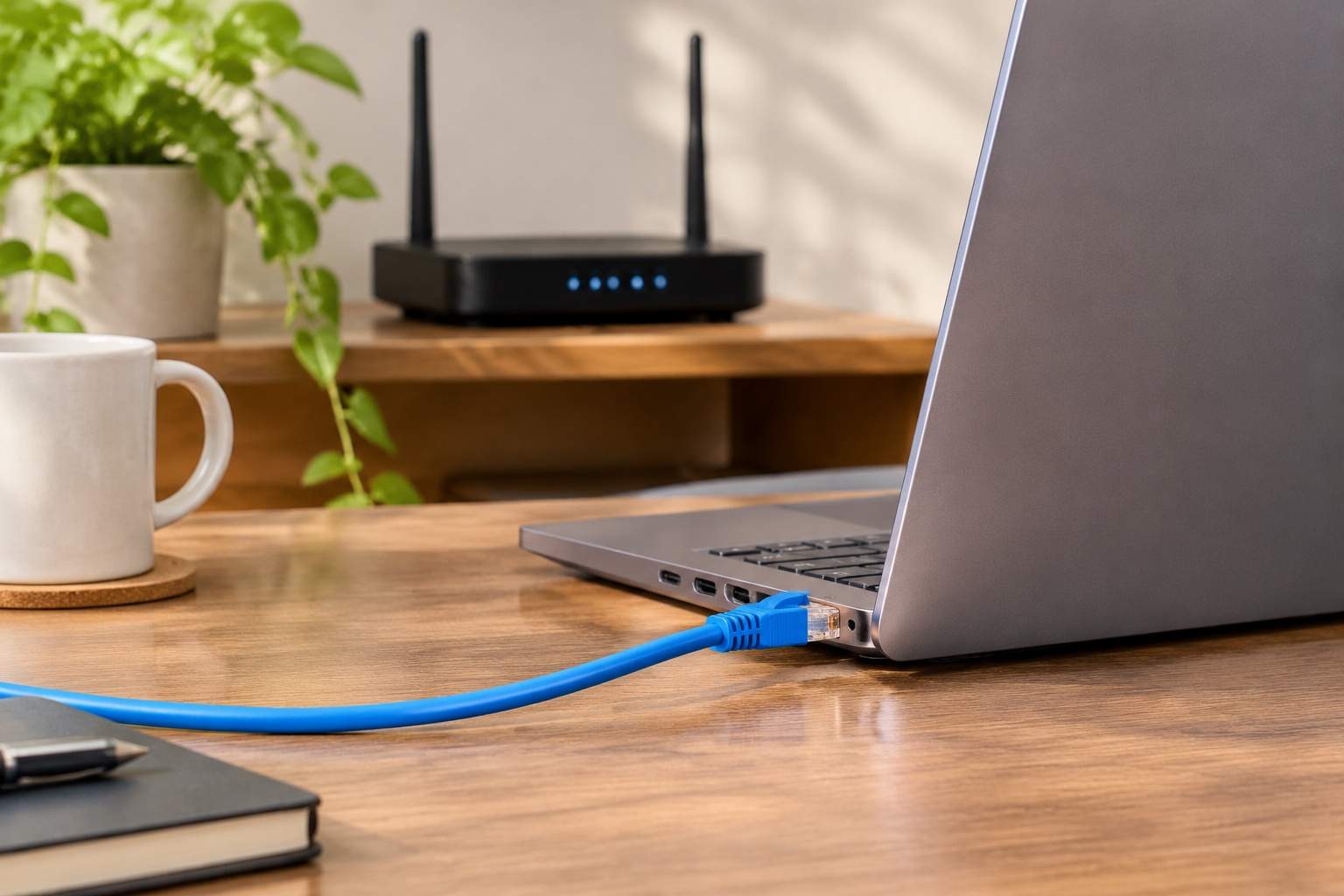
While Wi-Fi is wonderfully convenient, it's not always the fastest or most stable connection. For devices that demand high bandwidth and low latency – think gaming consoles, desktop PCs, smart TVs for 4K streaming, or your work-from-home setup – a direct Ethernet cable connection to your router or a network switch is king. This dedicated physical connection bypasses all Wi-Fi interference and signal strength issues, offering a rock-solid, often significantly faster, connection. For critical work tasks, particularly video conferencing, moving from Wi-Fi to a wired connection can reduce latency by as much as 80-90%, turning frustrating freezes into smooth interactions.
The Efficiency Mentor's Guide: When to Buy, What to Prioritize for Your Network
Deciding what to do is about understanding your specific pain points. If your router is relatively new (less than 3 years old) and you only experience occasional slowdowns, start with firmware updates and channel optimization. These are free or low-cost adjustments that often yield surprising results.
However, if your router is aging (5+ years old), struggles with multiple devices, or you consistently face dead zones and buffering despite basic tweaks, it's time to consider an upgrade. A new, modern Wi-Fi Router offers significantly better performance, especially with newer Wi-Fi standards (like Wi-Fi 6 or 7), handling more devices simultaneously with greater efficiency. If you live in a large house or have multiple floors and currently rely on a single router, a Mesh Networking System is your best bet. It provides superior, whole-home coverage and is designed for seamless roaming. For specific high-demand devices, consider adding a Network Extender with an Ethernet port or simply running a dedicated Ethernet cable.
Ultimately, your home network shouldn't be a source of constant frustration. By moving beyond the temporary "router reboot" ritual and addressing the root causes of poor performance, you can truly leverage technology to enhance your quality of life and work productivity, letting digital tools empower you rather than impede you.