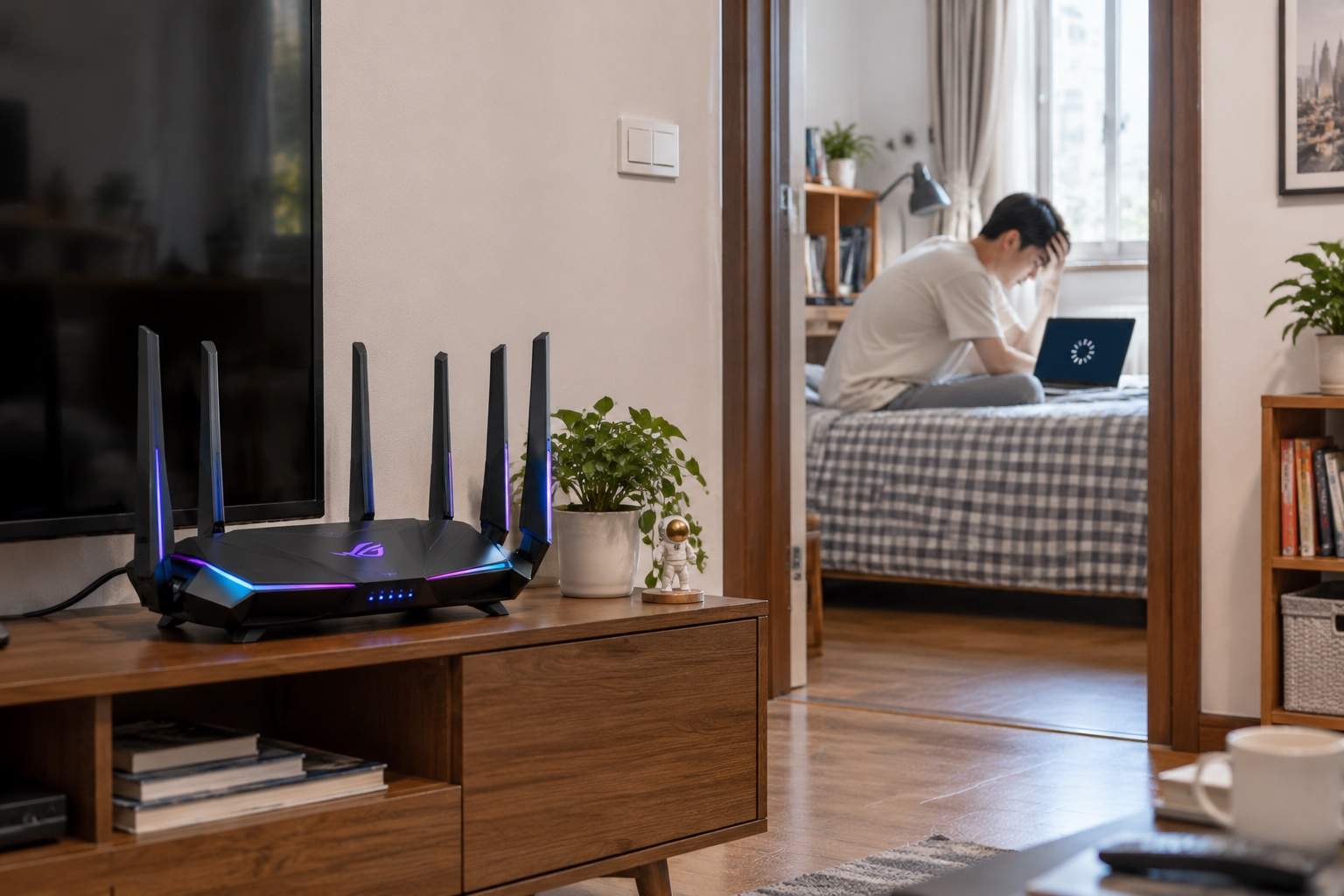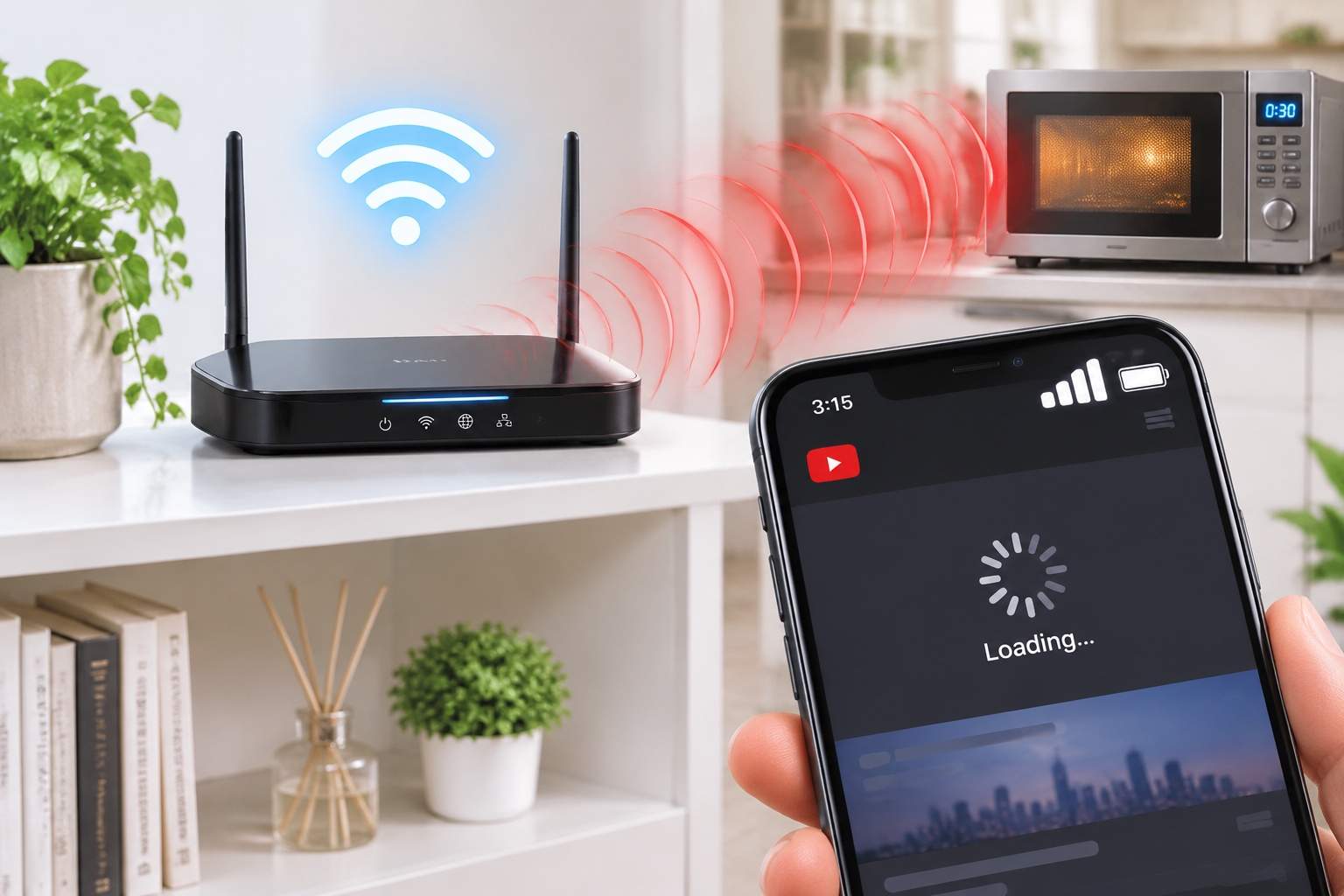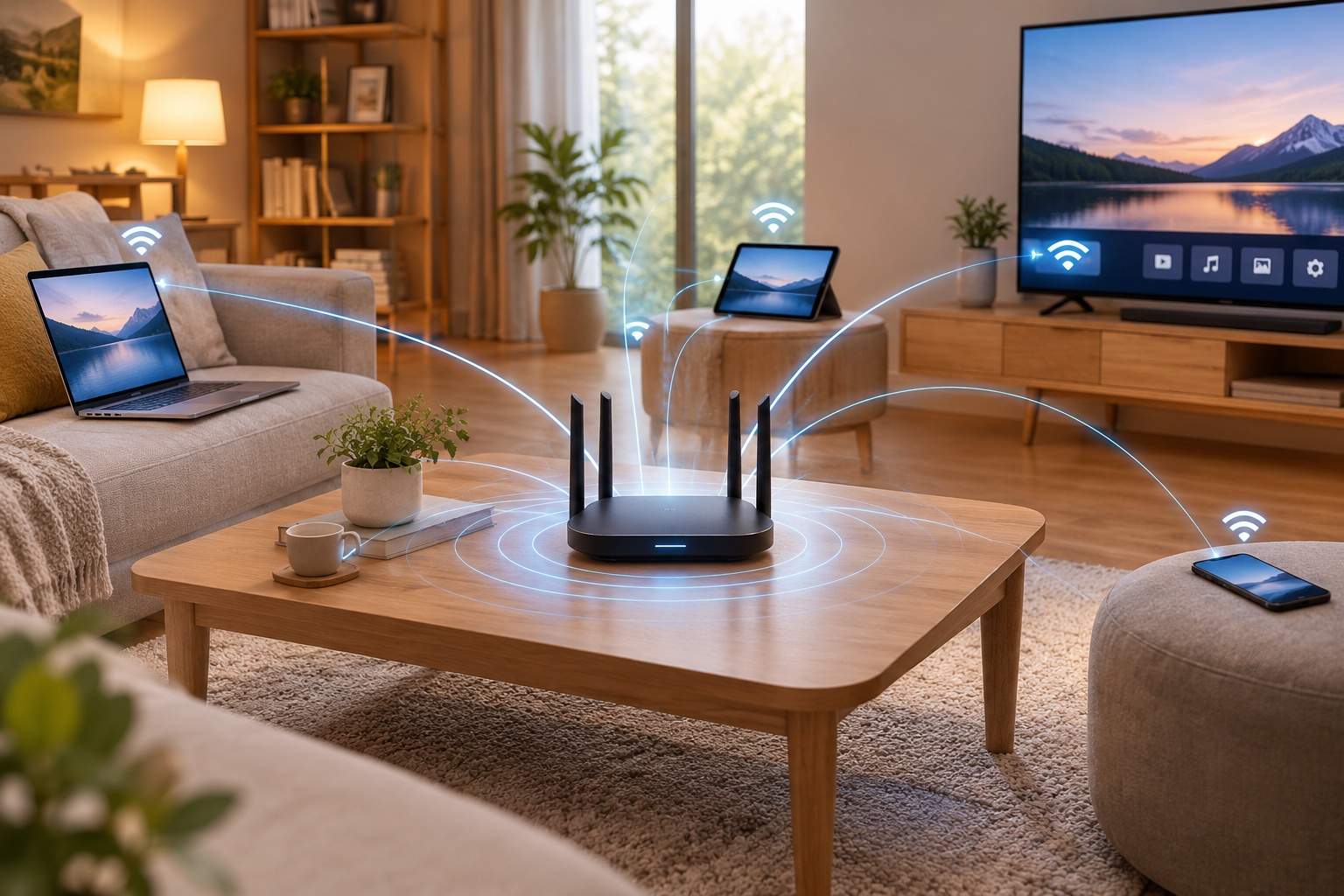
You just upgraded to a "blazing fast" internet plan, the speed test on your phone shows impressive numbers right next to the router, but venture into the study or kids' room, and suddenly video calls stutter, game downloads crawl, and your smart home devices disconnect. You're left wondering why you pay for speed you can't use. This isn't just frustrating; it’s a paradox in our hyper-connected world: paying for high-speed internet but consistently experiencing slow, unstable Wi-Fi, crippling productivity and spoiling entertainment.
E.g. :IoT AI: Is Your Life Script Written by Algorithms?
- 1、Beyond the Speed Test: Unmasking Your Real Wi-Fi Speed
- 2、The Invisible Clutter: Battling Wireless Interference
- 3、The Digital Traffic Cop: Managing Device Overload with QoS
- 4、Building a Rock-Solid Foundation: Mesh Wi-Fi and Wired Connections
- 5、The Efficiency Mentor's Takeaway: Optimize, Don't Just Upgrade
The widespread belief? It’s either your Internet Service Provider (ISP) slacking off, or you simply need to buy the newest, most expensive Wi-Fi 6 or Wi-Fi 7 router. Hold that thought. As someone who’s battled network demons for years, I can tell you the reality is often much closer to home. Your internal network's design and configuration are frequently the primary bottlenecks, making your "gigabit" internet feel incredibly sluggish. You don't always need new hardware; you need smarter network management. Let’s unravel this mystery together.
Beyond the Speed Test: Unmasking Your Real Wi-Fi Speed
That speed test right next to your router? Think of it as checking your car’s top speed on a racetrack. Impressive, yes, but utterly irrelevant if your daily commute is on a jammed city street. Your ISP delivers a fast "highway" to your front door, but your home network acts as the "local roads." If those local roads are full of potholes, traffic, or detours, you're not getting anywhere fast, no matter how quick the highway is.
We often see homes paying for 1 Gbps internet, but actual speeds in remote rooms drop to a paltry 50-100 Mbps, or worse, experience high latency that makes online gaming unbearable. The raw bandwidth might be there, but it’s stuck in a digital logjam within your own four walls.
The Router's Prime Real Estate: Location is Everything
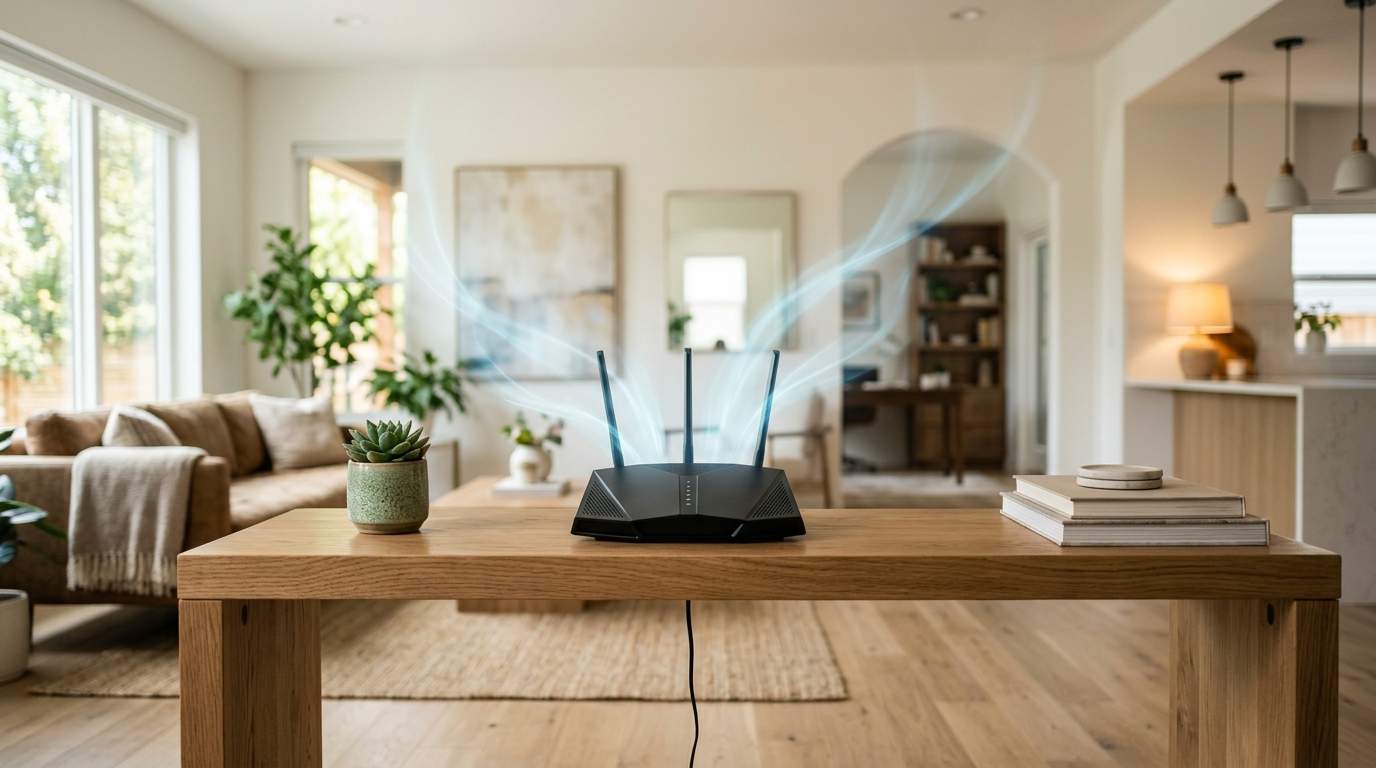
Your router isn't just a fancy box; it's the heart of your home network. Yet, we often treat it like an unsightly appliance, tucking it away in a basement corner, behind a heavy cabinet, or buried under a pile of books. Every wall, every large appliance, even dense furniture, acts as an obstacle course for your Wi-Fi signal.
Moving your router from a hidden closet to a more central, elevated location – say, on a shelf in a main hallway – can dramatically improve signal strength by 30-50% in previously weak areas. Think open spaces, away from microwaves (which operate on the same 2.4GHz frequency) and large metal objects. Give your Wi-Fi room to breathe!
The Invisible Clutter: Battling Wireless Interference
Wi-Fi operates on radio waves, and your home is often a bustling radio station. Neighbors' Wi-Fi, Bluetooth devices, cordless phones, baby monitors, even your smart garage door opener can all be vying for the same airwaves, especially on the crowded 2.4GHz band. This is like trying to have a conversation in a noisy room – everyone's talking over each other.
Your router automatically picks a Wi-Fi "channel," but it might not pick the best one. Using a free Wi-Fi analyzer app on your smartphone can show you which channels are congested in your area. Switching from a common channel (like 6) to a less used one (like 1 or 11) can often reduce interference, improving latency by 20-30% and significantly boosting throughput, especially in dense apartment buildings.
The Digital Traffic Cop: Managing Device Overload with QoS
Every smart device – from your security cameras to your smart plugs, streaming boxes, and gaming consoles – demands a piece of your network's pie. Your router, despite its processing power, has finite resources. Without proper management, a large game update or a 4K streaming session can hog bandwidth, leaving critical activities like your work video call stuttering.
This is where Quality of Service (QoS) comes in, acting as your network's traffic police. It prioritizes certain types of traffic or specific devices. For example, you can tell your router to always prioritize Zoom calls over Netflix streams.
- Pros of QoS: Ensures critical applications run smoothly, provides a better user experience for prioritized tasks, and helps stabilize video calls and online gaming.
- Cons of QoS: Can be complex to set up correctly, might slightly slow down non-prioritized traffic, and it's not a magic fix for fundamental coverage issues.
- Who it's for: Households with diverse, high-demand network users (gamers, remote workers, multiple streamers). Less critical for basic, low-device households.
Building a Rock-Solid Foundation: Mesh Wi-Fi and Wired Connections
If you live in a larger home, a multi-story house, or simply have stubborn Wi-Fi dead zones, a single router can only do so much. This is where dedicated solutions come into play.
Mesh Wi-Fi: The Blanket of Connectivity
Mesh Wi-Fi systems use multiple "nodes" placed strategically around your home to create a single, unified Wi-Fi network. Instead of battling a weak signal, your devices seamlessly roam between these nodes, always connecting to the strongest available signal.
- Design & Performance: These systems offer expansive, consistent coverage. You can walk from the basement to the attic without dropping a call or stream.
- Pros: Easy setup, often sleek designs, truly seamless coverage, intelligent channel management.
- Cons: Higher upfront cost than a single router, still wireless (though often with dedicated backhaul channels, they aren't quite as fast as wired).
- Who it's for: Large homes, multi-story dwellings, or users demanding consistent, strong Wi-Fi everywhere. Not usually necessary for small apartments.
The Unsung Hero: Wired Ethernet Connections
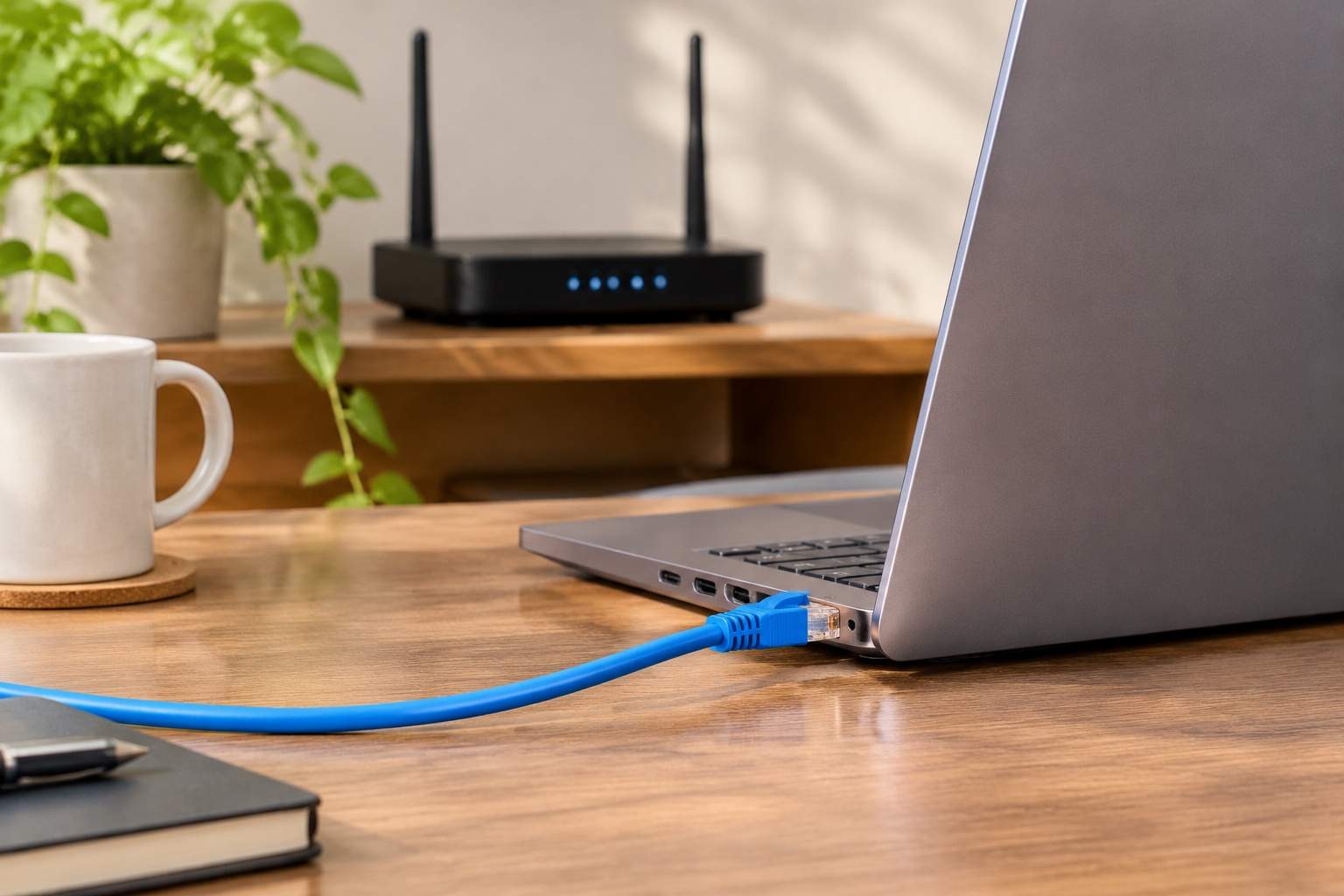
Let's be pragmatic: for speed and reliability, nothing beats a physical cable. Your gaming PC, smart TV, or work desktop, when connected directly via an Ethernet cable to your router or a mesh node, will consistently deliver speeds close to your ISP's promise – often 900+ Mbps on a gigabit plan.
This frees up precious Wi-Fi bandwidth for your mobile devices that truly need wireless connectivity. It eliminates interference for your most critical, bandwidth-hungry devices and ensures rock-solid stability. If you have the option, always wire up static devices.
The Efficiency Mentor's Takeaway: Optimize, Don't Just Upgrade
The truth is, your "fast" Wi-Fi often feels slow not because your ISP is failing you, nor necessarily because your router is ancient. It's usually a combination of poor placement, unseen interference, and unmanaged device overload within your own home network. Don't chase theoretical gigabit numbers; optimize for real-world experience. A stable 200-300 Mbps network that covers every corner of your home reliably is often far more valuable than a theoretical 1 Gbps that only works flawlessly in one room.
Before you drop big money on the next "best" router, take a step back. Optimize your router's location, scan for clear channels, consider QoS, and strategically deploy mesh systems or wired connections where needed. Invest wisely, manage smarter, and let technology truly serve your productivity and quality of life.