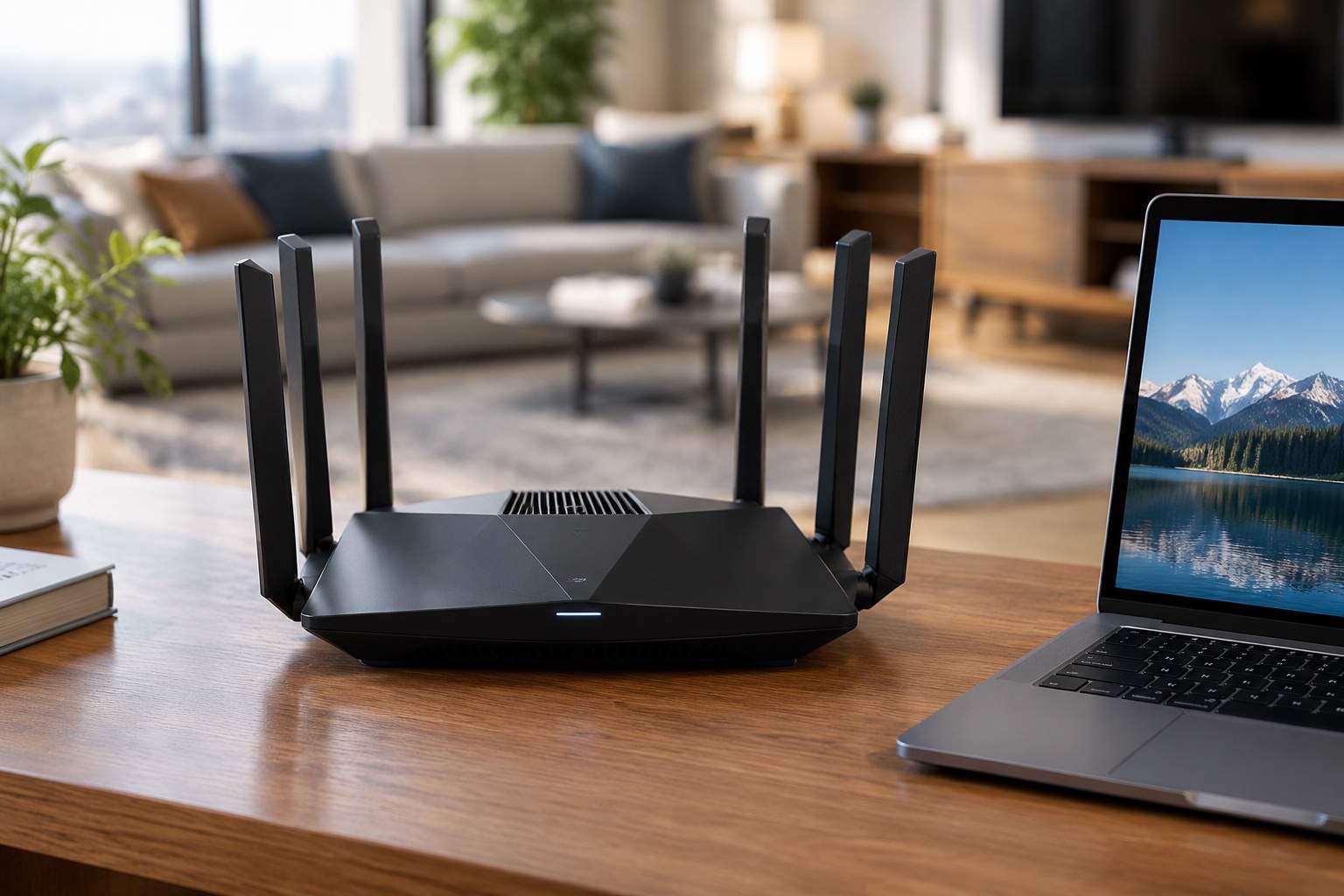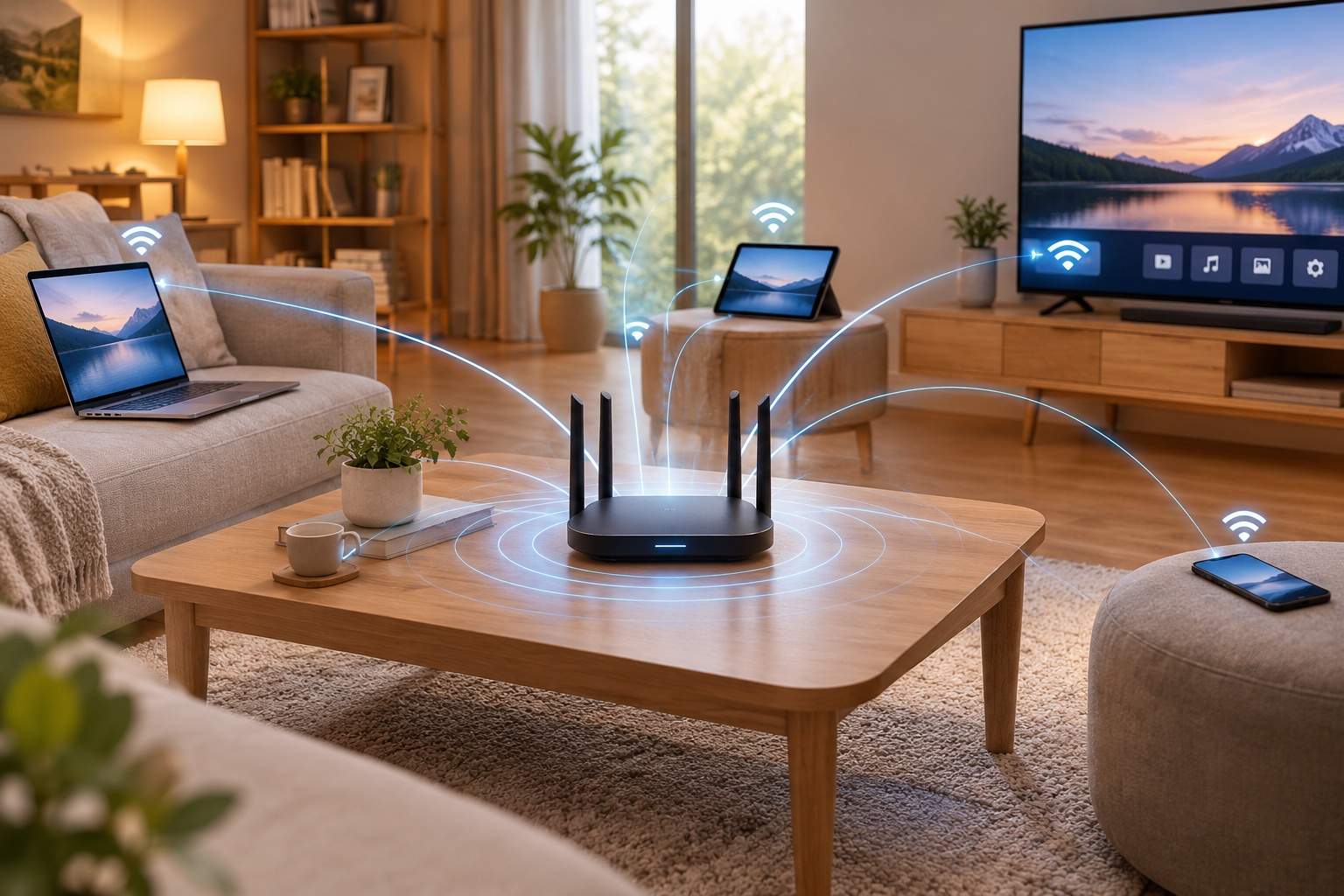
You just dropped four hundred dollars on a "gaming" router that looks like a robotic spider with eight menacing antennas. You expected your home to be bathed in a glorious, lag-free signal. Instead, you walk fifteen feet into the kitchen, close a door, and your Zoom call freezes. You feel cheated. As someone who has spent decades in hardware engineering labs, I can tell you that you didn't buy a better connection; you bought a very expensive paperweight that is fighting a losing battle against physics.
E.g. :The Invisible Tax of Smart Retail: Why Wait-Free Stores Are Stealing Your Time
- 1、Understanding why Wi-Fi 7 signal attenuation makes expensive antennas useless
- 2、Why more antennas on a single gaming router wont fix your dead zones
- 3、Comparing mesh networking performance against a single high power access point
- 4、How wireless backhaul affects your video calls and gaming latency
- 5、Finding the right balance between industrial design and home coverage efficiency
- 6、Choosing the best networking hardware for your specific floor plan
The marketing for flagship routers focuses on "maximum speed" and "extreme range," but they rarely mention that the faster the Wi-Fi generation, the worse it handles a standard brick or drywall wall.
Understanding why Wi-Fi 7 signal attenuation makes expensive antennas useless
The core of the problem is frequency. Think of Wi-Fi 7 and the new 6GHz band like a high-performance sports car. On a wide-open track, it is unbeatable. But the moment it hits a "speed bump"—which in your home is a wall, a mirror, or even a large bookshelf—it loses momentum faster than older, slower frequencies.
In engineering terms, we call this signal attenuation. A 2.4GHz signal can travel through three walls and still deliver a basic email. A 6GHz Wi-Fi 7 signal might lose 70% of its effective speed the moment it passes through a single solid wooden door. Buying a more expensive router doesn't change this; the FCC limits the maximum broadcast power of these devices. Your four-hundred-dollar "beast" is legally required to shout at the same volume as a sixty-dollar budget model.
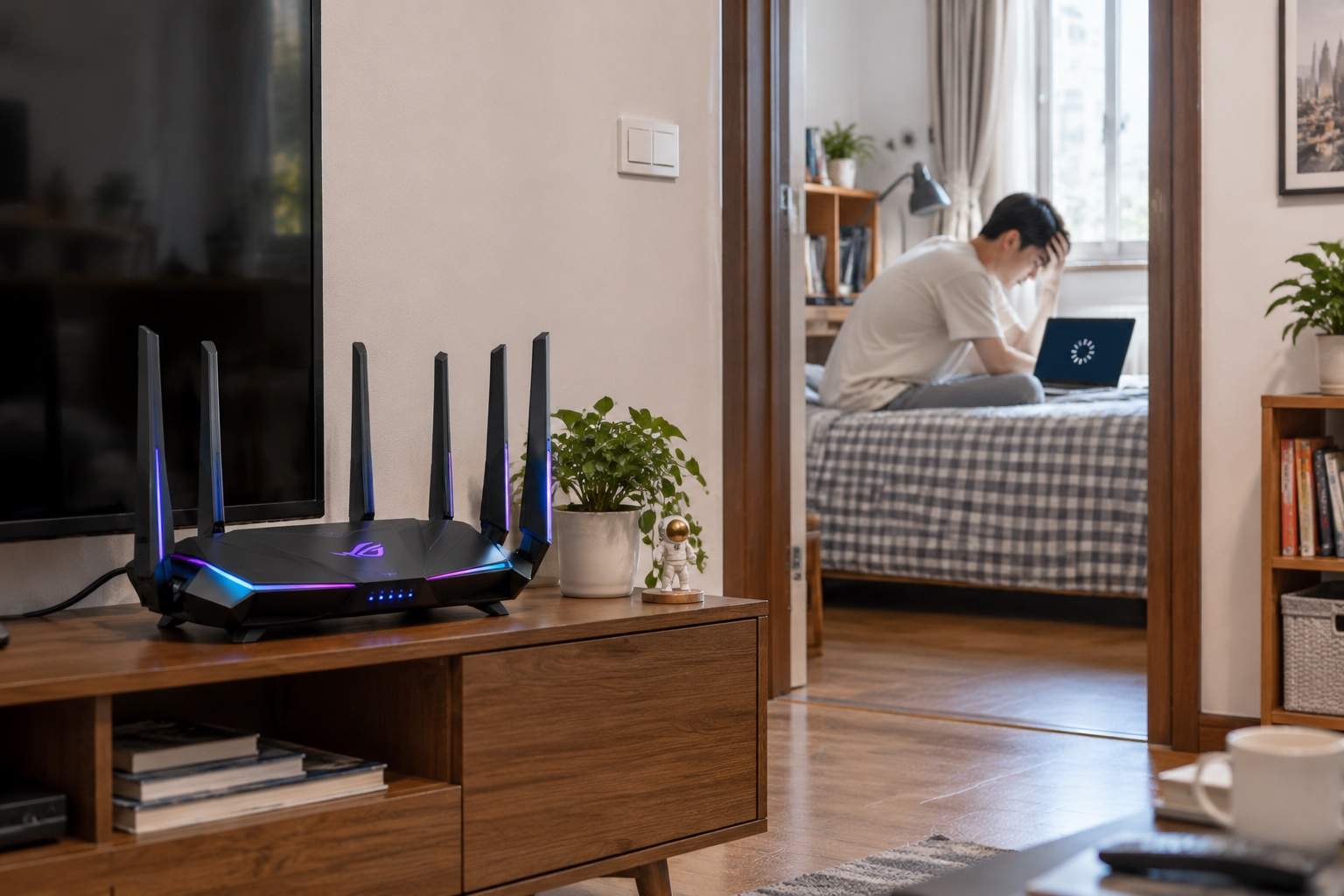
Why more antennas on a single gaming router wont fix your dead zones
Those eight antennas on your gaming router aren't there to "punch" through walls. They are primarily designed for MU-MIMO, which is a fancy way of saying the router can talk to multiple devices at once without getting confused. It’s about capacity, not penetration.
If you live in a 2,000-square-foot home, a single central router is a logistical nightmare. No matter how many antennas it has, the signal still has to travel from one corner of the house to the other, passing through structural obstacles. By the time that "ultra-fast" signal reaches your bedroom, it has decayed so much that your phone switches back to a slower, congested band just to stay connected.
Comparing mesh networking performance against a single high power access point
The most efficient way to cover a home isn't one giant "shouter" in the living room, but several "whisperers" spread throughout the house. This is the logic behind mesh networking. Two mid-range mesh nodes costing half the price of a flagship gaming router will almost always provide a better experience.
The benefit of wired backhaul for consistent speeds
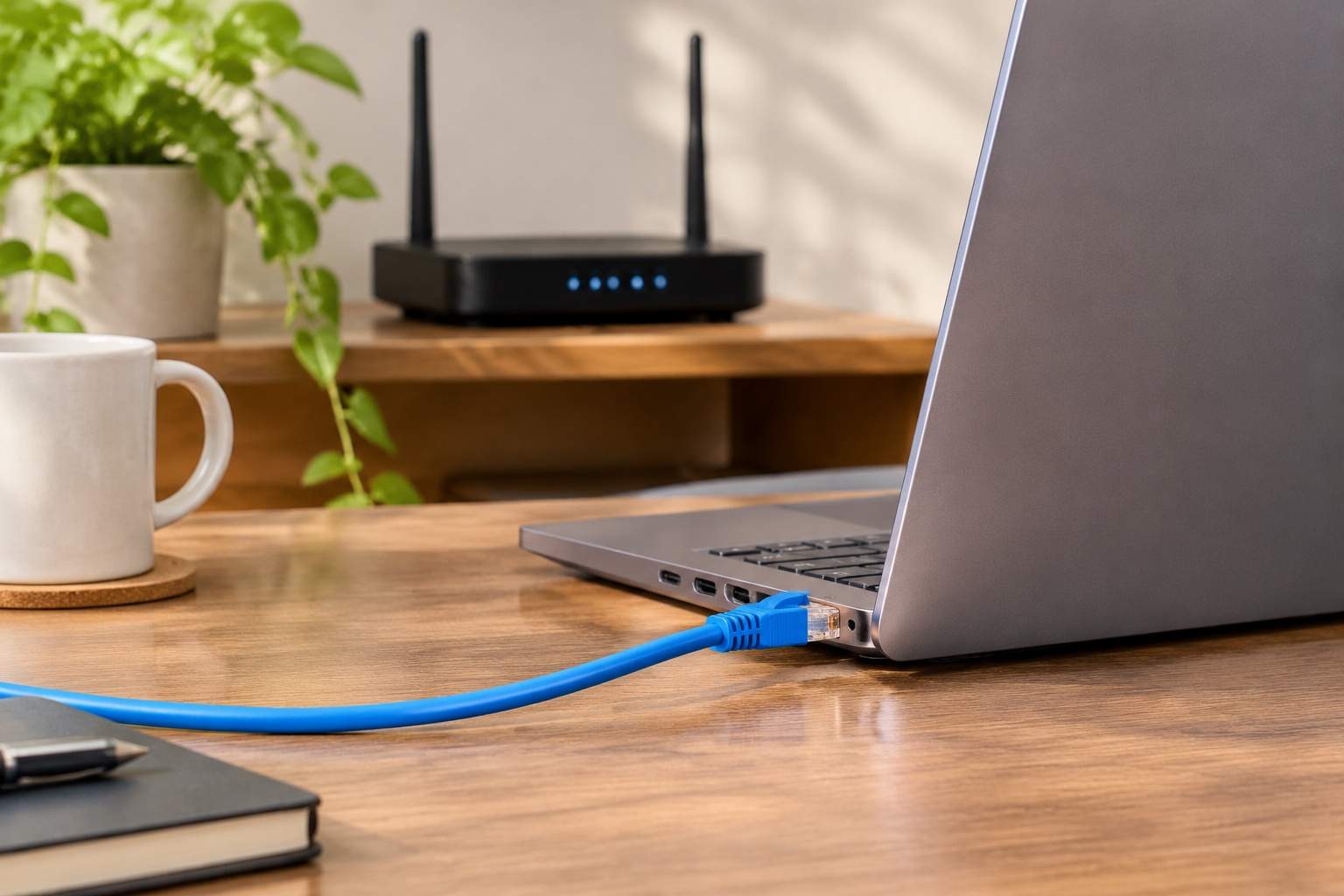
If you want true gigabit performance, the secret isn't the router—it’s the wire. Using a wired backhaul (connecting your mesh nodes via Ethernet cables) eliminates the interference that plagues wireless systems. When nodes talk to each other through the air, they use up half their "breath" just repeating the signal. A physical cable allows 100% of the Wi-Fi capacity to be used by your devices.
How wireless backhaul affects your video calls and gaming latency
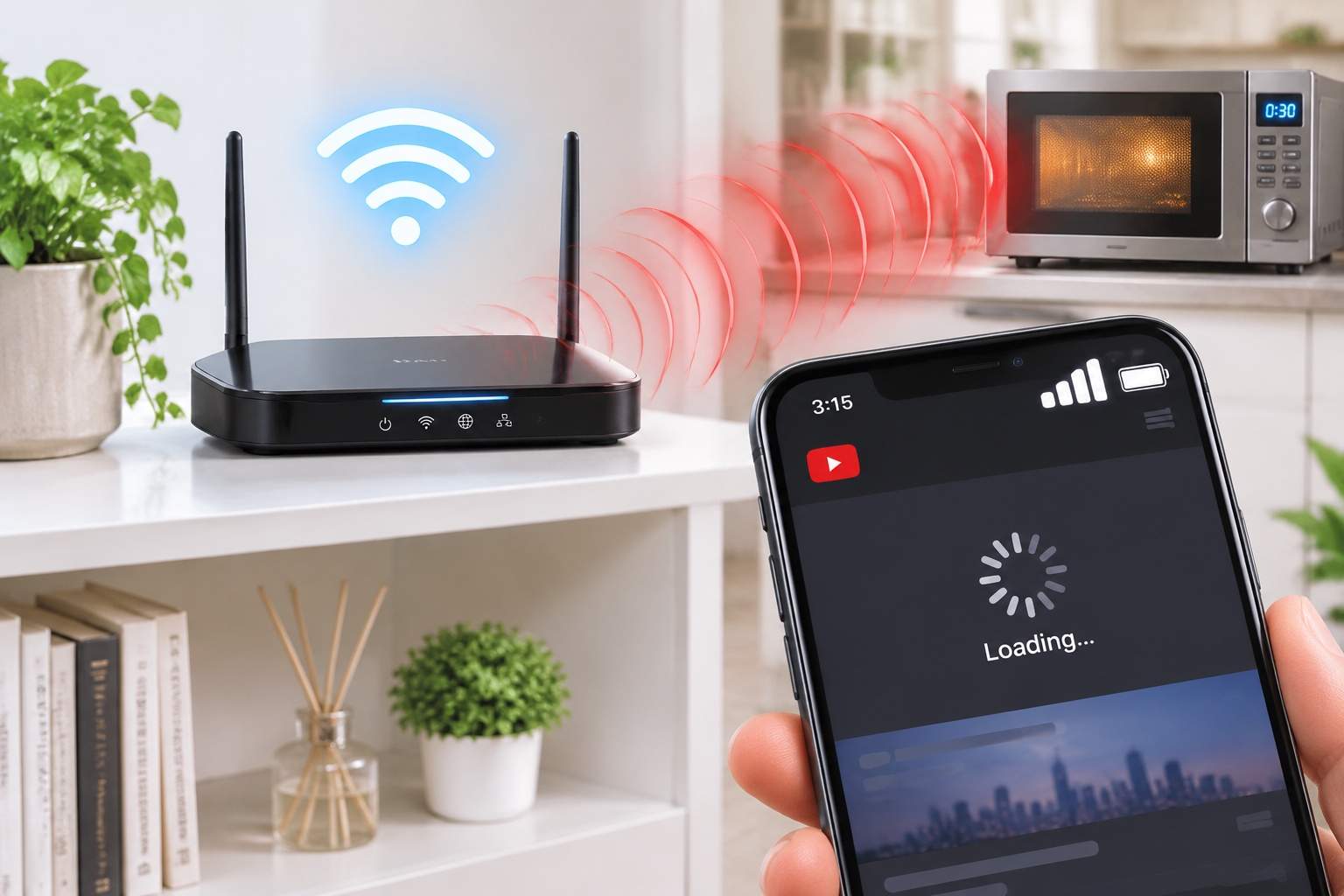
For the person working from home, latency is the real enemy, not raw download speed. A high-end gaming router often prioritizes "burst" speeds. However, if you are relying on a single source, your device is constantly struggling with "retransmissions"—asking the router to send the data again because a packet got lost in the drywall.
In a mesh scenario, your laptop stays physically closer to an access point. This shorter distance reduces the "noise" in the air. We’ve seen data suggesting that moving from a single flagship router to a three-node mesh system can reduce jitter by over 40% in typical suburban homes, even if the "peak" speed on the box looks lower.
Finding the right balance between industrial design and home coverage efficiency
Let’s be honest: those gaming routers are eyesores. They are bulky, require massive power bricks, and rarely fit into home decor. Modern mesh nodes are designed to be placed on shelves or desks where they have a clear line of sight to your devices.
Industrial design in networking isn't just about looks; it's about placement. Because mesh nodes are small and aesthetic, people actually put them in the open. A flagship router is often hidden inside a cabinet or behind a TV because it's ugly, which instantly kills 30% of its signal strength before it even gets started.
Choosing the best networking hardware for your specific floor plan
Who should actually buy that expensive gaming router? If you live in a single-room studio apartment and your PC is three feet from the router, go for it. You’ll get the absolute lowest latency for competitive gaming.
When a gaming router actually makes sense for users
If you have a dedicated "man cave" or a small apartment where walls aren't an issue, the specialized software in gaming routers can help prioritize your gaming traffic over someone else's Netflix stream. But for the 90% of the public living in multi-room homes, the "efficiency" play is to ignore the flashy antennas and invest in a distributed system that brings the signal to the room, rather than trying to force it through the wall.