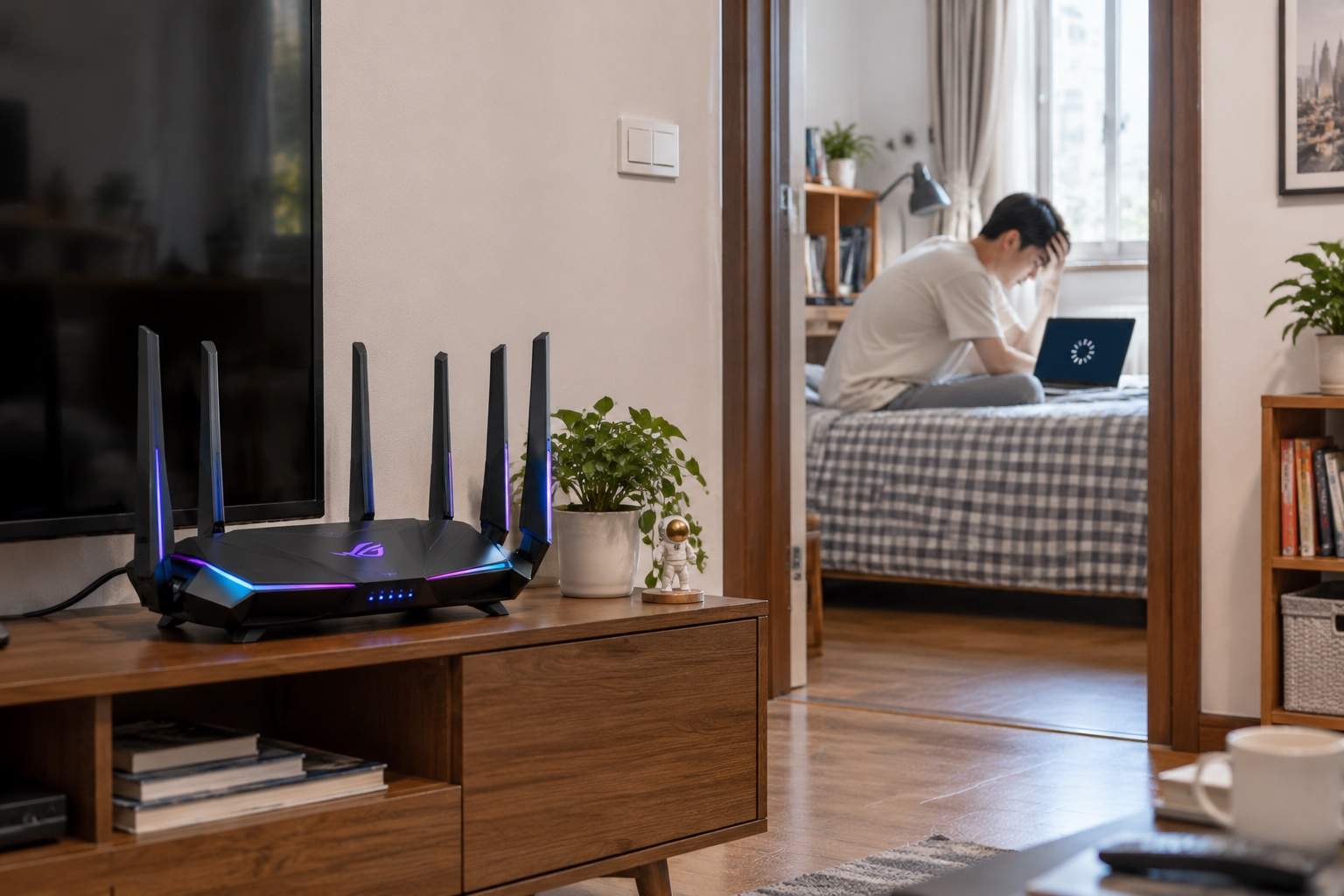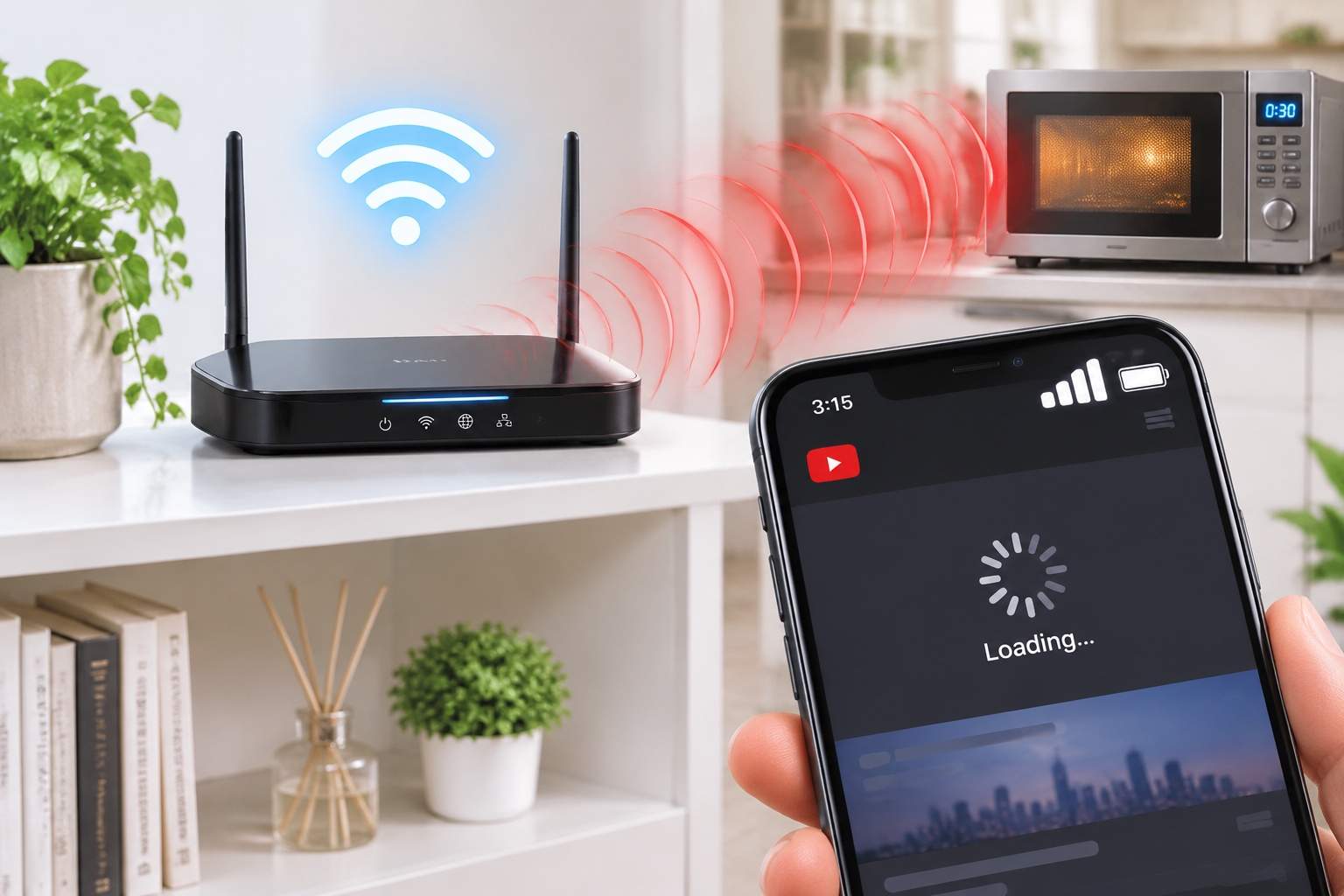
You just dropped three hundred dollars on a router that looks like a robotic spider and upgraded your home connection to 1000Mbps. Yet five minutes into your board presentation from the back bedroom, your screen freezes, your voice becomes a metallic gargle, and Zoom flashes its dreaded unstable network warning.
E.g. :Why high end lightweight laptops fail during basic web browser multitasking tasks
- 1、Understanding Bandwidth Versus Network Latency in Daily Work
- 2、How Physical Signal Attenuation Destroys Your Wireless Signal
- 3、Why High-End Wi-Fi Router Specs Fail in Large Homes
- 4、Practical Ethernet Solutions for Zero Packet Loss Connections
- 5、Choosing the Right Hardware Setup for Real Productivity
Throwing money at bandwidth and flagship hardware rarely solves this frustrating daily routine. The underlying breakdown is almost never your internet plan size, but how physics behaves inside your walls.
Understanding Bandwidth Versus Network Latency in Daily Work
People constantly confuse bandwidth with transmission speed. Think of bandwidth as the width of a highway and network latency as the actual speed limit.
A high-definition Zoom call requires barely 3.8Mbps up and down. Adding a 1000Mbps Gigabit Internet pipe gives you a massive ten-lane freeway, but if a single toll booth stops traffic for half a second, your video stream crashes. The width of your pipe was never the issue.

How Physical Signal Attenuation Destroys Your Wireless Signal
High-frequency wireless signals hate solid matter. The fast 5GHz band offers great speed, but a single sheet of interior drywall cuts its energy by roughly half, while metal studs and foil insulation crush it entirely.
When your broadcast hub sits in the living room and you work two doors down, your signal reflects off mirrors, copper pipes, and metal appliances. The resulting packet loss forces your computer to re-transmit data constantly, causing those sudden micro-freezes mid-sentence.
The Hidden Impact of Poor Hardware Placement
Placing your main broadcast unit inside a hallway utility closet or hiding it behind a massive television smothers the signal before it reaches your living spaces. Metal enclosures act as localized radio shields, turning a flagship broadcast device into a muted whisper before the signal even touches a wall.
Why High-End Wi-Fi Router Specs Fail in Large Homes
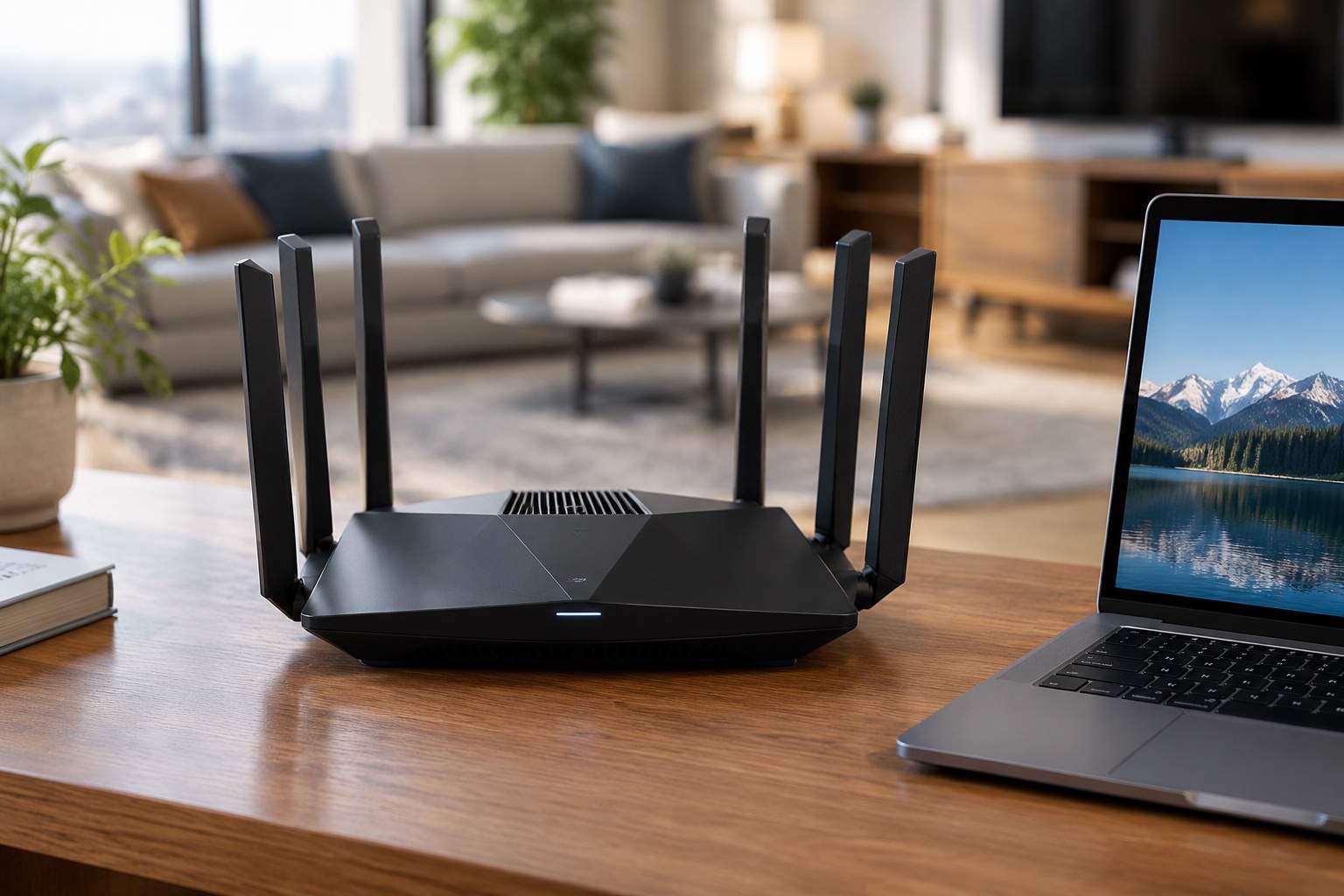
Marketing teams love putting massive combined speed numbers like 6000Mbps on hardware boxes. What they leave off the box is that regulatory agencies cap the maximum broadcast power allowed on consumer frequencies.
A four-hundred-dollar flagship unit broadcasts at the exact same legal power ceiling as a basic fifty-dollar unit. Extra external antennas can help receive faint signals slightly better, but they cannot bend waves around concrete staircases or eliminate co-channel noise from your next-door neighbor.
Practical Ethernet Solutions for Zero Packet Loss Connections
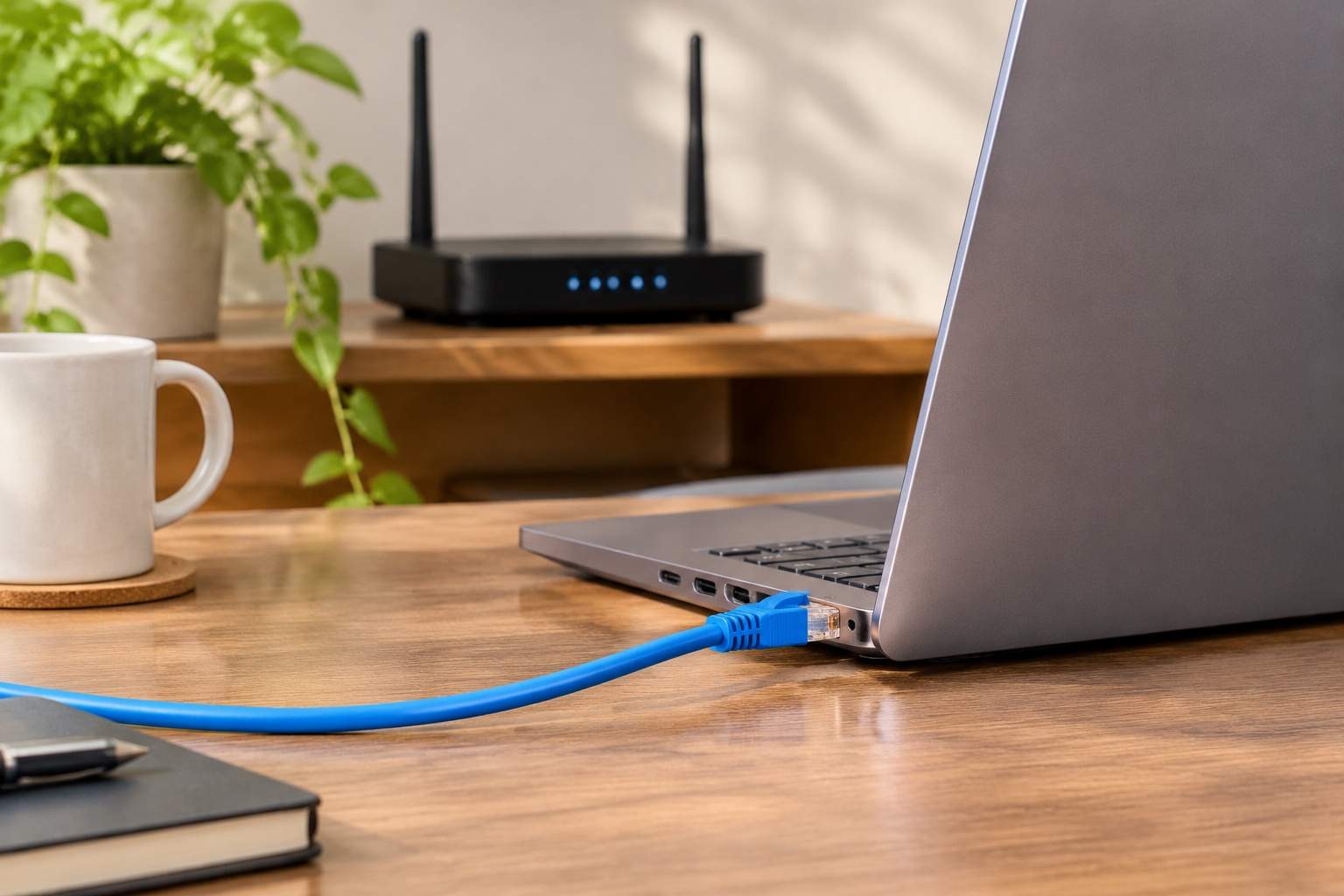
The most dependable fix for video dropouts costs a small fraction of a new router. Running a discrete flat Cat6 cable from your home gateway directly to your workspace completely bypasses radio interference.
A direct wired connection delivers sub-five-millisecond stability with zero dropouts. Where running long cables along baseboards is impractical, setting up dedicated wired access points over existing wall jacks delivers far lower ping spikes than bouncing wireless signals through multiple rooms.
Choosing the Right Hardware Setup for Real Productivity
Fixing home connectivity requires selecting equipment based on your layout rather than buying maximum marketing numbers.
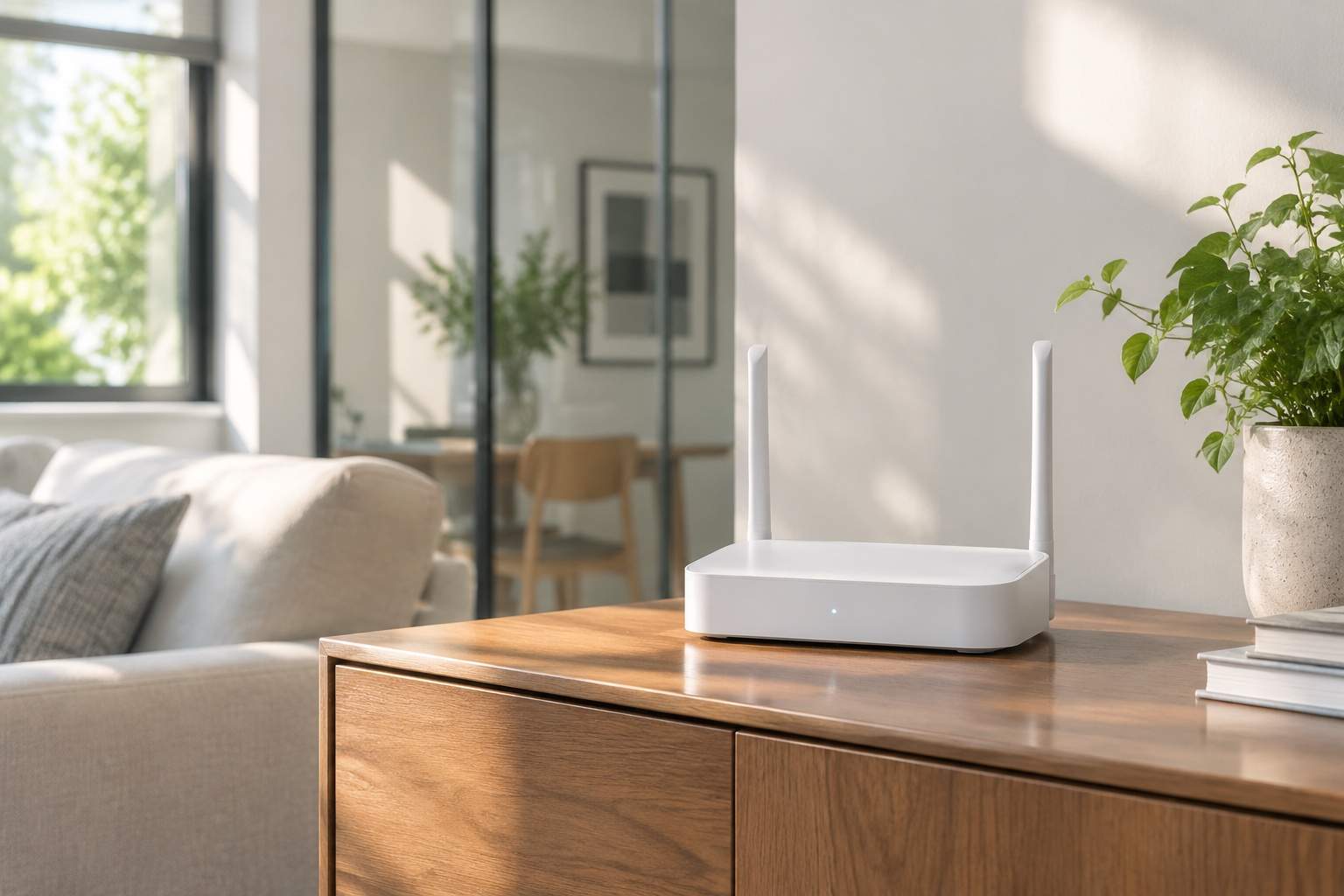
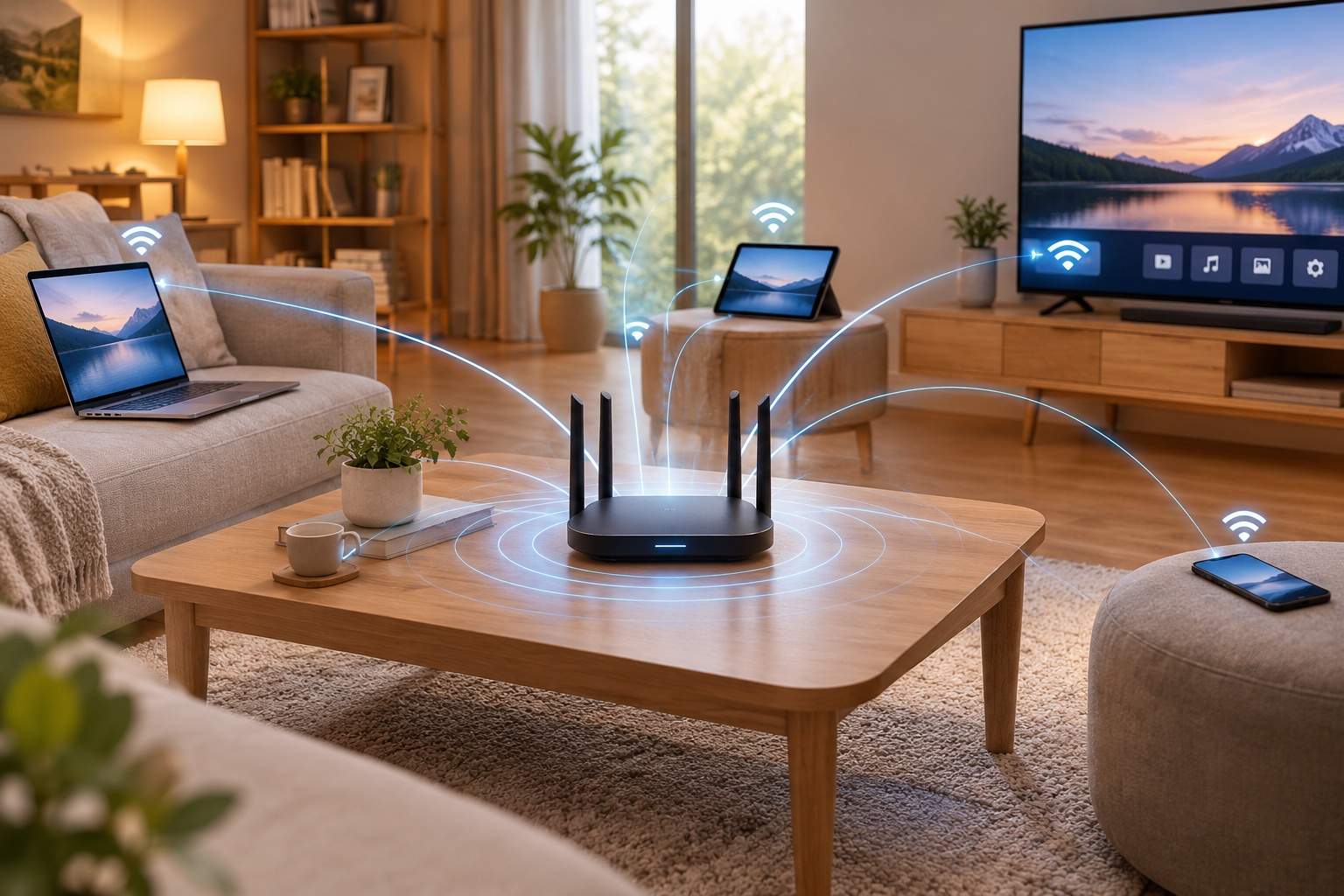
Single high-power routers work great for compact, open floor plans, offering simple installation but struggling past two interior walls.
Mesh systems easily cover wider single-story homes without new wiring, though wireless backhaul links still trade ping stability for coverage.
For multi-story houses and remote workers who cannot afford dropouts during client meetings, a basic unmanaged switch paired with hardwired access points delivers total reliability for less total cost than a single oversized router.