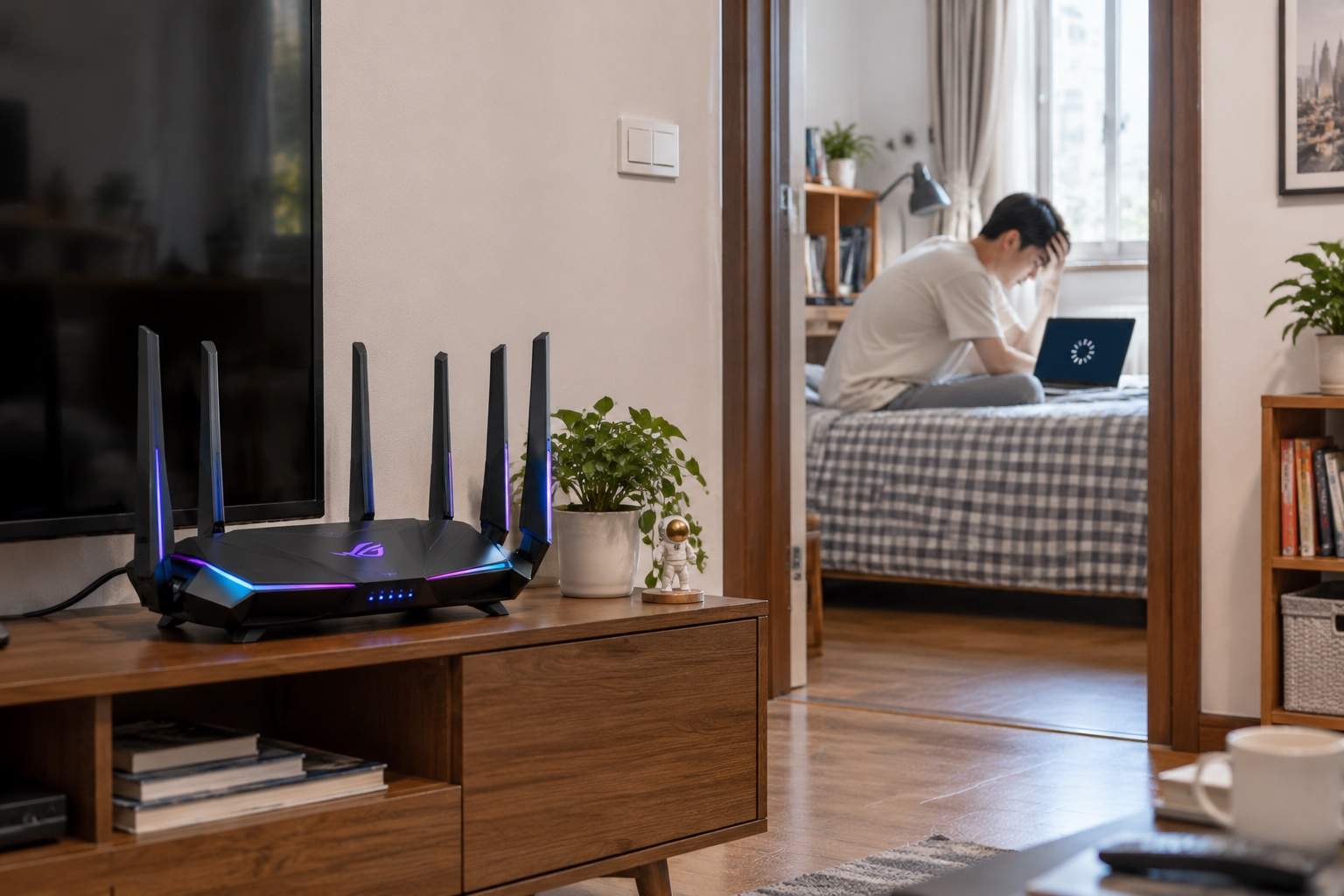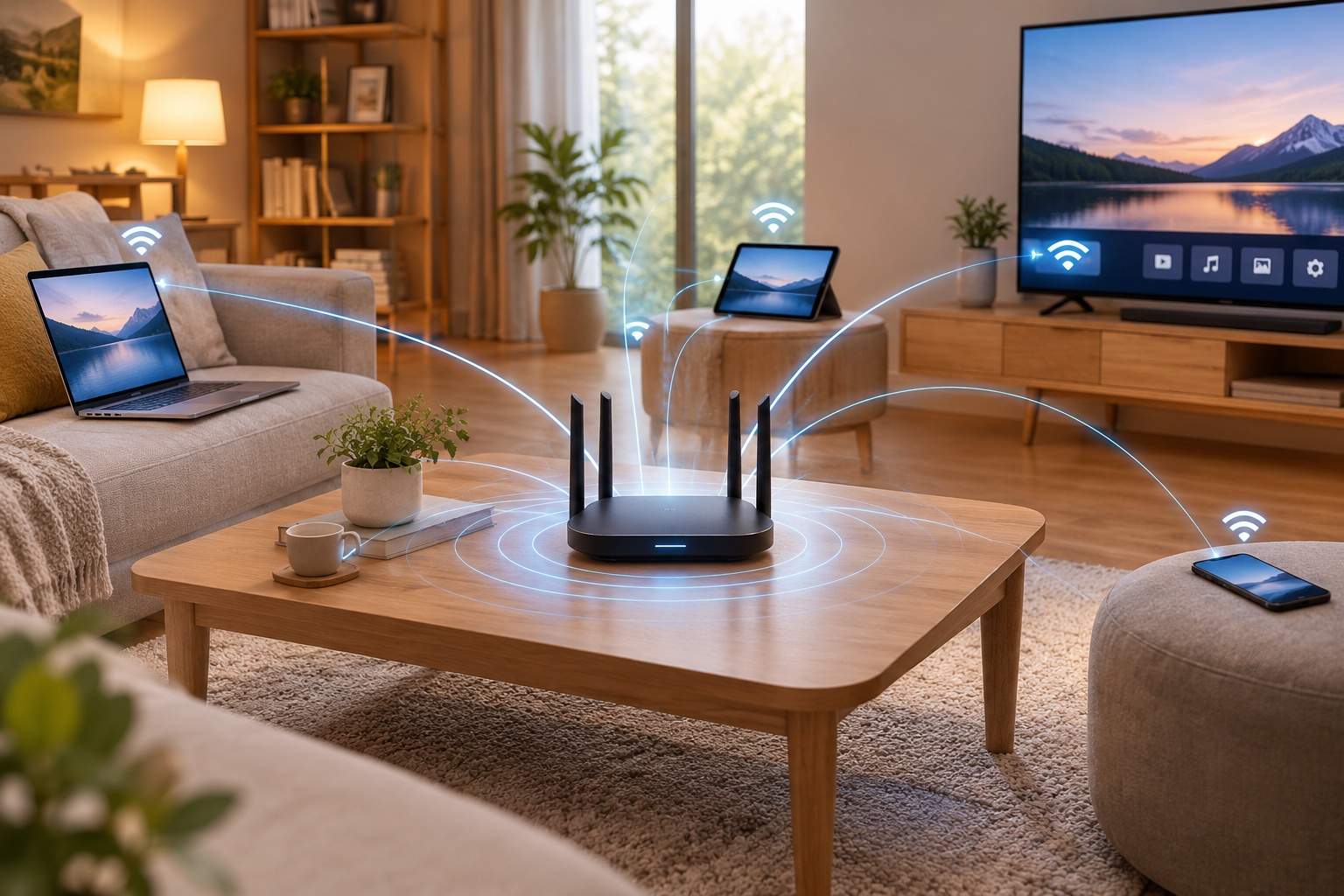
You just spent four hundred dollars on a top-tier Mesh Wi-Fi kit for your apartment. The box looks like a piece of alien technology with eight antennas sticking out like a digital crown. Yet, your TikTok videos still buffer in the bedroom and your Zoom calls drop the second you walk from the living room to the kitchen. You have full bars on your phone, but the data is moving like molasses in January.
E.g. :Generative AI: Creativity's New Dawn, or Copyright's Digital Dilemma?
- 1、The Hidden Penalty of Wireless Backhaul and Speed Loss
- 2、Why More Router Antennas Do Not Mean Better Coverage
- 3、The Efficiency Trap of Seamless Roaming Marketing
- 4、Why a Single Well Placed Router Often Wins
- 5、Evaluating Hardware for Real World Productivity
The problem is not your internet service provider or your smartphone. The culprit is often the very hardware you bought to solve the issue. As an engineer who has spent decades looking at signal charts, I can tell you that the consumer electronics industry has sold you a beautiful lie about coverage.
The Hidden Penalty of Wireless Backhaul and Speed Loss
Most people buy a three-pack Mesh system and place nodes in every room thinking they are building a high-speed net. In reality, they are building a series of digital whispers. Most Mesh systems use wireless backhaul, which means the nodes talk to each other over the same airwaves your phone uses.
Imagine a bucket brigade where every person has to spin around in a circle before passing the water to the next. That is what happens to your data. Every time your signal jumps from one wireless node to another, you typically lose 50 percent of your potential bandwidth. If your main router gets 800Mbps, the second node might only offer 400Mbps, and the third drops to 200Mbps, even if your phone shows a perfect signal.
Why More Router Antennas Do Not Mean Better Coverage
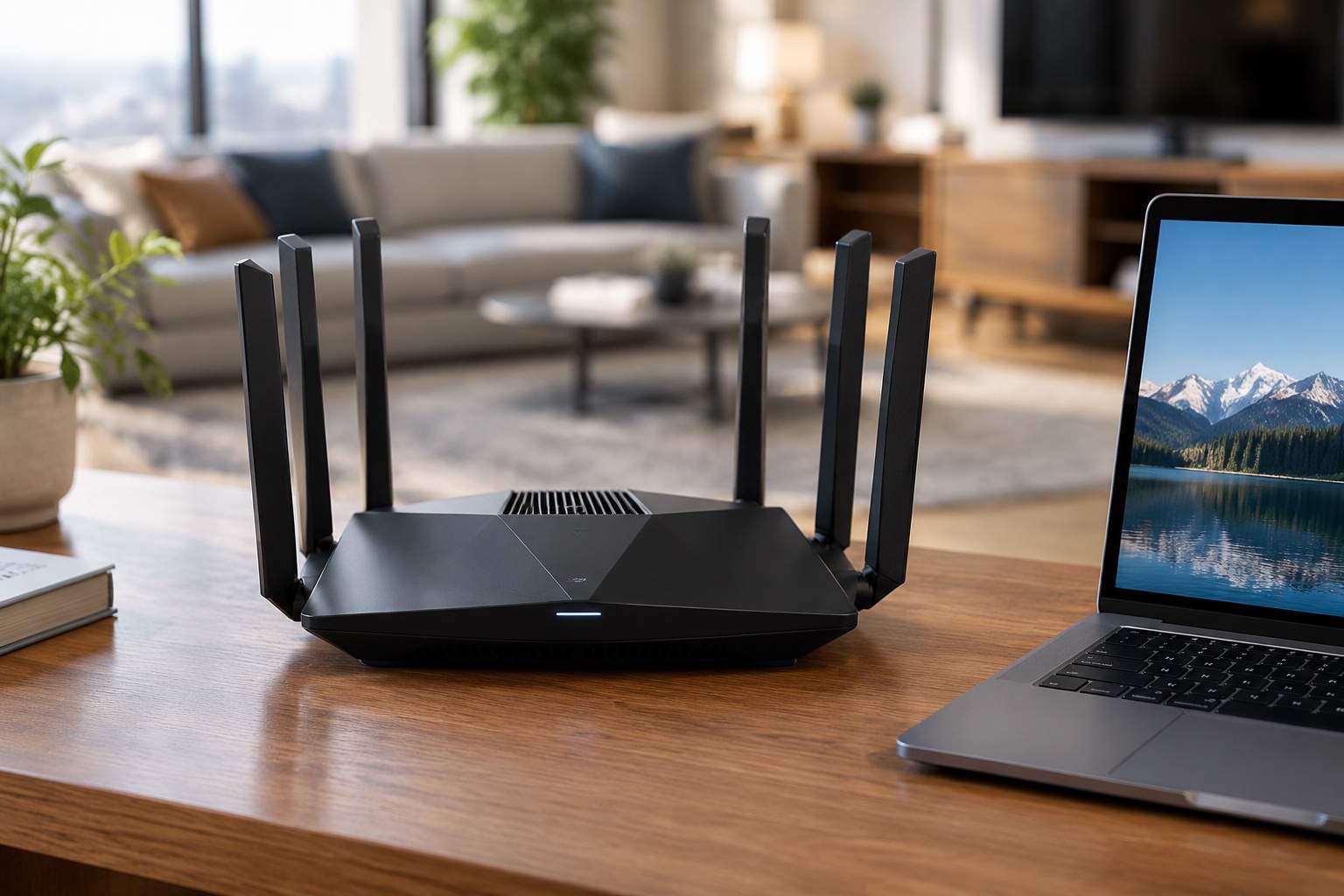
Marketing teams love to put more antennas on a box because it looks powerful. However, in the average apartment, these extra antennas often contribute to signal interference rather than clearing it up. High-gain antennas are like high-beam headlights; they are great for seeing far down a straight, empty road, but they create blinding glare in a small room with walls.
The Physics of Indoor Signal Reflection
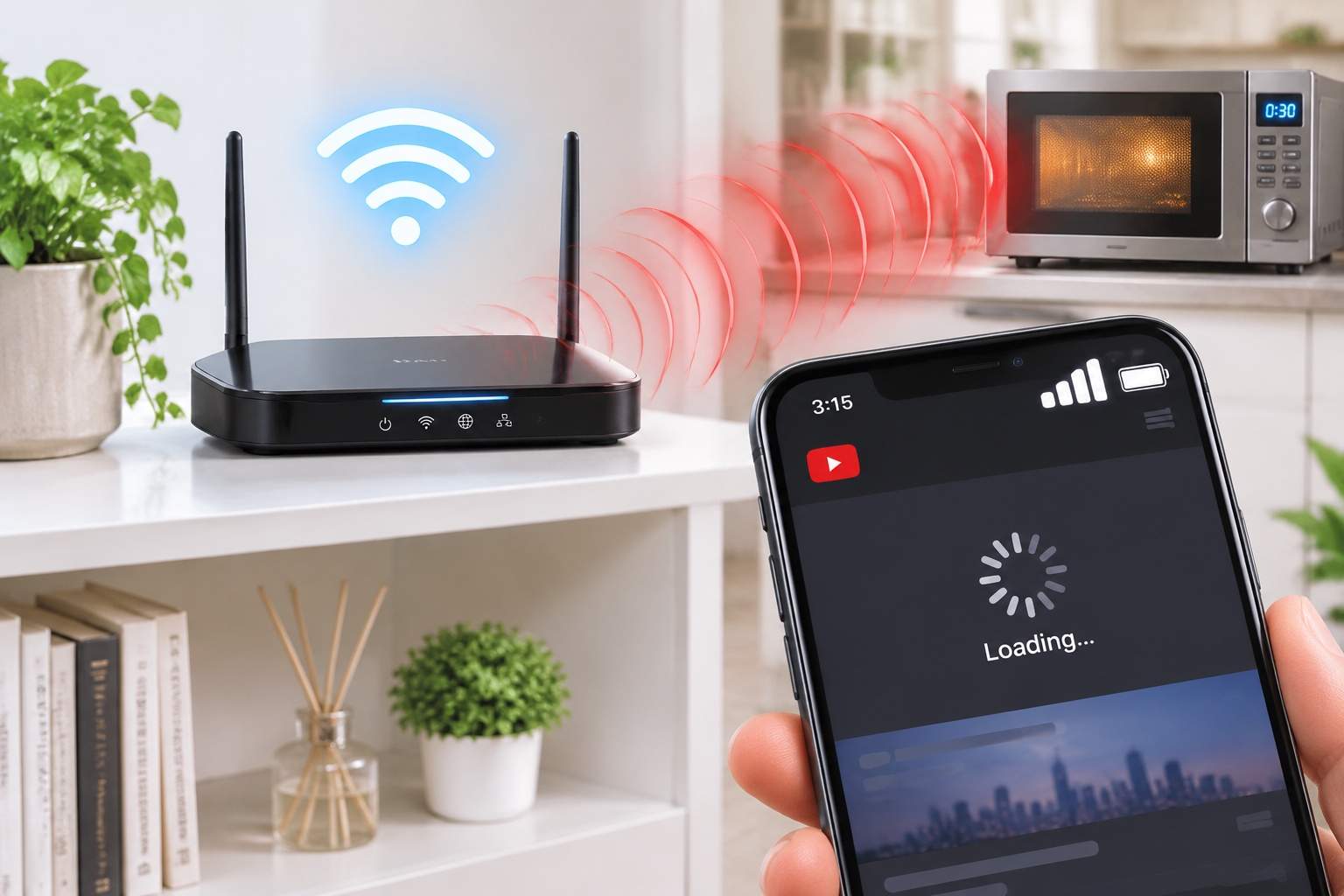
When you have multiple high-power nodes in a small space, the signals bounce off walls and metal appliances. These reflections create "noise" that forces your devices to re-send packets of data constantly. This is why you see full bars but experience high latency during gaming. The signal is there, but it is too messy for your device to understand quickly.
The Efficiency Trap of Seamless Roaming Marketing
Retailers push seamless roaming as a premium feature that lets you move through your house without a disconnect. In practice, the "hand-off" between nodes is often handled poorly by the device, not the router. Your iPhone might cling to a weak signal from the living room even when you are standing right next to the bedroom node.
This "sticky client" problem is worsened by having too many nodes. When the signals overlap too much, your phone gets confused about which node to talk to. It is like being in a room where three people are shouting the same instructions at you. You end up standing still because you cannot figure out who to follow.
Why a Single Well Placed Router Often Wins
Before you buy a multi-node system, consider the industrial design of a single high-quality router. A device with a massive internal heat sink and a localized processor can often push a cleaner signal through two walls than a cheap Mesh node can through an open doorway.
The Reliability of Wired Ethernet Backhaul
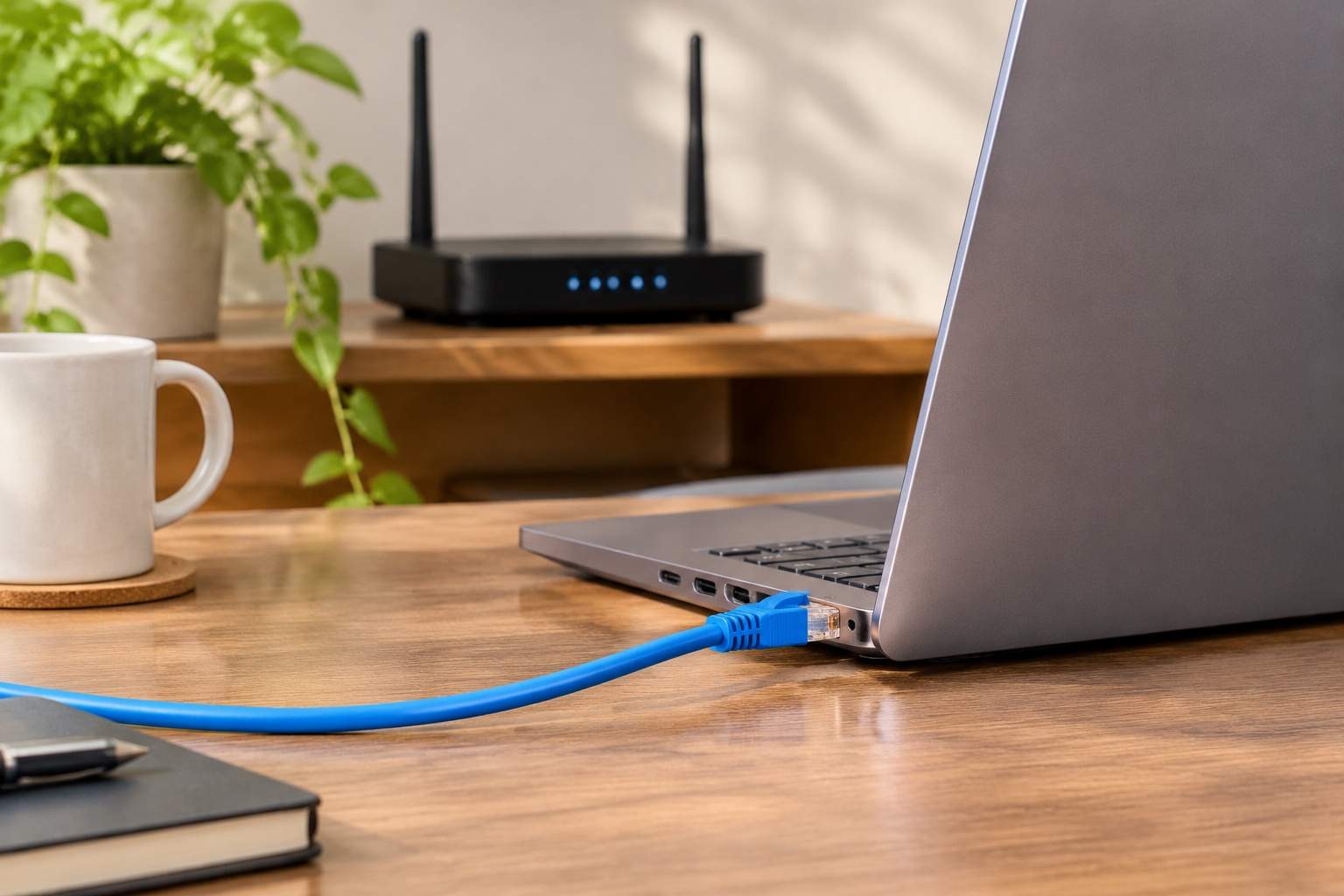
If you truly want gigabit speeds in every room, the only real solution is a wired connection between nodes. Using a twenty-dollar Cat6 Ethernet cable to link your Mesh nodes removes the wireless backhaul penalty entirely. This setup turns those nodes into simple access points, delivering 100 percent of the speed you pay for to every corner of the house.
Evaluating Hardware for Real World Productivity
When selecting gear, stop looking at the "AX" numbers like 5400 or 11000. Those are theoretical maximums you will never see. Instead, look for routers with 2.5Gbps ports and solid heat management. A router that gets hot to the touch will throttle its speeds to protect the chips, causing those random mid-day slowdowns during your most important meetings.
If you live in a space under 1,500 square feet, a single high-performance router is almost always better than a Mesh system. If you have a larger home, do not buy a wireless Mesh unless you can plug at least two of the nodes into a wall jack. Technology should serve you by being invisible, not by requiring a reboot every Tuesday morning because the nodes lost their handshake.