You just signed up for a shiny 2000Mbps fiber plan. The technician sits right next to your modem, runs a speed test on his laptop, and shows you a crisp 2.0Gbps score. You smile, pay the extra monthly fee, and walk into your bedroom. You close the door, launch a video call or an online game, and suddenly your connection crawls to a halt.
E.g. :The 'Circular Economy' Illusion: Are Your Recycling Efforts Just Industry's Hidden Waste Burden?
- 1、Understanding Gigabit Broadband Speed and Hardware Limitations
- 2、How Physical Wall Attenuation Destroys Wireless Signal Strength
- 3、Wireless Backhaul Performance Drop in Mesh Systems
- 4、Bandwidth Requirements for Everyday Household Tech Devices
- 5、Smart Upgrades for Home Wi-Fi Network Optimization
As a former hardware engineer, I see this exact scene play out in millions of homes every year. Service providers love selling bigger numbers, but physics and home infrastructure always win. Upgrading your internet pipe without fixing your internal household plumbing is just throwing money down the drain.
Understanding Gigabit Broadband Speed and Hardware Limitations
Your service provider can blast 2000Mbps to your front door, but your home hardware acts as a strict toll booth. Most standard routers, smart TVs, and laptop adapters are equipped with traditional 1Gbps Ethernet ports.
When you push a 2000Mbps signal into a standard 1Gbps port, physical limitations and network overhead slice that number down to roughly 940Mbps at best. You are paying annually for extra speed that your physical equipment cannot process. Unless every switch, router port, and network card in your house supports 2.5GbE or higher, your high-cost upgrade dies right at the modem.
How Physical Wall Attenuation Destroys Wireless Signal Strength
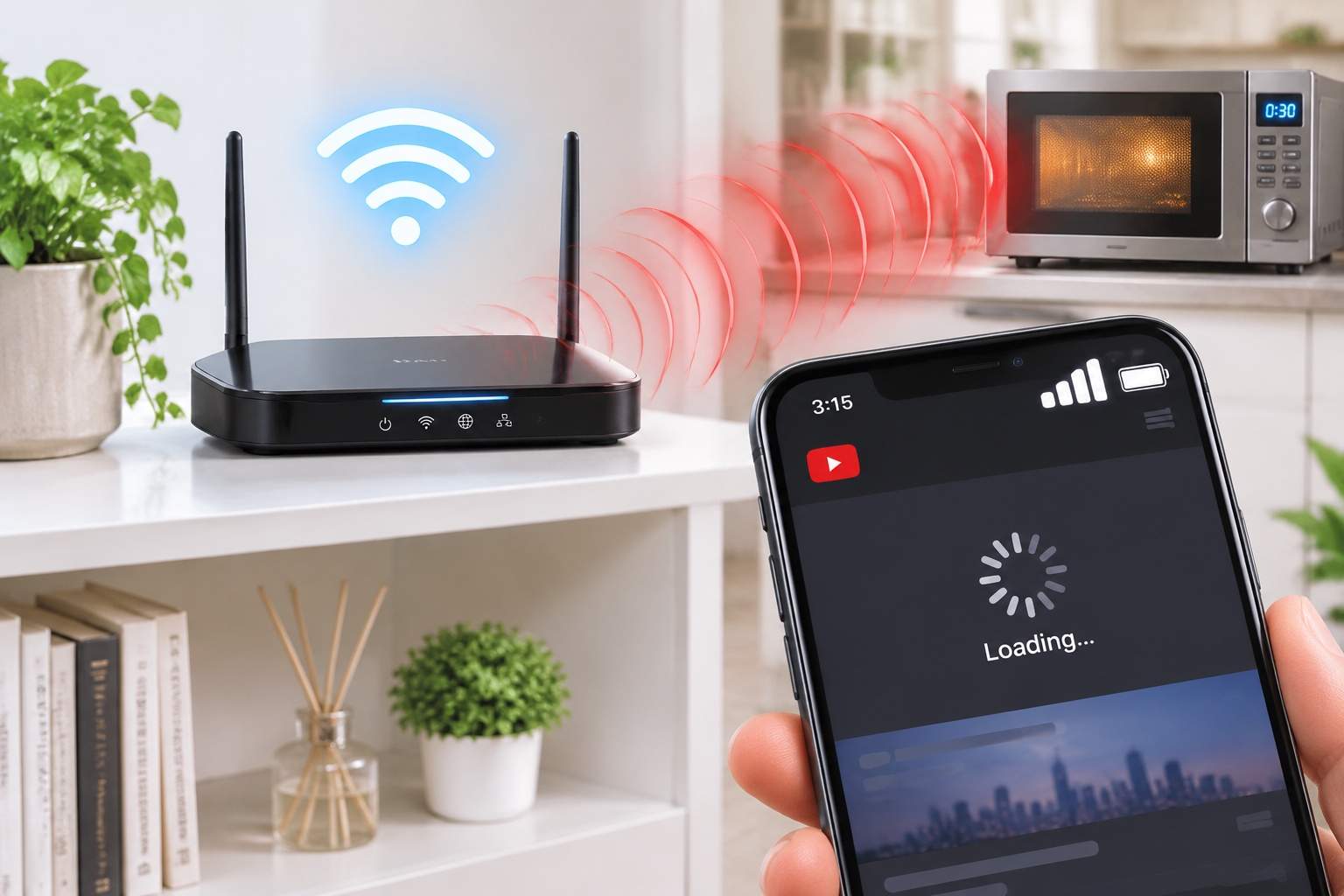
Even if your main router supports multi-gigabit speeds, air is a terrible conductor compared to copper. High-frequency wireless bands like 5GHz and 6GHz offer incredible speeds up close, but they suffer heavily when encountering physical obstacles.
A standard drywall interior wall cuts a 5GHz wireless signal by roughly 3dB to 5dB, while solid concrete can reduce it by over 10dB. By the time that 2000Mbps wireless signal passes through two walls into your home office, your actual throughput drops below 150Mbps with annoying ping spikes. The extra bandwidth you bought simply evaporates in transit.
Wireless Backhaul Performance Drop in Mesh Systems
To eliminate dead zones, many households buy off-the-shelf wireless mesh kits. However, relying purely on wireless communication between mesh nodes creates an invisible tax on your overall speed.
The Physical Reality of Dual Band Signal Split
Without a dedicated copper cable connecting your mesh units, a dual-band mesh router uses half of its wireless capacity just to talk back to the main unit. This relay process instantly cuts your available speed by 50 percent at the very first hop, regardless of how fast your incoming fiber line claims to be.
Bandwidth Requirements for Everyday Household Tech Devices
Let us look at actual real-world data consumption instead of theoretical speed caps. A ultra-high-definition 4K video stream on Netflix consumes roughly 25Mbps. A high-definition video conference takes about 4Mbps. Competitive online gaming uses less than 3Mbps, because gaming requires low latency rather than massive data volume.
Even a busy household with four people streaming 4K movies simultaneously barely consumes 100Mbps of real-time data. Paying for a 2000Mbps tier is like buying a commercial freight train just to transport a single backpack.
Smart Upgrades for Home Wi-Fi Network Optimization
Instead of sending extra cash to your service provider every month, put that budget into practical local hardware fixes.
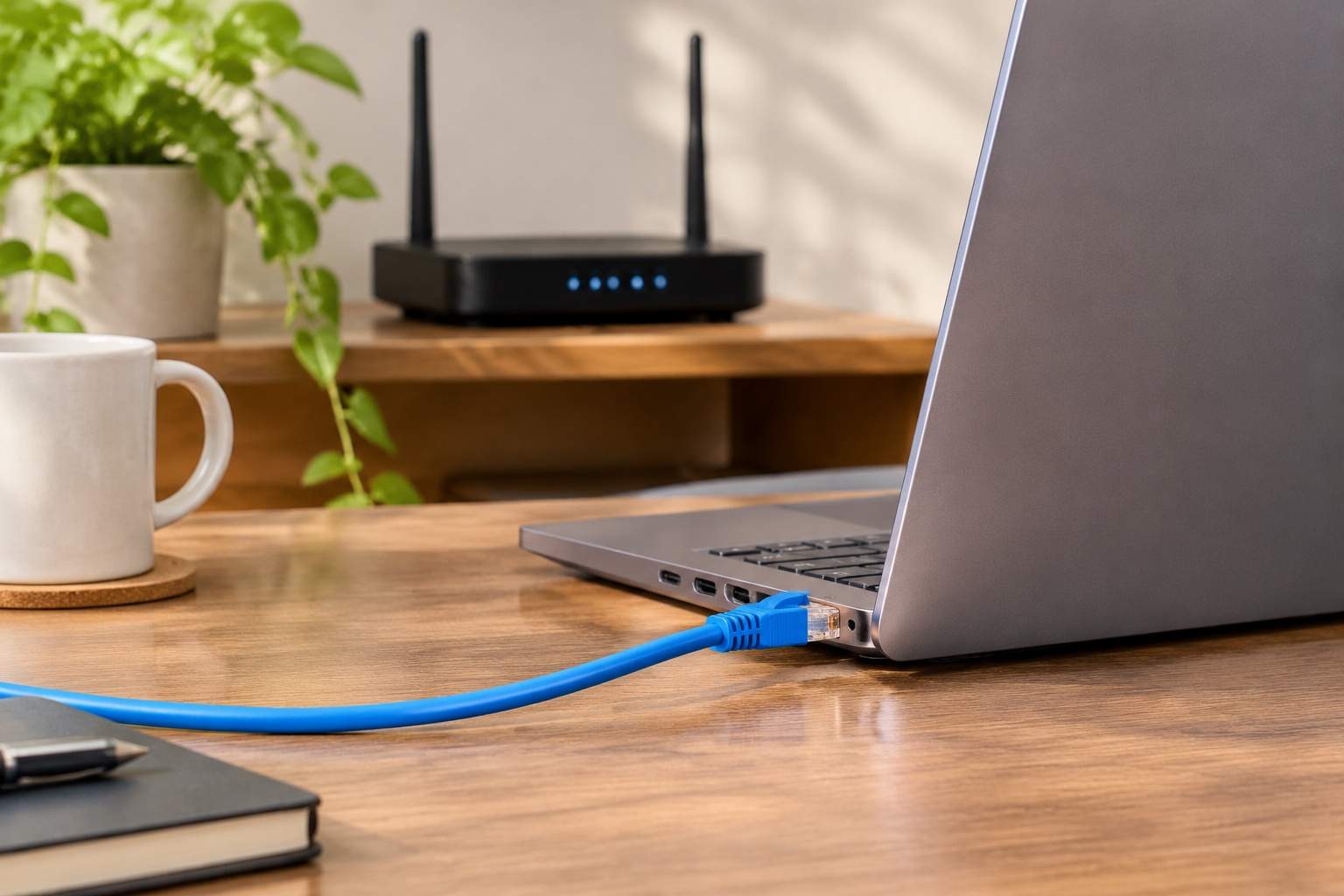
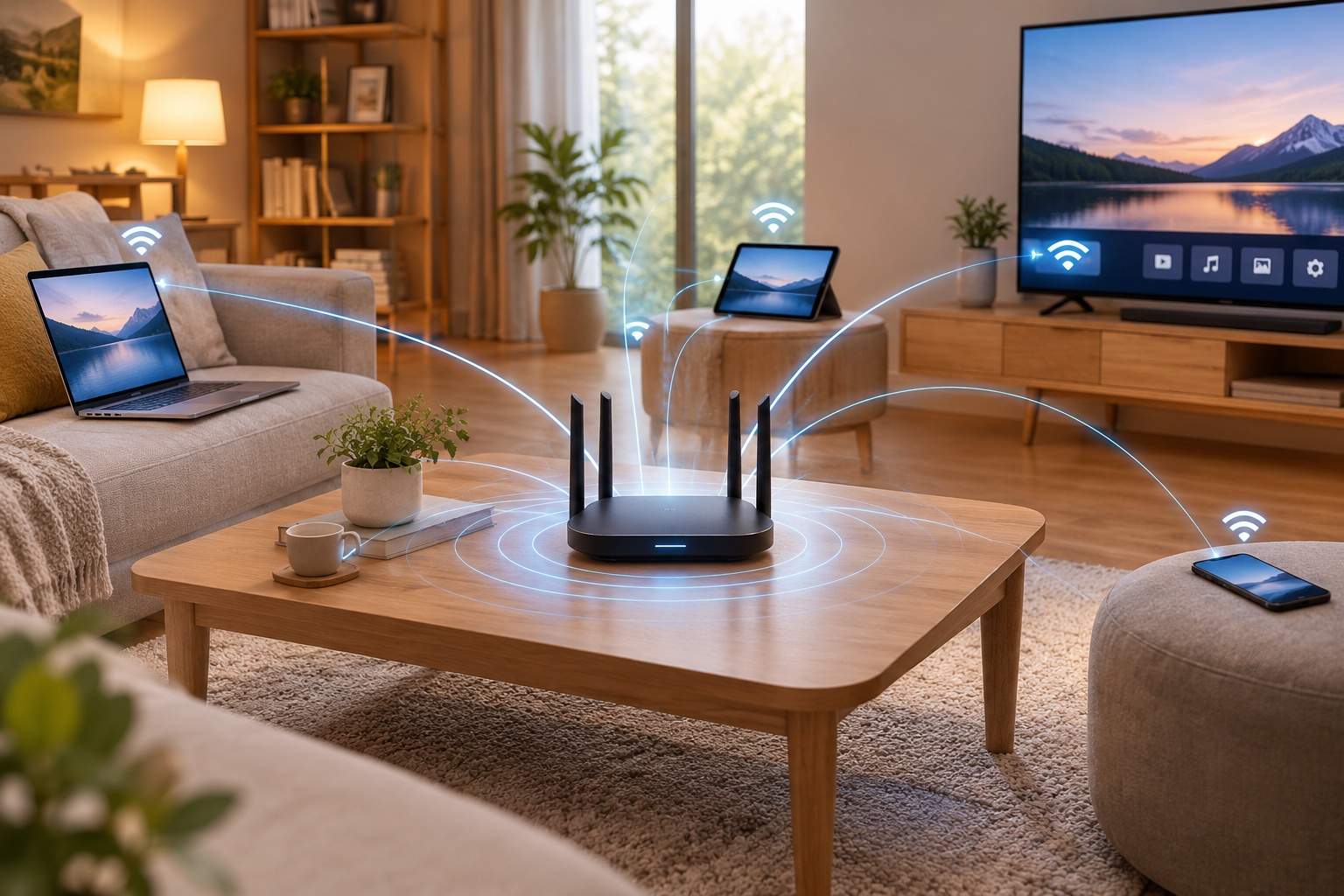
Running flat Cat6 Ethernet cables to key rooms costs a fraction of an annual subscription upgrade and guarantees true gigabit speeds with zero interference. If running cables is impossible, switching to a dedicated tri-band system or placing your router in a central, elevated location provides a massive performance boost without changing your subscription tier. Real productivity comes from a clean network topology, not bigger marketing numbers.