You just upgraded to a two gigabit fiber optic internet plan and bought a shiny top tier Wi-Fi 7 router. Yet, the exact moment your family member streams a video or downloads a game update in the next room, your critical work video call freezes. The consumer tech industry constantly tells us that paying for higher gigabit bandwidth will magically clear up our connection headaches. Having spent decades designing hardware and studying signal paths, I can tell you that raw bandwidth speed is rarely the real bottleneck in modern homes.
E.g. :Sustainable Plastics: A Microplastic Health Hazard Hiding in Plain Sight?
- 1、Understanding Why Ultra Fast Fiber Internet Bandwidth Fails Real Time Zoom Calls
- 2、How Latency And Bufferbloat QoS Disrupt Daily Work From Home Routines
- 3、The Untold Limits Of Wireless Mesh Routers In Modern Smart Homes
- 4、Why A Simple Cat6 Ethernet Cable Beats Expensive Wireless Tech
- 5、Practical Buying Guidance To Improve Network Performance Without Overspending
Understanding Why Ultra Fast Fiber Internet Bandwidth Fails Real Time Zoom Calls
Think of bandwidth as a massive highway with multiple lanes. Moving from a three hundred megabit plan to a two gigabit plan simply adds more lanes to your road. However, real-time application stability depends entirely on latency, which acts as the speed limit and traffic light system on those lanes. If your data hits a traffic jam at the router interface, extra lanes will not get your packets across any faster.
Most video conferencing tools and online games require very little actual data volume. They demand instant, uninterrupted packet arrival. A modest three hundred megabit wired connection with low delay delivers a vastly smoother experience than an unoptimized two gigabit wireless connection dropping data packets in mid-air.
How Latency And Bufferbloat QoS Disrupt Daily Work From Home Routines
When multiple devices dump heavy traffic into your router simultaneously, memory buffers overflow. Hardware engineers call this phenomenon bufferbloat. Your router holds onto small, urgent voice packets while processing large data downloads, instantly turning a clean twenty millisecond call delay into a three hundred millisecond freeze.
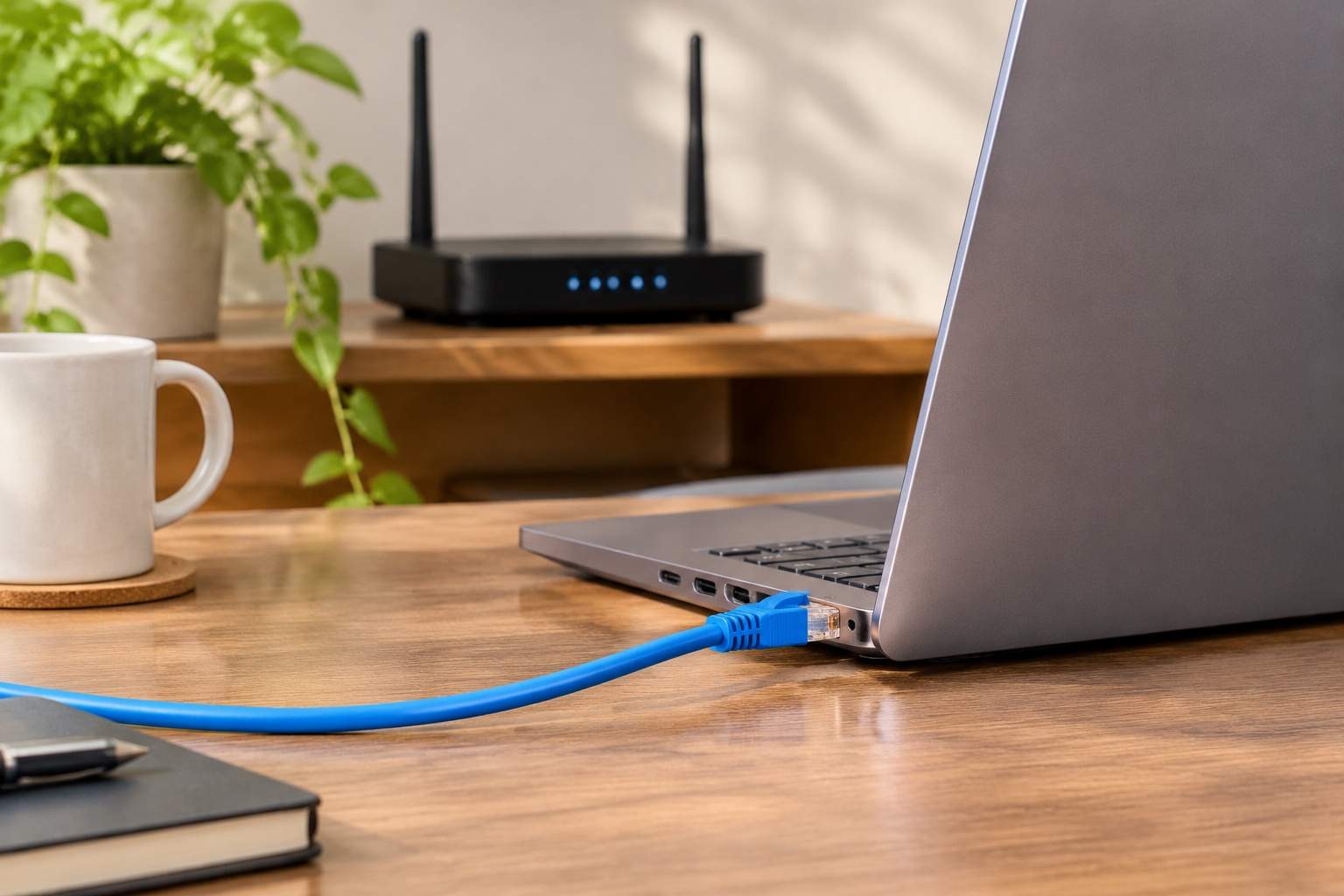
Enabling Quality of Service or QoS features within your router software acts as an active traffic controller. QoS prioritizes time-sensitive voice and video packets over background app updates. Configuring this simple setting fixes daily call stutters without forcing you to spend a single extra dollar on your monthly internet bill.
The Untold Limits Of Wireless Mesh Routers In Modern Smart Homes
Wi-Fi 7 hardware introduces impressive specs like expanded channel width and advanced modulation. However, radio signals must still travel through physical space, where environmental physics always wins over marketing promises.
Channel Interference And Signal Decay Across Concrete Walls
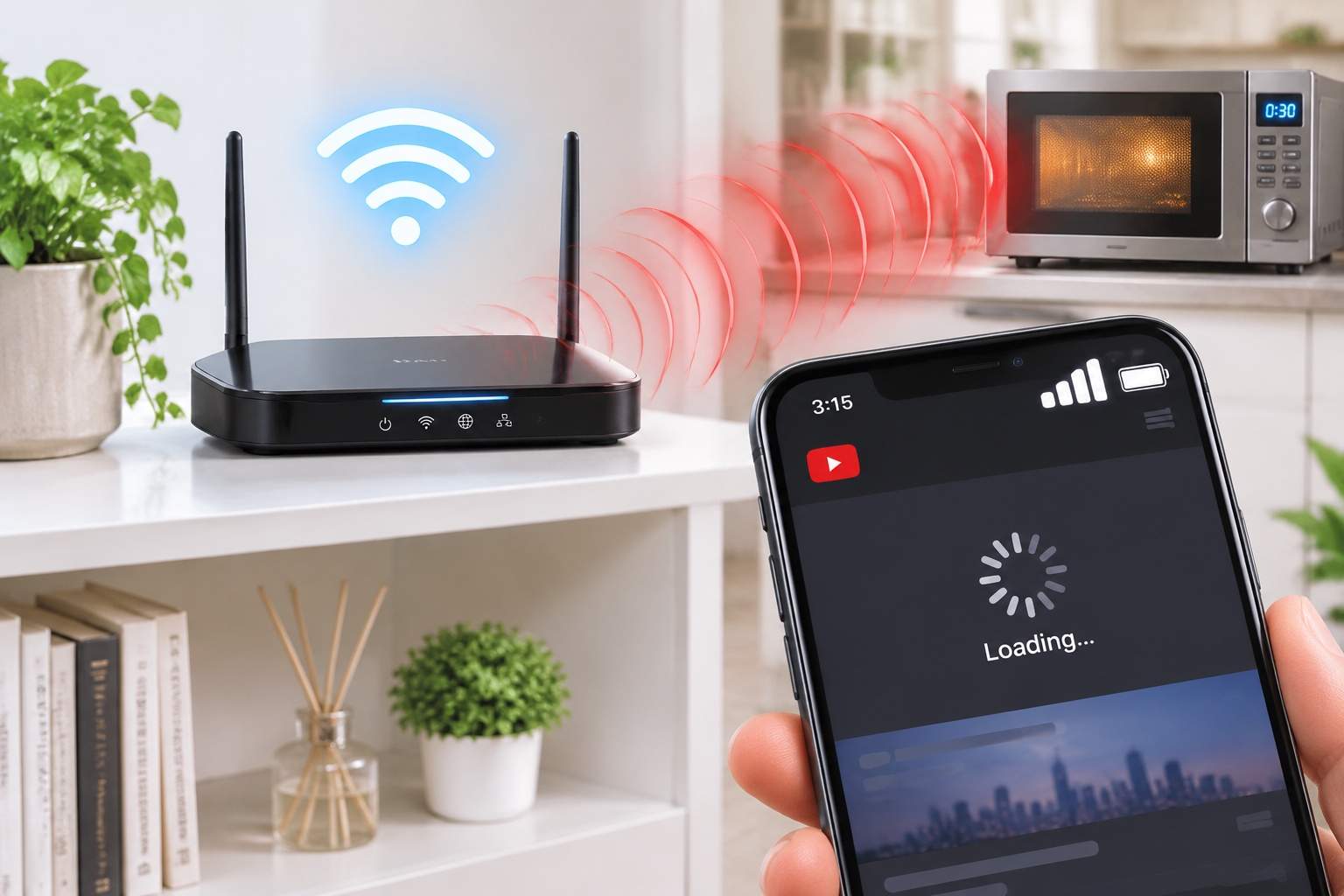
Every interior wall, mirror, and metal appliance degrades wireless signals. Bouncing radio waves cause packet loss, forcing your router to retransmit data continuously. This process creates invisible micro-delays that cripple real-time video calls, regardless of how high your router gigabit rating is.
Why A Simple Cat6 Ethernet Cable Beats Expensive Wireless Tech
A fifty-dollar Cat6 Ethernet cable hidden along a baseboard carries data through solid copper wires. Copper does not care about microwave interference, thick drywall, or radio congestion from neighboring apartments. It consistently delivers single-digit millisecond response times around the clock.
Setting Up Ethernet Backhaul For Pure Stability
If your household requires wireless coverage for mobile devices, use physical cables to connect your secondary access points. Wiring these nodes together creates a dedicated physical backhaul. This offloads node-to-node communication from the airwaves, freeing up wireless channels for smartphones and tablets.
Practical Buying Guidance To Improve Network Performance Without Overspending
Expensive wireless mesh systems are great for large households with dozens of casual smart home devices where absolute low latency is not critical. They offer convenience and clean aesthetics, but they cannot guarantee perfect stability for demanding real-time tasks.
On the flip side, physical Ethernet cables and low-cost switches are built for remote workers, gamers, and practical users who prioritize rock-solid reliability over flashy tech specs. Running a clean cable requires brief setup effort, but it yields unbeatable performance for a fraction of the price.
Before spending hundreds of dollars on a flagship wireless router, try running a single copper cable directly to your main workstation. You will achieve lower latency, eliminate video stutter, and keep your hard-earned money in your pocket.