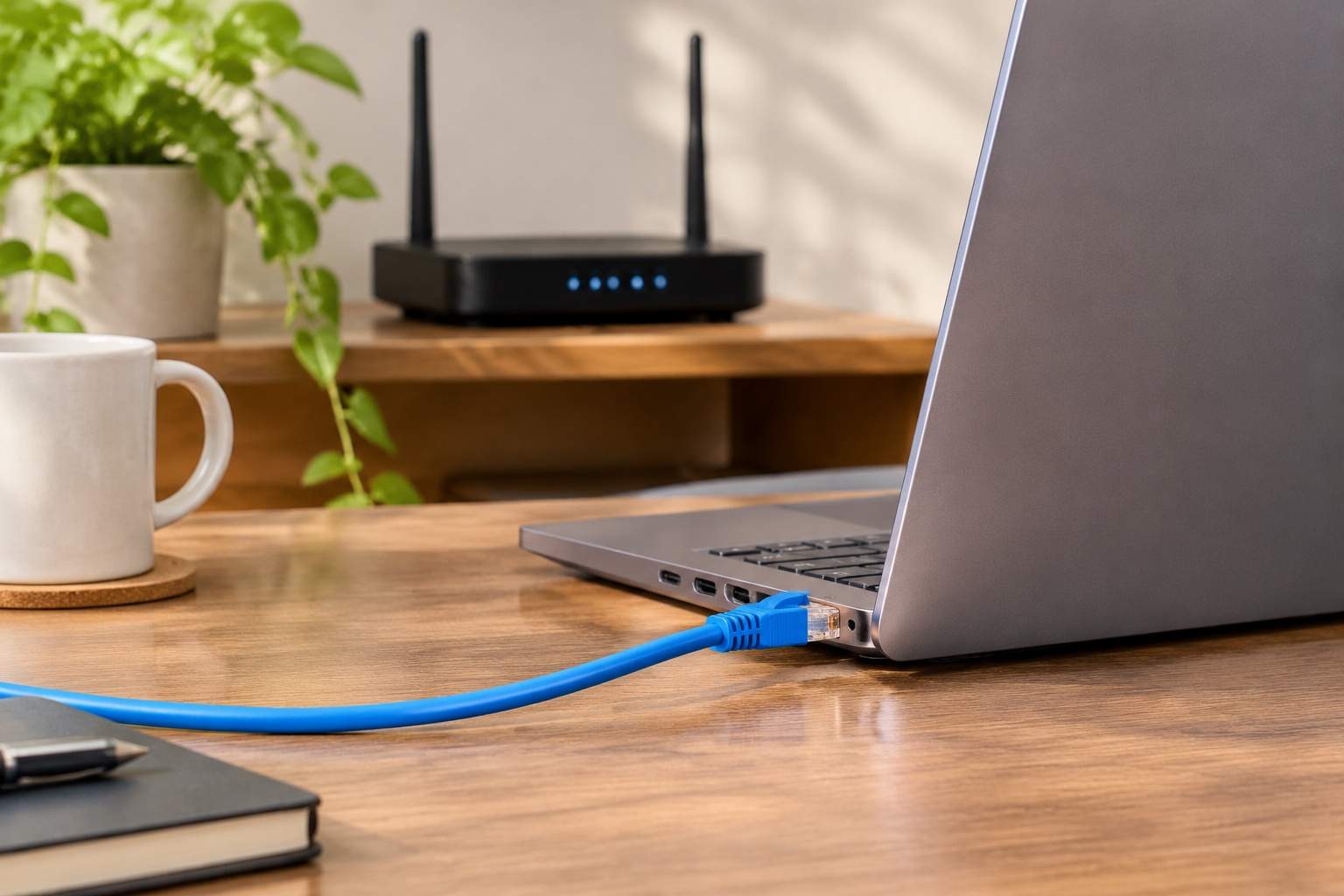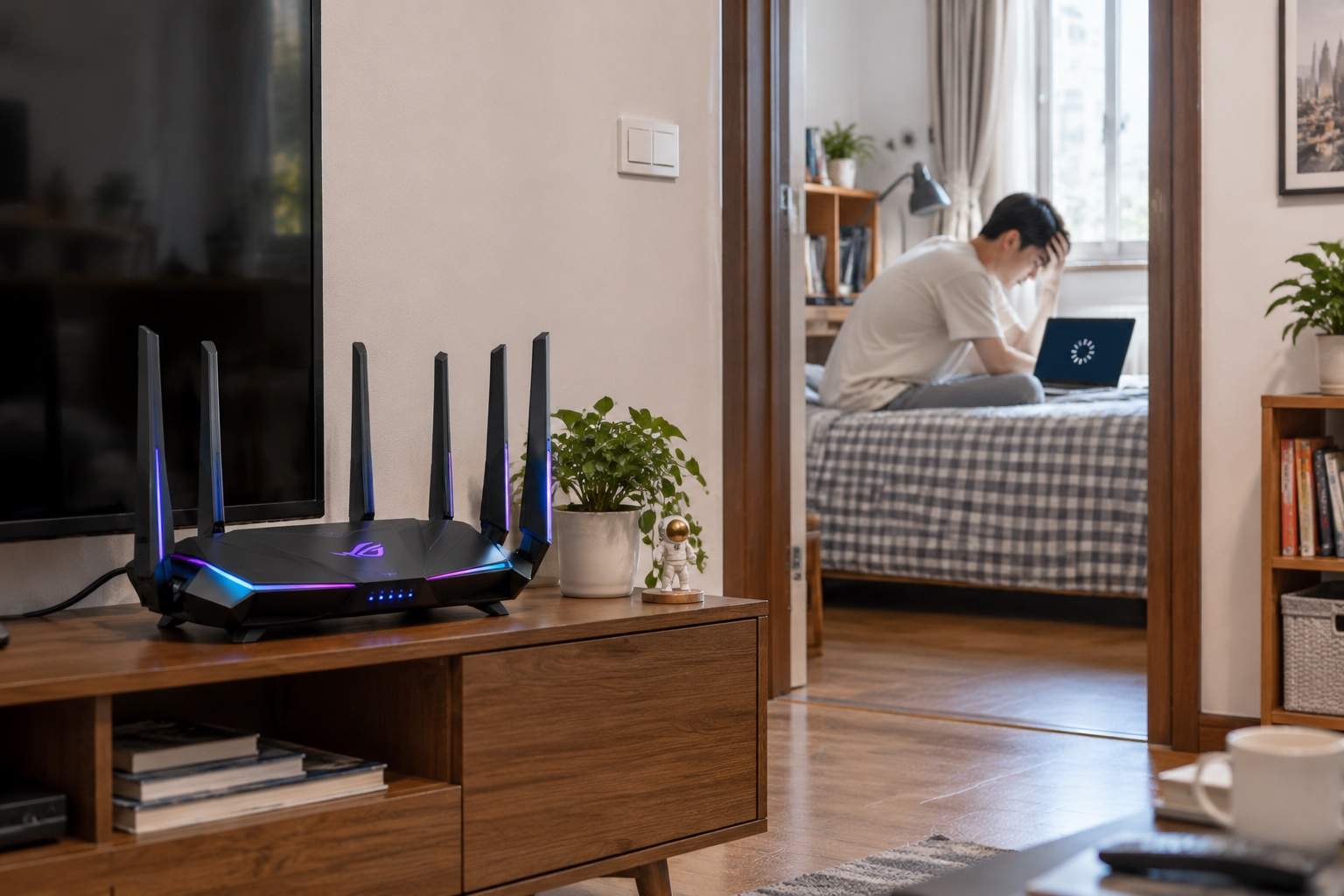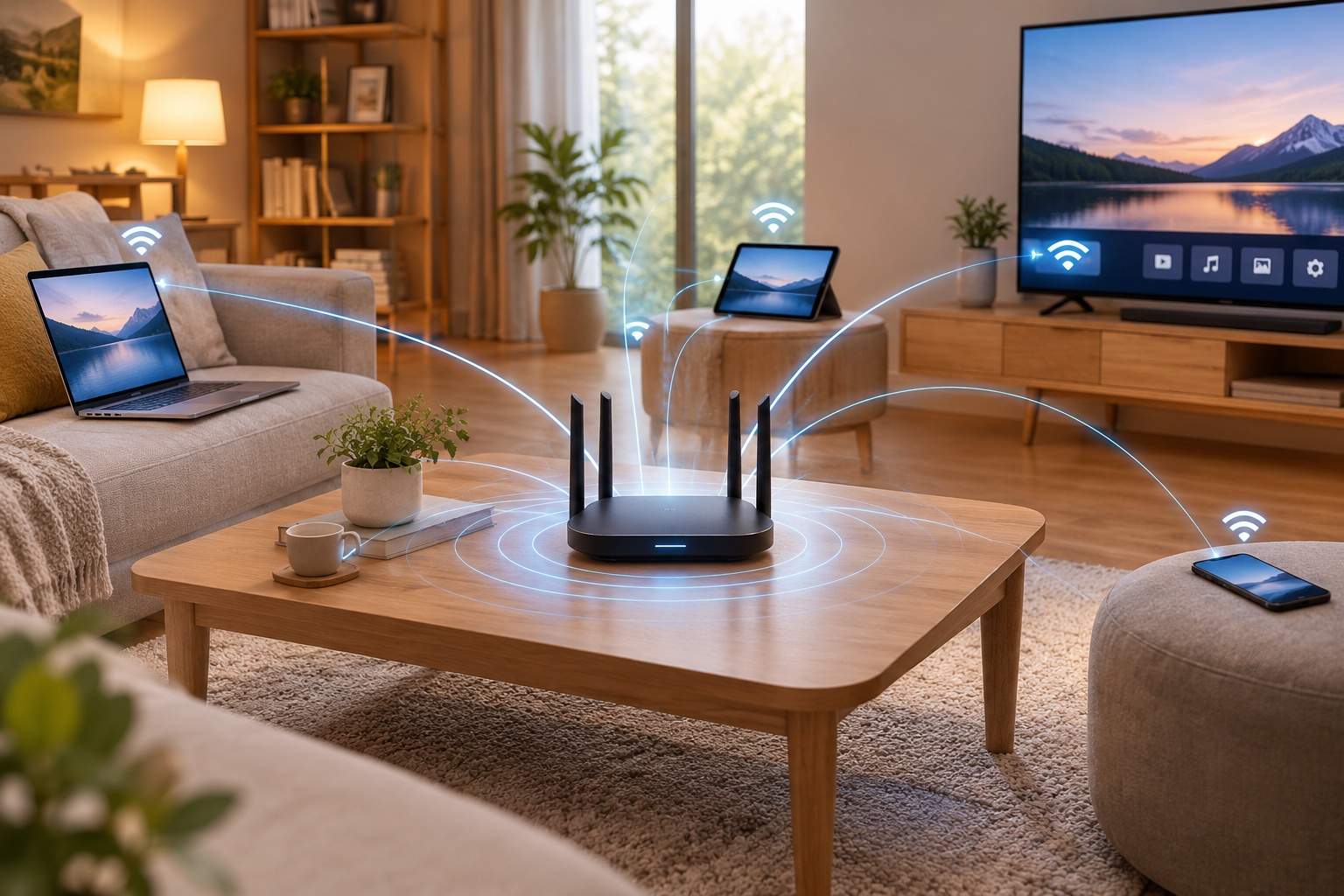
So, you just shelled out a hefty sum for the latest, greatest Wi-Fi 7 router, probably sporting more antennas than a space station. You plugged it in, admired its blinking lights, and confidently declared war on buffering. Yet, here you are, still fighting that war. The kids are yelling about game lag downstairs, your video call freezes mid-sentence in the home office, and that 4K movie in the bedroom? It’s buffering like it’s 2005. What gives?
E.g. :Your Gigabit Wi-Fi Feels Slow: The Hidden Home Network Speed Trap
- 1、The Wi-Fi 7 Mirage: Speed, Latency, and Home Network Reality
- 2、Your Home's Hidden Enemies: Wi-Fi Dead Zones and Physical Obstacles
- 3、The Single Router Trap: Why Powerful Wi-Fi Isn't Enough for Coverage
- 4、Mesh Wi-Fi Systems: Unlocking Seamless Wireless Performance
- 5、Beyond Hardware: Optimizing Your Existing Home Wi-Fi Network
This isn't just frustrating; it's a symptom of a widespread misunderstanding, a big Wi-Fi lie that the tech world often subtly encourages. The lie? That simply throwing more money at the newest, fastest hardware will magically make your entire home network a connectivity paradise. As someone who’s battled countless network demons, I can tell you: it’s rarely that simple. The true efficiency and coverage of your Wi-Fi have far less to do with a single router's specs and far more to do with intelligent network design and understanding the battlefield – your home.
The Wi-Fi 7 Mirage: Speed, Latency, and Home Network Reality
Wi-Fi 7 is indeed a marvel, promising mind-boggling speeds, ultra-low latency, and enhanced capacity. Think of it as a super-fast highway. If you're standing right next to the highway entrance, you'll experience incredible velocity. But what happens if your destination is behind three mountains and a dense forest? The highway's raw speed becomes irrelevant if you can't reach it efficiently.
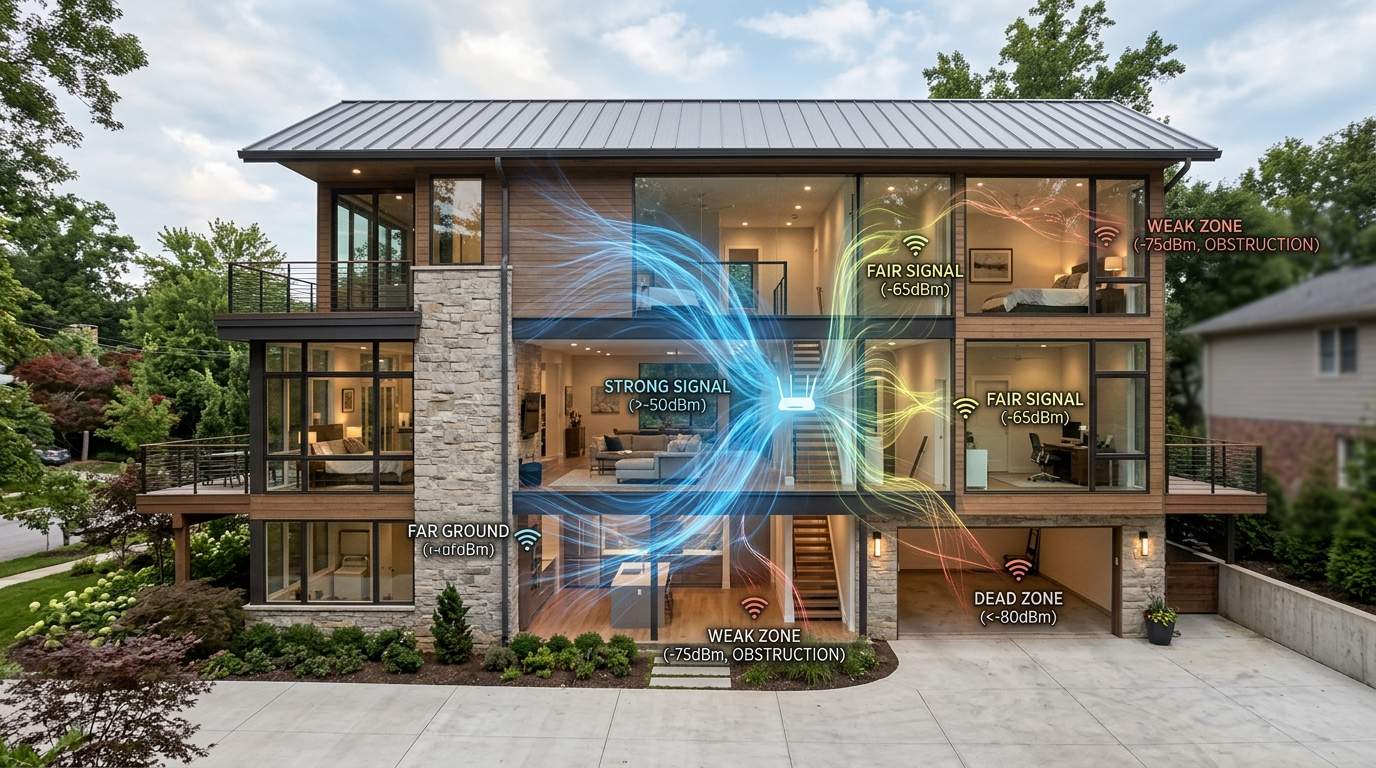
The reality is, your home isn't an open-air test lab. It's a maze of walls, furniture, and interference. While Wi-Fi 7 routers offer impressive theoretical throughput, that power diminishes rapidly as the signal encounters obstacles. Industry data consistently shows that a Wi-Fi signal can lose 20-30% of its strength passing through a single drywall and over 50% through concrete or brick. That shiny, expensive router might be screaming data at 10 Gigabits per second at its core, but by the time it reaches your bedroom through two walls and a floor, it could be limping along at a fraction of that, struggling to hit even 100 Megabits per second.
Your Home's Hidden Enemies: Wi-Fi Dead Zones and Physical Obstacles
The biggest culprits behind those infuriating Wi-Fi dead zones aren't always your ISP or even your router's age. More often, it's your home itself. Consider the architectural quirks: a multi-story house with concrete slabs between floors, an older apartment building with thick plaster and lath walls, or even seemingly innocuous elements like kitchen appliances.
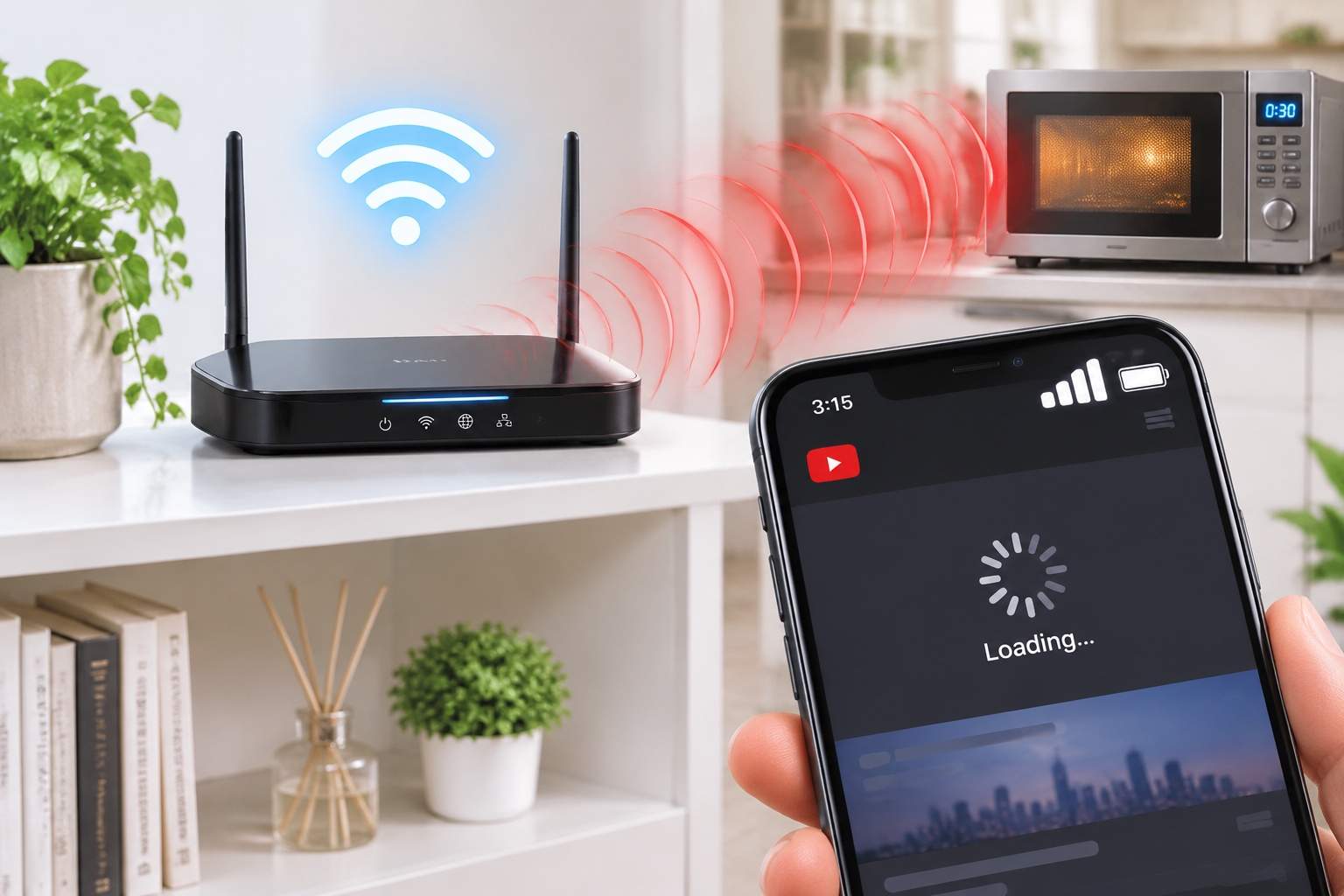
Picture this: your new Wi-Fi 7 router sits proudly in the living room. Downstairs, in the gaming corner, your kids are raging because their ping is through the roof. It's not just distance; that massive plasma TV, the refrigerator filled with water, or even metal ductwork running through the floor can act as signal blockers. A microwave oven operating on the 2.4GHz band can temporarily obliterate Wi-Fi signals in its vicinity, reducing effective speeds by over 90% in some cases. Your expensive router can only broadcast; it can't magically bend signals around solid objects or overpower electromagnetic interference.
The Single Router Trap: Why Powerful Wi-Fi Isn't Enough for Coverage
A single, powerful router, no matter how cutting-edge, is designed to be a central broadcast point. For many, this is fine. For others, it's a trap.
The pros are clear: a single router is generally simpler to set up and more cost-effective for smaller spaces. If you live in a compact apartment (say, under 1,000 square feet) or a small, open-plan office, a robust single router might indeed give you excellent coverage and speed. It's a minimalist approach that works when your demands are straightforward and your environment is cooperative.
However, the cons quickly outweigh the pros for larger or more complex environments. A single router creates a "hub-and-spoke" network; the further you are from the hub, the weaker the signal. It’s also a single point of congestion if too many devices demand bandwidth simultaneously from that one location. If your home has multiple floors, concrete walls, or extends beyond 1,500 square feet, relying solely on one router, even a top-tier Wi-Fi 7 model, is often a recipe for frustration and the dreaded dead zone. It’s simply not designed to spread strong, consistent signals across wide, obstructed areas.
Mesh Wi-Fi Systems: Unlocking Seamless Wireless Performance
So, what’s the actual game-changer for large homes or offices plagued by connectivity issues? Enter the Mesh Wi-Fi System. This isn't just about buying another router; it's a fundamentally different approach to network design.
Imagine a network not as a single powerful lightbulb, but as a series of strategically placed lamps, all working together to illuminate every corner of your space. A typical 3-node mesh system, for example, can reliably cover homes up to 5,000-6,000 square feet, ensuring that devices at the network's edge receive 80% or more of the central router's speed, rather than a mere 10-20%. This means uninterrupted 4K streaming in your master bedroom, lag-free gaming in the basement, and crystal-clear video calls from your backyard office.
The beauty of mesh is its seamless roaming – as you move around, your device automatically connects to the strongest mesh node without you ever noticing a dropped connection. They are designed for scalability, allowing you to add more nodes as your needs grow. While the initial investment for a mesh system is higher than a single router, it’s often a fraction of the cost of cabling your entire home and offers far more flexibility.
Mesh Design: Strategic Placement for Optimal Wi-Fi
Simply buying a mesh system isn't enough; placement is paramount. Think of it like setting up speakers for surround sound: you don't just dump them in a corner. Each mesh node needs to be within good range of another node (or the main router) to create a strong "backhaul" – the hidden pathway that carries data between the nodes. A common mistake is placing a node in an existing dead zone, expecting it to magically create a strong signal there. Instead, place it before the dead zone, where it can still get a decent signal from the main router, and then extend that strong signal further.
Backhaul Basics: The Unsung Hero of Mesh Network Speed
The "backhaul" is the dedicated connection between your mesh nodes, and it's critical for performance. Some mesh systems use a dedicated wireless band (like a 5GHz or 6GHz band for Wi-Fi 6E/7 systems) solely for this purpose, preventing client devices from competing for that bandwidth. Others rely on wired Ethernet connections between nodes, which is often the gold standard for maximum speed and stability, especially in environments with heavy traffic. Understanding your system's backhaul capability and optimizing it (e.g., wiring nodes if possible) can make a significant difference in overall network speed and reliability.
Beyond Hardware: Optimizing Your Existing Home Wi-Fi Network
Even with the right network architecture, there are still layers to optimizing your wireless performance. Don't forget the low-hanging fruit:
- Firmware Updates: Think of them as software tune-ups for your router. Manufacturers constantly release updates to improve performance, fix bugs, and enhance security. Schedule regular checks; it's free performance!
- Channel Selection: Wi-Fi operates on specific channels. If your neighbors are also on the same channel, it's like everyone trying to talk over each other in a crowded room. Most modern routers can auto-select the least congested channel, but a manual check in your router settings might reveal a quieter option, especially in dense residential areas.
- Client Device Capabilities: Your network is only as fast as its slowest link. An expensive Wi-Fi 7 router won't magically make an old laptop with a Wi-Fi 4 or Wi-Fi 5 network adapter achieve Wi-Fi 7 speeds. Ensure your frequently used devices (laptops, phones, gaming consoles) have modern Wi-Fi adapters that can take advantage of your network's capabilities.
Ultimately, technology should serve us, not the other way around. Don't fall for the simple "buy the most expensive box" trap. Be an efficiency mentor for your own home network. Understand your physical space, identify your pain points, and then invest in a solution that truly addresses those challenges, letting technology finally work for you, everywhere in your home.