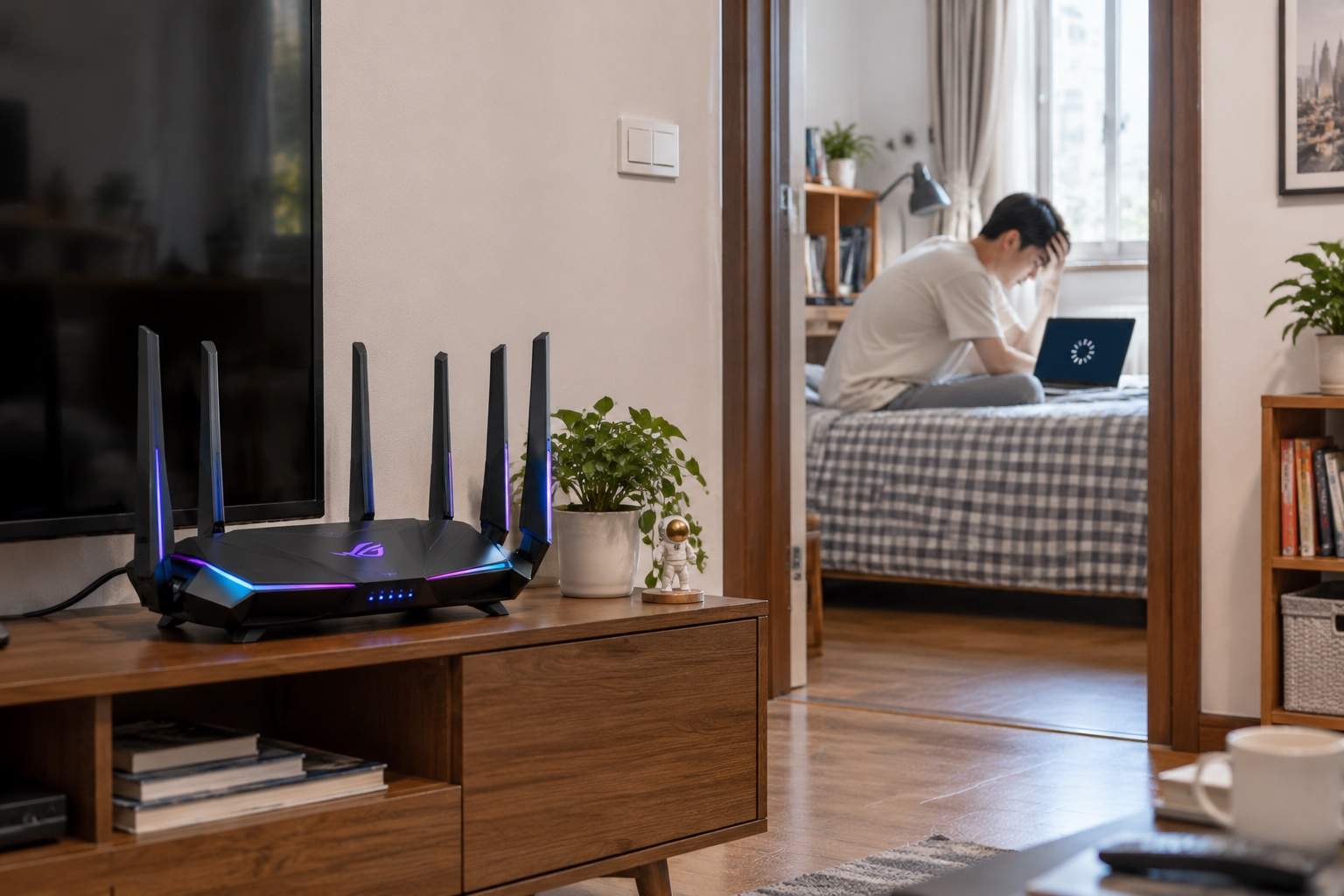
Ever felt that sting of disappointment? You just shelled out good money for a blazing-fast gigabit fiber internet connection and a shiny, multi-antenna Wi-Fi 6E router, convinced your buffering days were over. Yet, here you are, stuck in your bedroom, watching Netflix stutter like dial-up, or worse, your critical work video call drops mid-sentence. You paid for speed, but you're still locked in a buffering purgatory in certain "dead zones." What gives?
E.g. :Your Smart Streetlight is Identifying Your Phone as You Walk By
- 1、Your Router Isn't Always the Hero: Understanding Wi-Fi Limits
- 2、The Invisible Battle: Wireless Interference and Signal Blockers
- 3、The Smart Solution: Mesh Wi-Fi for Seamless Coverage
- 4、Beyond the Box: Fine-Tuning Your Home Network
- 5、Stop Wasting Money: Your Personalized Wi-Fi Strategy
The common wisdom says, "Faster internet plus a powerful router equals perfect Wi-Fi everywhere." But as a seasoned hardware veteran who's seen more network cables than hot dinners, I'm here to tell you that’s often a myth. Your expensive new router isn’t necessarily broken; it's often a symptom of a deeper, often overlooked challenge: your home network strategy. You might be pouring money into raw speed when what you truly need is better coverage and distribution. Let's dig into why your gigabit dreams are hitting a brick wall.
Your Router Isn't Always the Hero: Understanding Wi-Fi Limits
Many assume a single, powerful router, especially a high-spec Wi-Fi 6E model, can single-handedly blanket a multi-story home with strong, fast Wi-Fi. While these routers are indeed potent, they have inherent limitations. Imagine a super-loud speaker in your living room. Everyone nearby hears it clearly, but try listening to it in the attic through two closed doors and a concrete floor – good luck. Wi-Fi signals behave similarly.
Modern routers pack incredible processing power, but their physical radio waves still struggle against the real-world obstacles in your home. We've seen countless cases where a top-tier router placed centrally in a 2,500 sq ft house only delivers a fraction of its potential speed in rooms just 40 feet away, especially with walls in between. This isn't a router deficiency; it’s a physical reality check for signal propagation.

The Invisible Battle: Wireless Interference and Signal Blockers
Your Wi-Fi signal isn't floating in an empty void; it's constantly battling invisible enemies. Think of your Wi-Fi as a polite conversation in a noisy room. Every other gadget is another chatterbox.
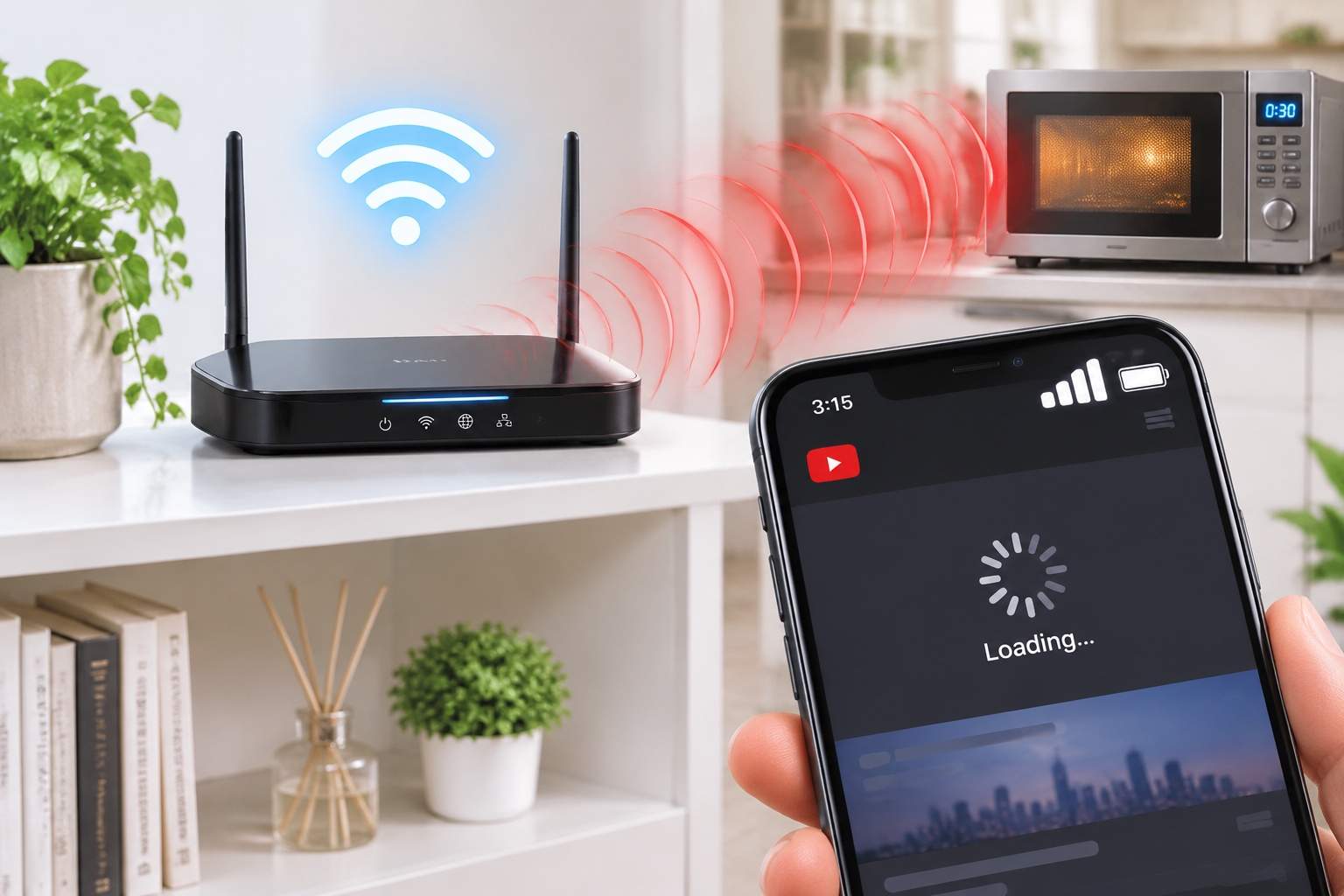
Why Your Microwave Kills Wi-Fi
That old microwave oven in your kitchen? It operates on the 2.4 GHz frequency, the same band many older Wi-Fi devices use. When it's zapping your leftovers, it's essentially shouting on the same channel, drowning out your Wi-Fi's whisper. Data shows that a running microwave can cause up to a 70% drop in 2.4 GHz signal throughput for nearby devices, turning your instant ramen into an instant connection killer. Beyond microwaves, even cordless phones, Bluetooth devices, and your neighbor's Wi-Fi can wage a silent war on your signal.
The Great Wall of Drywall: Understanding Signal Barriers
Your home itself is a gauntlet for Wi-Fi. Drywall might seem innocuous, but multiply its effect through several layers. Concrete walls, common in apartments or basements, are signal fortresses, capable of reducing Wi-Fi strength by as much as 50% per wall. Even metal appliances, reinforced steel in floors, or large mirrors can reflect or absorb signals, creating stubborn dead zones where your gigabit speed dwindles to mere kilobytes. For a family trying to stream 4K movies in the basement while someone video conferences upstairs, these barriers can make even the most robust router feel like a toy.
The Smart Solution: Mesh Wi-Fi for Seamless Coverage
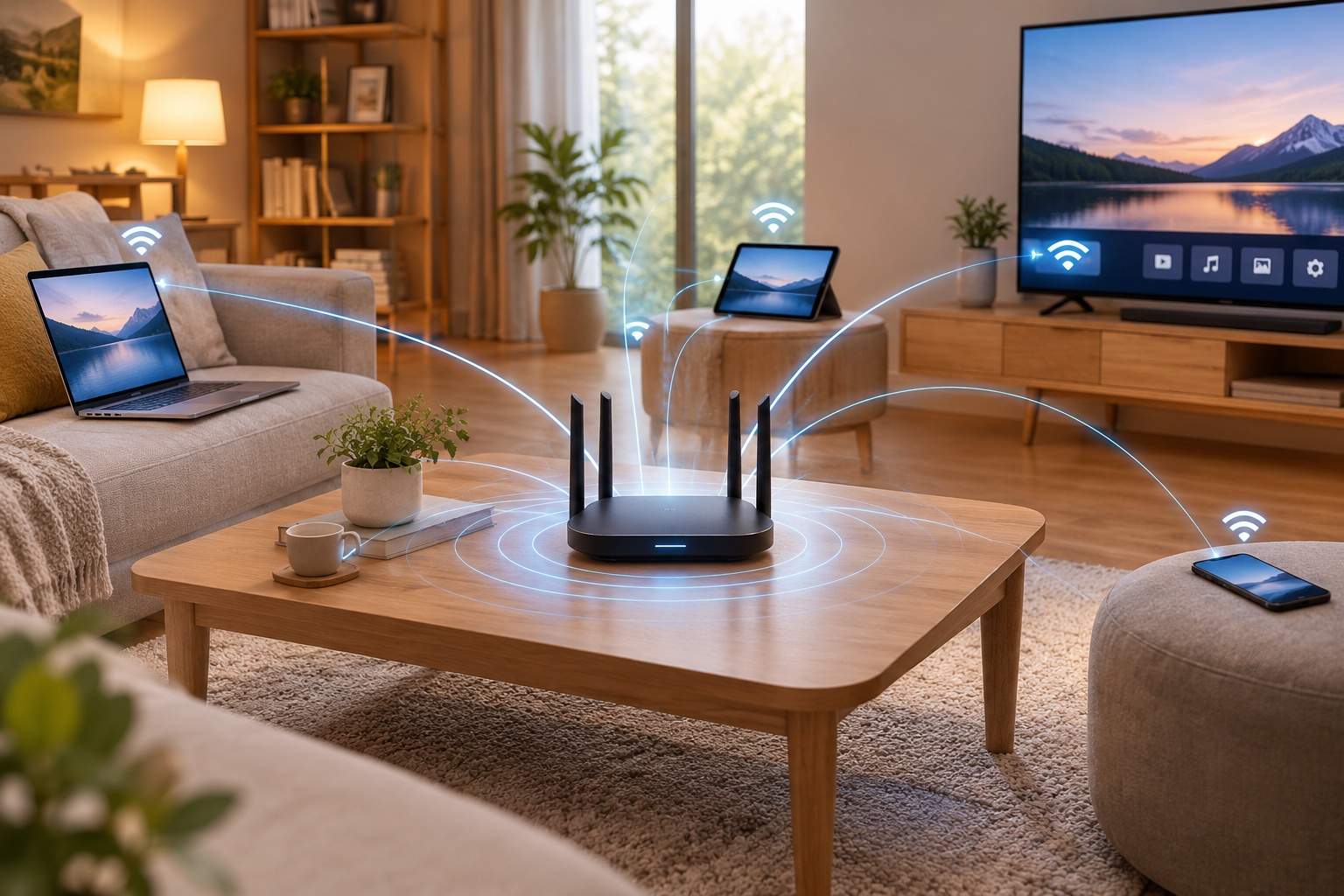
If your single router is a strong individual, a mesh Wi-Fi system is a well-coordinated team. Instead of one central point, mesh systems use multiple nodes placed strategically around your home, all working together to create a single, unified Wi-Fi network. Each node acts as a relay, extending coverage and eliminating dead zones.
Consider a 3,000 sq ft, two-story home. A single router might give you 800 Mbps near it, but only 50 Mbps in the far bedroom. A mesh system, with two or three nodes, can consistently deliver 300-500 Mbps across every room, ensuring your kid's online gaming session downstairs doesn't lag while you're uploading large files from your home office.
Ethernet Backhaul: The Unsung Hero of Speed
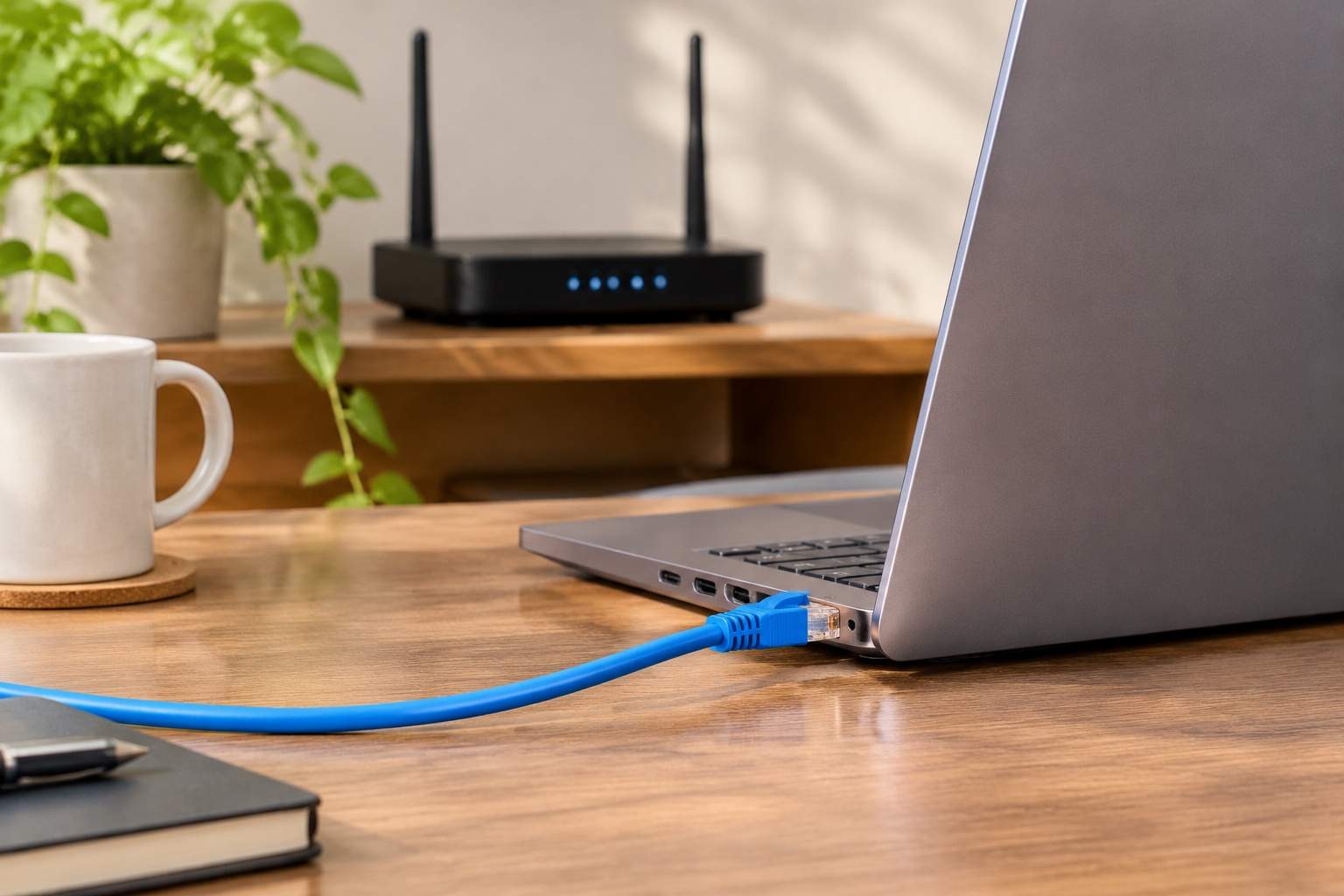
While mesh systems are great wirelessly, for ultimate performance, especially with gigabit internet, nothing beats an Ethernet backhaul. This means physically connecting your mesh nodes to each other (or to the main router) with Ethernet cables. It's like building dedicated, high-speed express lanes for your Wi-Fi data, bypassing airwave congestion entirely. This setup can boost Wi-Fi speeds at remote nodes by an astounding 2-3 times compared to a purely wireless mesh, turning theoretical speeds into tangible performance.
Beyond the Box: Fine-Tuning Your Home Network
Buying the right hardware is half the battle; optimizing it is the other. Simple adjustments can yield significant improvements.
Router Placement and Channel Optimization
The best spot for your primary router is often central, elevated, and away from obstructions and interfering electronics. Think high and clear. Additionally, most routers allow you to manually select Wi-Fi channels. Using a Wi-Fi analyzer app can help you identify congested channels (like busy highways) and switch to less crowded ones, giving your signal a clearer path. This simple tweak can often improve stability and speed by 10-20% in competitive environments.
Stop Wasting Money: Your Personalized Wi-Fi Strategy
So, is your gigabit router a waste? Not necessarily. For a small apartment or an open-plan studio, a single powerful router might be perfectly adequate. Its strength lies in raw throughput in ideal conditions.
However, if you live in a larger home, have multiple floors, challenging construction materials, or simply demand consistent, high-speed Wi-Fi everywhere for streaming, gaming, and remote work, then relying solely on one router is akin to trying to water an entire football field with a garden hose from one spot. You're simply under-serving your actual needs. Your investment should shift from just "speed" to "smart coverage." A mesh Wi-Fi system, ideally with Ethernet backhaul where possible, transforms your home into a uniformly high-performance network, ensuring your gigabit investment truly pays off, everywhere. Stop fighting dead zones and start building a network that works for your home, not against it.