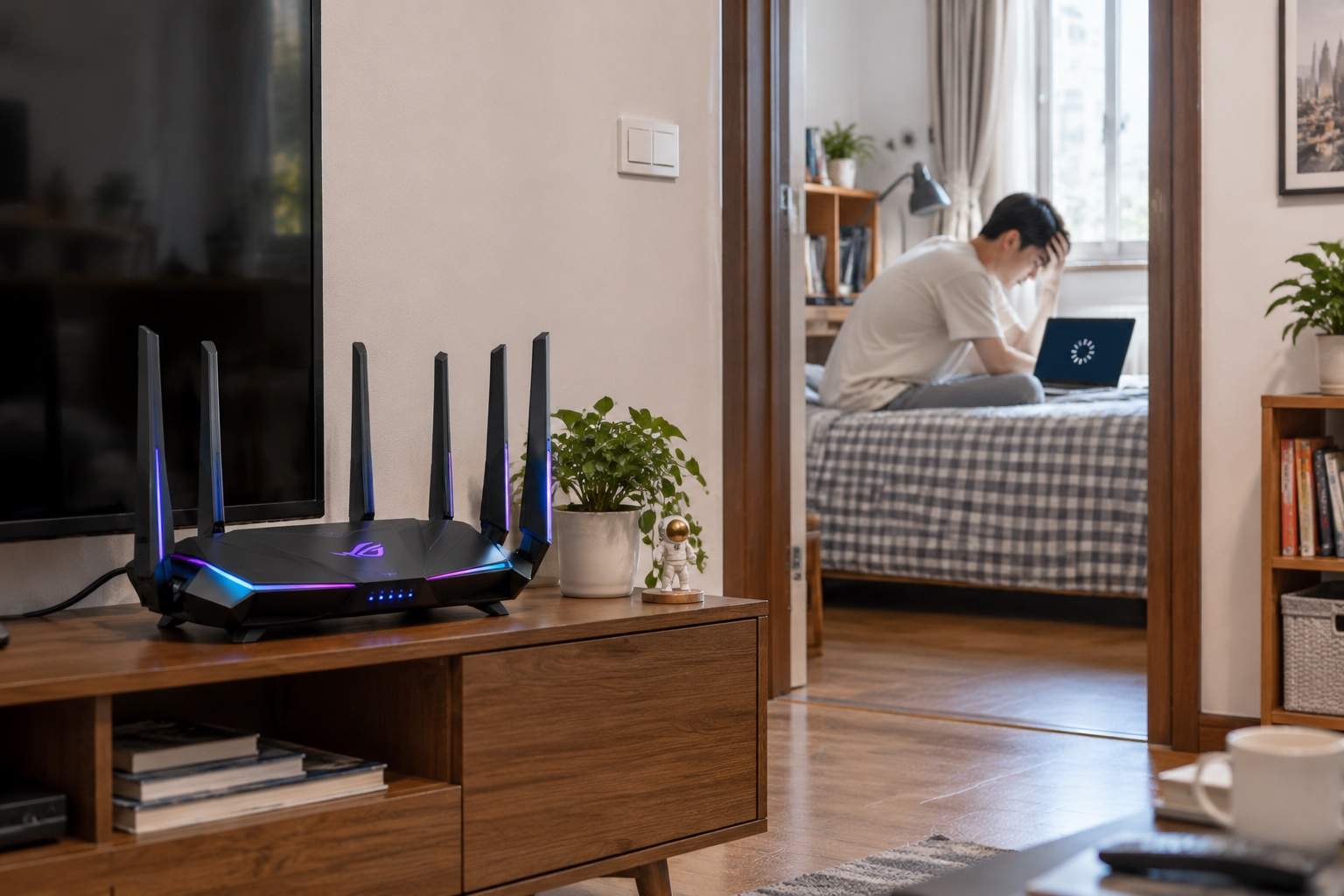
In today's hyper-connected world, seamless internet isn't a luxury; it's the invisible backbone of our daily lives. You've upgraded your internet plan to fiber speeds, invested in that shiny new Wi-Fi 6 (or even 7!) router, expecting buttery-smooth streaming and crystal-clear video calls everywhere. Yet, that one corner of the house remains a digital wasteland. Your gaming stutters in the kitchen, and the garage? Forget about it. The crushing blow? When you then add a "simple" Wi-Fi extender, only to find your whole network feels slower, not faster. What gives? Did you just throw good money after bad? Let's unpack this common, frustrating puzzle.
E.g. :Sustainable Plastics: A Microplastic Health Hazard Hiding in Plain Sight?
- 1、The Wi-Fi 6 Promise vs. Reality: Why Faster Isn't Always Further
- 2、Router Placement: The First (and Free) Step to Better Wi-Fi
- 3、The Extender Trap: Boosting Signal or Bottlenecking Bandwidth?
- 4、The Mesh Wi-Fi Solution: A Smarter Approach to Home Coverage
- 5、Beyond the Band-Aid: Tailoring Your Home Network Strategy
The Wi-Fi 6 Promise vs. Reality: Why Faster Isn't Always Further
You've heard the buzz: Wi-Fi 6 is a game-changer. And it is, but perhaps not in the way you think. Wi-Fi 6 (802.11ax) is brilliant at boosting speed and capacity for multiple devices simultaneously. It's like upgrading from a small sedan to a super-efficient sports car – it's faster and handles more traffic. But just because it's faster doesn't mean it can jump over mountains, or in this case, penetrate thick walls.
The core problem often isn't the router's speed, but its reach and signal propagation. A top-tier Wi-Fi 6 router might boast peak speeds of 1 Gbps+, but real-world speeds plummet with distance and physical obstacles. Take a typical home: a signal can drop 30-50% passing through a single drywall and up to 70-90% through concrete or brick. So, while your new router effortlessly delivers 500 Mbps in the living room, that bedroom across two load-bearing walls might only be limping along at 80 Mbps, triggering those dreaded buffering icons.
Router Placement: The First (and Free) Step to Better Wi-Fi
Before you buy anything else, let's talk about the absolute cheapest upgrade you can make: your router's location. Think of your Wi-Fi signal like a light bulb. You wouldn't stick a light bulb in a closet and expect it to illuminate your entire house, would you? The same logic applies to your router.
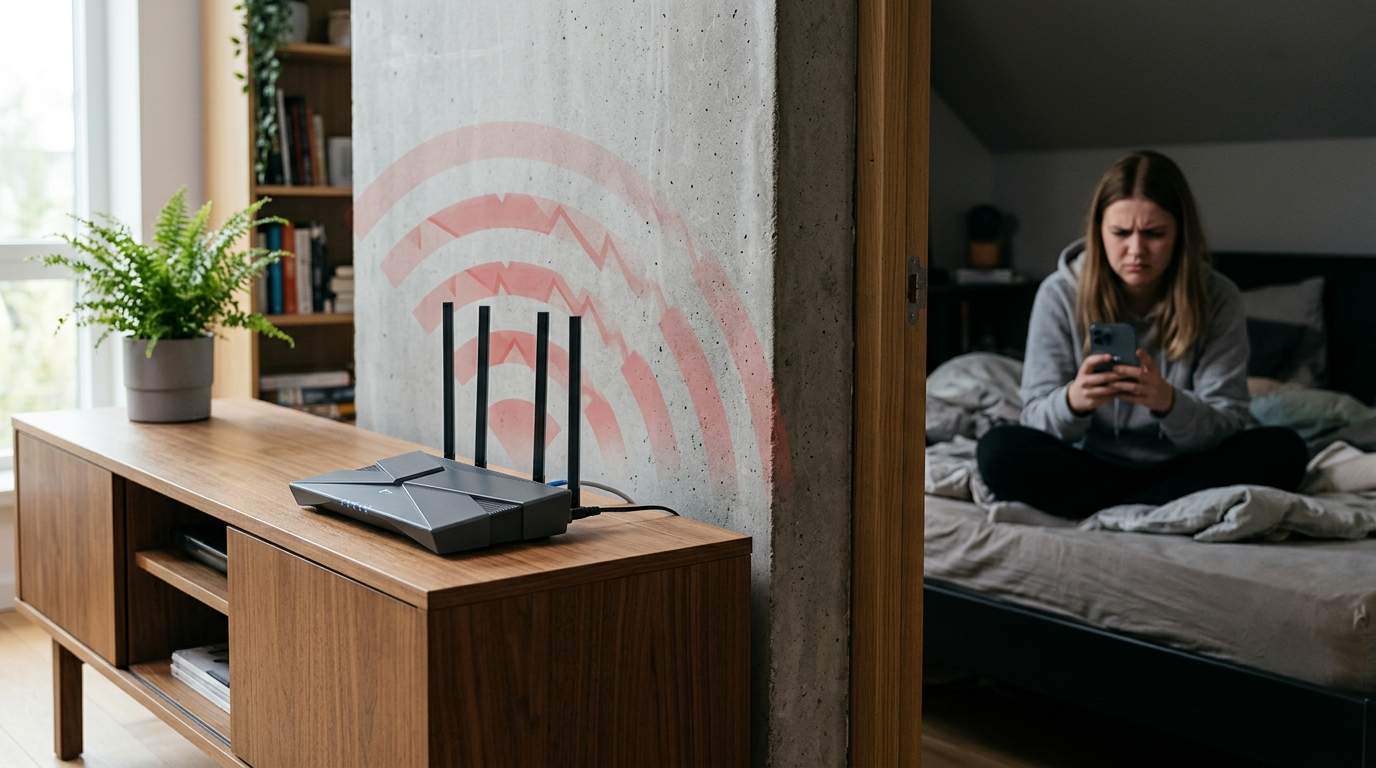
Placing your router centrally and elevated in your home is critical. Avoid corners, behind TVs, or inside cabinets. These spots act as signal black holes, absorbing or blocking your precious Wi-Fi. Studies show that simply moving a router from a cluttered corner desk to a central hallway shelf can boost signal strength by 10-20% in critical areas, often turning a patchy connection into a stable one. It costs nothing but a few minutes of your time.
Signal Interference: The Invisible Network Killer
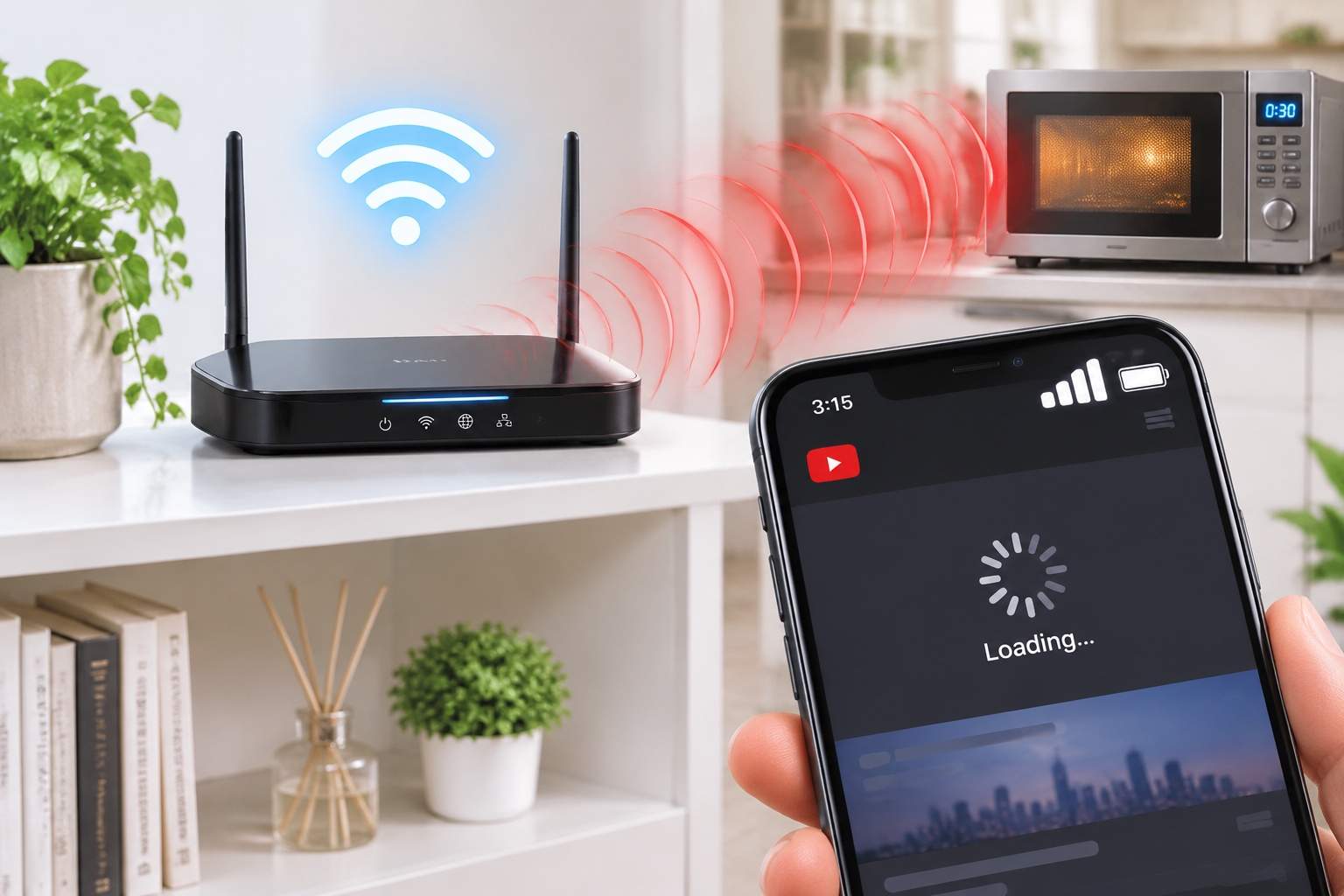
Even perfectly placed, your Wi-Fi faces unseen enemies. Signal interference is a silent assassin for your network. Sources are everywhere: microwaves, cordless phones, your neighbor's bustling Wi-Fi, even some smart home gadgets operating on the same frequency bands. Imagine trying to have a clear conversation in a crowded, noisy coffee shop – that's what your router deals with.
The older, more common 2.4GHz band travels further but is a magnet for interference. The faster 5GHz band is less susceptible to interference but gets blocked more easily by walls and objects. Ever notice your video call dropping the instant someone fires up the microwave? That's classic 2.4GHz interference at play. Identifying and mitigating these interference sources, sometimes as simple as changing your router's channel, can dramatically improve stability.
The Extender Trap: Boosting Signal or Bottlenecking Bandwidth?
So, you've tried moving your router, but still have dead zones. The obvious solution seems to be a Wi-Fi extender, right? It promises to "boost" your signal. In human words, an extender is like a messenger shouting messages across a noisy room. The catch? That messenger first has to listen to the original message, and then shout it out again. This "listen-then-talk" process, often on the same wireless channel, creates a significant bottleneck.
Here's the data: many traditional extenders can effectively halve your available bandwidth. If your router is pulling 300 Mbps from your ISP, an extender might only deliver 150 Mbps to its connected devices, and often much less depending on its distance from the main router. This means higher latency, slower downloads, and a general feeling of a sluggish network, leaving you more frustrated than before.
The Mesh Wi-Fi Solution: A Smarter Approach to Home Coverage
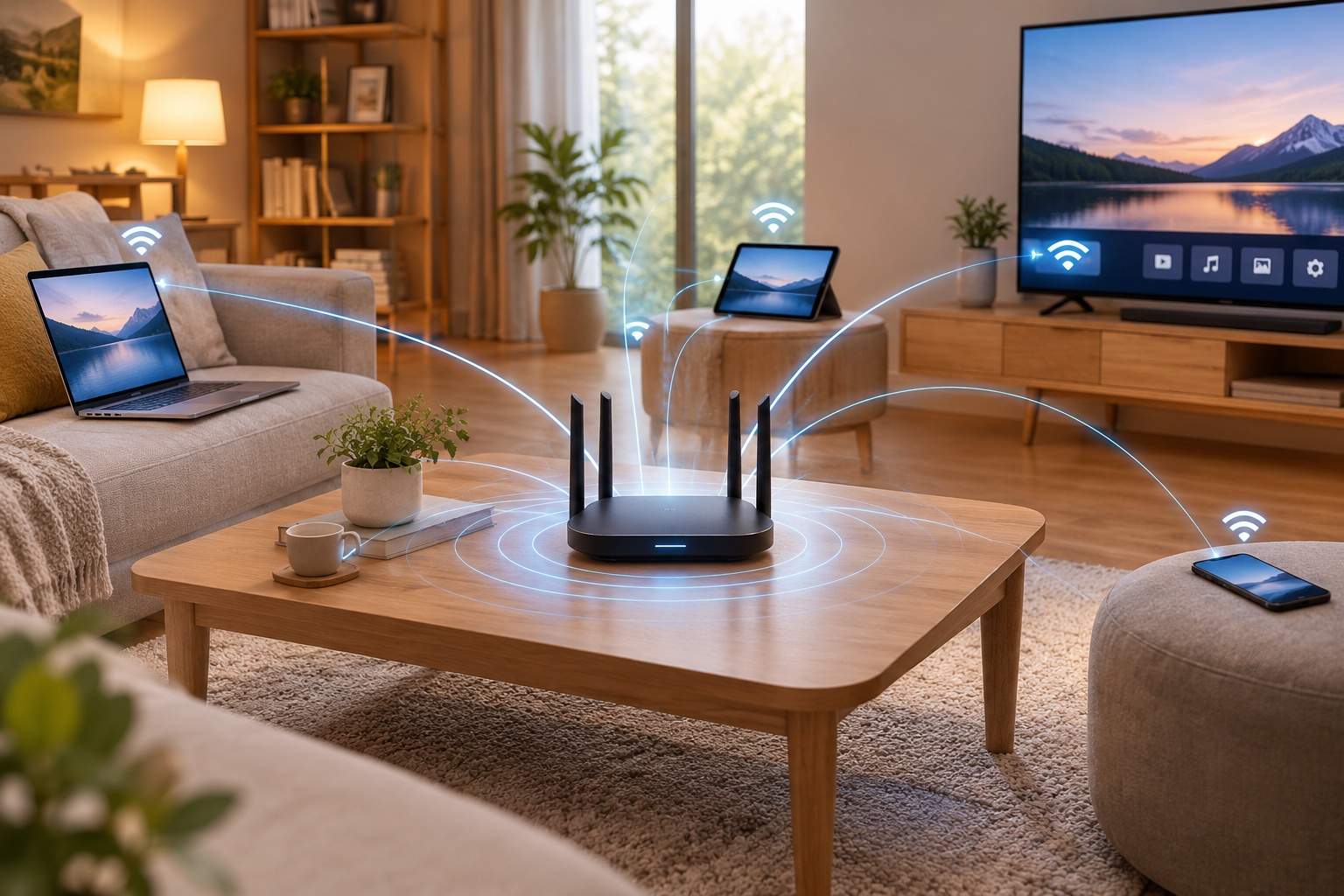
If dead zones persist, and extenders are more of a headache than a help, it’s time to consider a modern solution: a Mesh Wi-Fi System. Think of Mesh Wi-Fi not as a single shouting messenger, but as a team of strategically placed, smart communicators who work together seamlessly.
A Mesh system consists of multiple "nodes" that create a unified, intelligent network, often covering thousands of square feet. Unlike extenders that simply repeat a degraded signal, Mesh nodes communicate with each other to ensure consistent performance. Many premium Mesh systems feature dedicated "backhaul" – a separate wireless or wired connection specifically for the nodes to talk to each each other. This dedicated backhaul prevents the notorious 50% bandwidth drop seen in traditional extenders. A 3-node Mesh system can easily cover a 4000 sq ft home with stable, high-speed Wi-Fi, whereas a single router and extender would flounder. Yes, the initial cost is higher, but for seamless roaming, robust connections, and superior performance for demanding tasks like 4K streaming and online gaming, it's an investment in true efficiency.
Ethernet Backhaul: The Unsung Hero of Mesh Performance
Want to unlock the absolute best performance from your Mesh system? Consider Ethernet backhaul. Instead of your Mesh nodes shouting messages to each other wirelessly, Ethernet backhaul means you connect them with a physical cable. Imagine those smart messengers now having a direct, private telephone line – instant, clear communication.
Data backs this up: while a wirelessly backhauled Mesh node might deliver 70% of your peak speed, an Ethernet-backhauled one can deliver 95%+ by eliminating wireless contention between nodes. For critical areas like a home office or entertainment center, running an Ethernet cable to a Mesh node upstairs can transform your streaming and gaming experience, providing reliable, full-speed internet where you need it most. It's the ultimate upgrade for large, data-hungry households.
Beyond the Band-Aid: Tailoring Your Home Network Strategy
The takeaway is simple: buying the fastest, most expensive router or adding a cheap extender isn't a magic bullet for home Wi-Fi woes. Wi-Fi isn't a "one size fits all" solution. Your home's layout, construction materials, and the number of devices all play a role. As your efficiency mentor, my advice is to understand the root cause of your slow Wi-Fi or dead zones. Is it coverage? Interference? Capacity? Don't just buy "speed" if your real problem is "coverage" or "consistency." Evaluate your needs, optimize placement, understand interference, and then consider a robust Mesh Wi-Fi system. Invest in a smart strategy, not just shiny hardware, and let technology truly serve your quality of life and work productivity.